
You're busy, the phone keeps ringing, and your website still has to look credible, explain what you do, and let people book, buy, or contact you without turning you into your own unpaid webmaster. That's the problem behind any website builder for small business decision, you need a site that opens the shop, not a spellbook that steals your evenings. This comparison cuts through the glitter and looks at 10 builder roles by the job they do best, from prompt-generated launches and local selling to design-heavy brands, content machines, commerce stacks, and agency workflows.
I'm judging each one by practical fit, setup effort, pricing uncertainty, and the trade-offs that matter after launch. Some are familiar wands, some are louder dragons, and one is built for automation-first owners who want the site to keep working after they've gone back to running the business. The goal is simple, choose the right familiar for the job, not the prettiest familiar in the forest.
Table of Contents
- 1. Web Mage
- 2. Wix
- 3. Squarespace
- 4. Shopify
- 5. Square Online
- 6. WordPress.com
- 7. Webflow
- 8. GoDaddy Website Builder
- 9. Hostinger Website Builder
- 10. Duda
- Top 10 Small-Business Website Builders Comparison
- Your Small-Business Site's Next Move
1. Web Mage
Web Mage is the sharpest pick when you want a site up fast and you don't want maintenance becoming a second business. It turns plain-language prompts into a live site or funnel, then keeps tuning the machine with resident agents, so this is the rare builder that's meant to ship and improve, not just ship and sit.
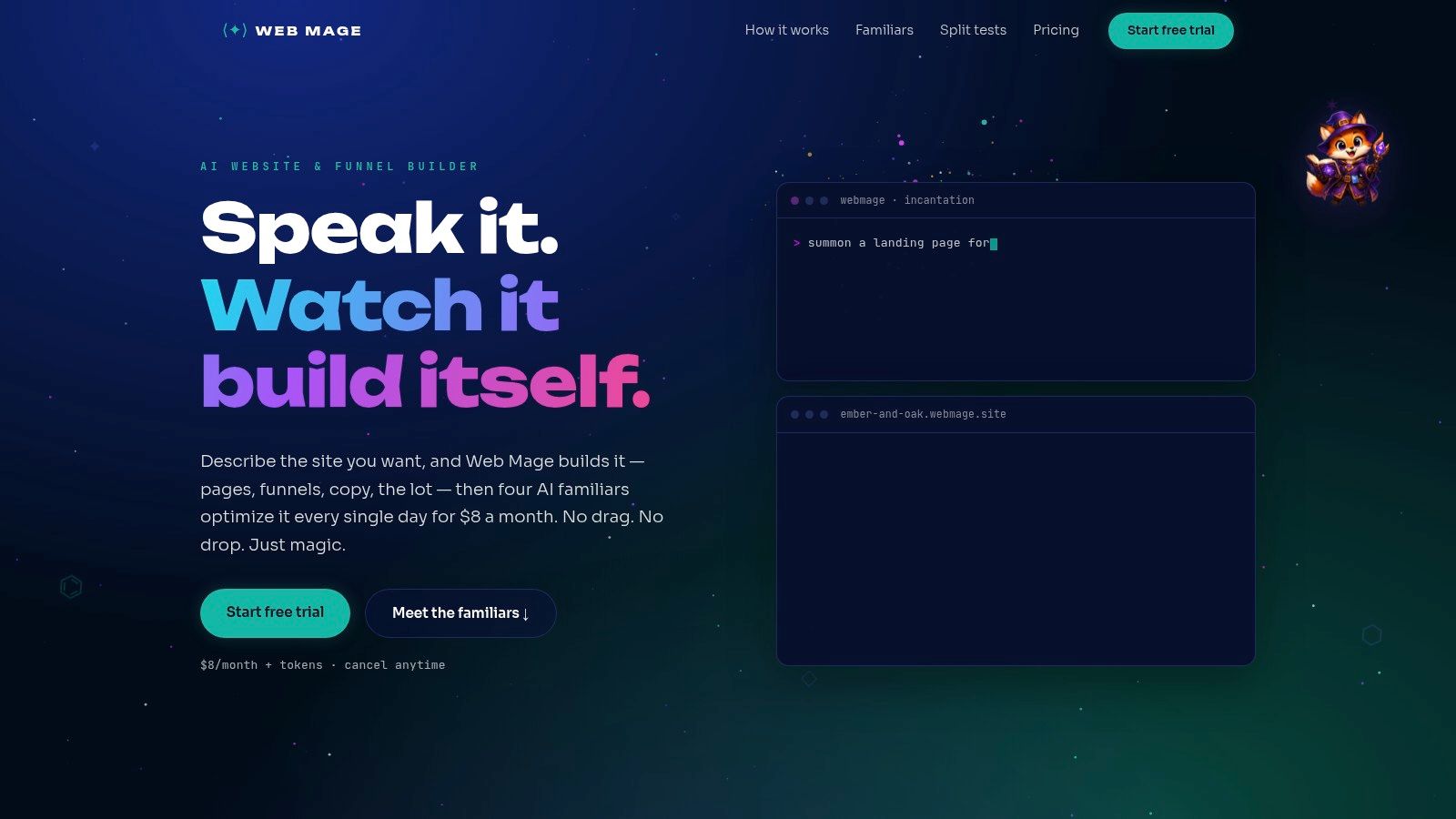
A $8/month plan includes managed hosting, SSL, a .webmage.site subdomain, and 500 monthly AI credits, with top-ups available at 1,000 credits for $20. You can build a single page for about 60 credits, assemble a full 5-page funnel for about 300 credits, and make chat-driven edits for about 35 credits. For a solo founder or small team, that's a clean economic spell, because the flat plan covers the basics and the credit model keeps small tasks from feeling like a tax on every tweak.
Why it's the automation-first choice
Web Mage's biggest advantage is that it doesn't stop at launch. Its four familiars, SEO Seer, Speed Sprite, Analytics Oracle, and Conversion Alchemist, run every 24 hours to rewrite metadata and fix links, compress assets, surface mobile drop-offs, and spin up A/B variants that can be promoted automatically when winners emerge. On its own site, the platform points to outcomes like CTR up 18%, LCP improving from 2.4s to 1.1s, and conversions up 11%, which makes the value proposition brutally clear.
Practical rule: pick Web Mage if your real pain is not “I need a site,” but “I need a site that won't go stale the second it launches.”
The trade-off is control. Designers who want pixel-level handcrafting will feel boxed in compared with classic drag-and-drop tools, and the public copy doesn't fully spell out custom domain support, advanced third-party integrations, or export terms. Verify those before moving a production site, especially if you need payments, email, analytics, or a more complex stack. It's the best fit for solo founders, agencies, coaches, funnel-heavy sellers, and growth teams that want the machine to do the nightly work.
For a closer look at how the platform positions itself for small businesses, see this guide to the AI website builder for small business.
2. Wix
Wix is the generalist wizard when you want broad flexibility without hiring a developer. It combines an AI site generator, a drag-and-drop editor, and a deep app ecosystem, so it's a strong default for owners who need a credible launch and some room to grow without getting trapped in a rigid theme.
Wix makes the most sense for businesses that need bookings, events, simple ecommerce, and SEO tools in one place. The editor is friendly enough for non-coders, and the template library gives you plenty of ways to start without staring at a blank page like a lost apprentice in a tower. That said, the free plan shows ads and restricts bandwidth and storage, so it's fine for testing but not a polished long-term storefront.
Where Wix wins and where it nags
The main draw is speed plus freedom. You can launch quickly, then add the specific tools you need through the app market instead of rebuilding the whole site from scratch. That makes Wix a good match for service businesses, local shops, and small teams that want options without complexity.
The downside is cost drift. Pricing and promotions can vary by region and billing cycle, and renewals can land higher than the starting headline. If you choose Wix, do it for the editor, the ecosystem, and the low-friction launch path, then check your renewal terms before you build your whole brand around it.
3. Squarespace
Squarespace is the polished storefront in this lineup, best for businesses that care about aesthetics, calm structure, and a site that looks coherent from the first click. It's not trying to be the most flexible beast in the stable, it's trying to make you look established with very little fuss.
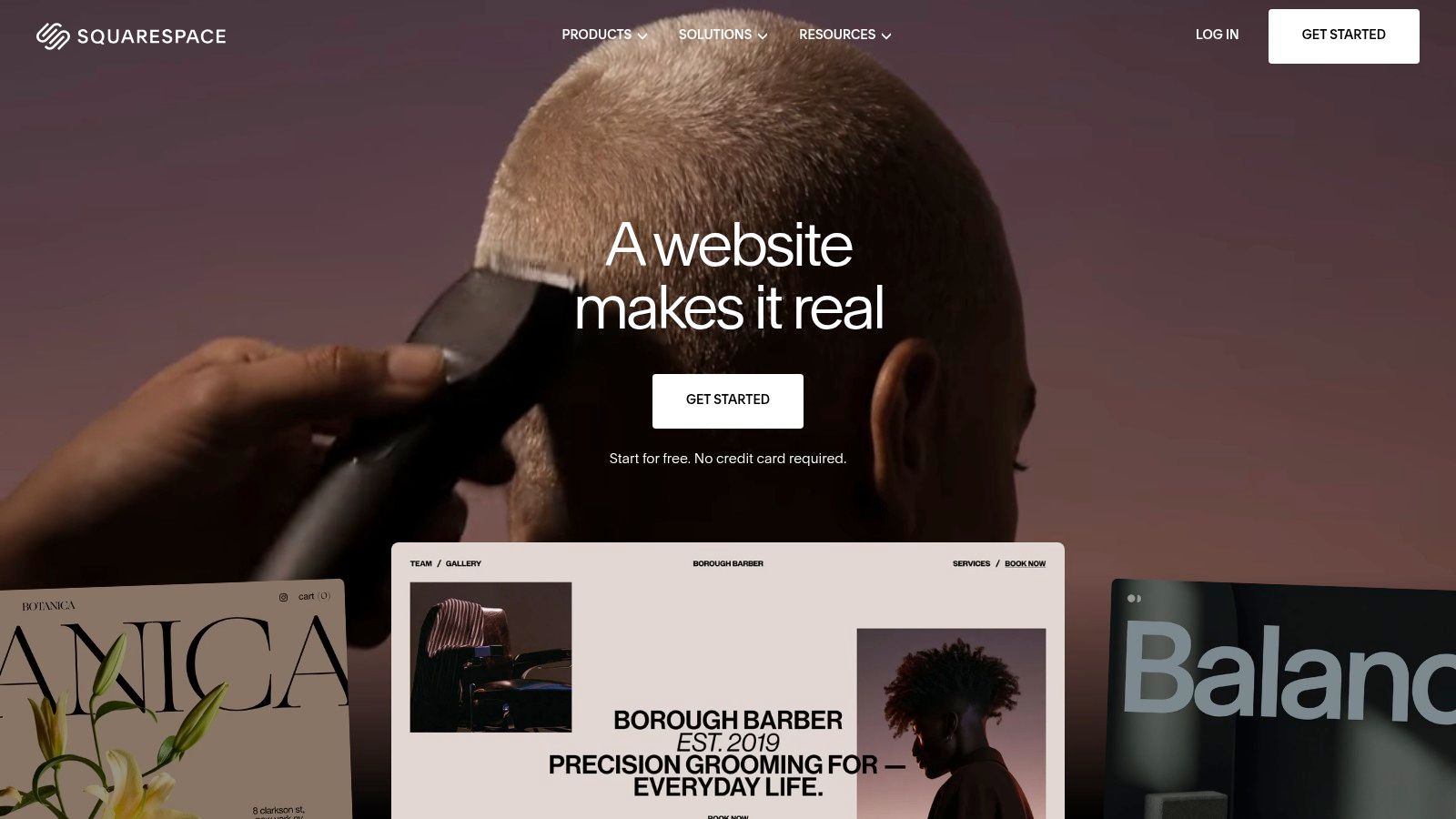
Its strengths are obvious the moment you open it, modern templates, responsive design, managed hosting, SSL, built-in blogging, scheduling, member areas, and commerce features. That all-in-one feel is why it suits photographers, consultants, boutique brands, and service businesses that want visual polish without juggling plugins like a distracted sorcerer juggling potions.
Best for brands that want design to do the selling
Squarespace works because it reduces setup overhead. The native feature set is stable, the site tends to feel cohesive, and you don't have to build your own maintenance ladder just to keep basic tools running. That said, there's no permanent free plan, only a trial, and recent plan and price changes have left some users irritated enough to check the fine print twice.
The hard truth is that Squarespace is a design-first choice, not the most extensible one. If your business depends on a highly customized workflow or deep integrations, you'll probably outgrow it. If your goal is a handsome, reliable site that looks like you paid a mage far more than you did, it's an excellent fit.
4. Shopify
Shopify is the right call when the business is product-led and the website has to behave like a proper shop, not just a brochure with a buy button. It's built for commerce from the ground up, with checkout, inventory, POS, social selling, marketplace connections, and a huge app and theme ecosystem.

Shopify is the obvious answer for brands selling physical products, digital goods, or a mix of online and in-person inventory. It gives you a mature commerce stack and enough depth to grow without constantly changing platforms, which is exactly what product sellers need when orders start arriving faster than the spells can be cast.
Commerce first, everything else second
The strongest part of Shopify is the checkout. It's built to handle real selling pressure, and the platform gives you the integrations you need for payments, tax, shipping, and inventory management. It also supports AI-assisted selling features, which can help teams move faster without turning content and merch work into a manual grind.
The trade-off is cost creep. Apps, themes, and transaction fees can pile up if you're not paying attention, and pricing shifts can change your budget midstream. Choose Shopify if revenue runs through a cart and your site needs to scale with the store, not just look nice from a distance.
5. Square Online
Square Online is the simplest path for local businesses already living inside the Square ecosystem. If you run a restaurant, salon, shop, or service counter and want online ordering, pickup, delivery, invoices, gift cards, and loyalty connected to your in-person payments, this one keeps the plumbing pleasantly boring.

The setup is frictionless if you already use Square Payments and POS. You can move from physical checkout to digital ordering without wrestling separate systems into alignment, and that matters because local businesses don't need a grand digital empire, they need the door to open, the order to land, and the customer to keep coming back.
Square Online also has a free plan, which makes it easy to get online quickly. The trade-off is that design and customization are simpler than Wix or Webflow, and the pricing and fee structure have changed enough that you should verify live figures before you commit. If you're already using Square, this is the practical little goblin that just gets the job done.
For a broader comparison of value-focused site builders, see this guide to the affordable website builder.
The right fit is operational, not glamorous
Square Online is best for owners who care more about syncing sales than building a fancy visual brand system. If your business lives on pickup windows, appointment flow, and local transactions, the convenience wins. If you need highly expressive design, go somewhere else.
6. WordPress.com
WordPress.com is the content-heavy option for businesses that want the WordPress ecosystem without maintaining their own server stack. It's a strong fit for blogs, portfolio sites, resource hubs, and businesses that expect content to do real marketing work over time.
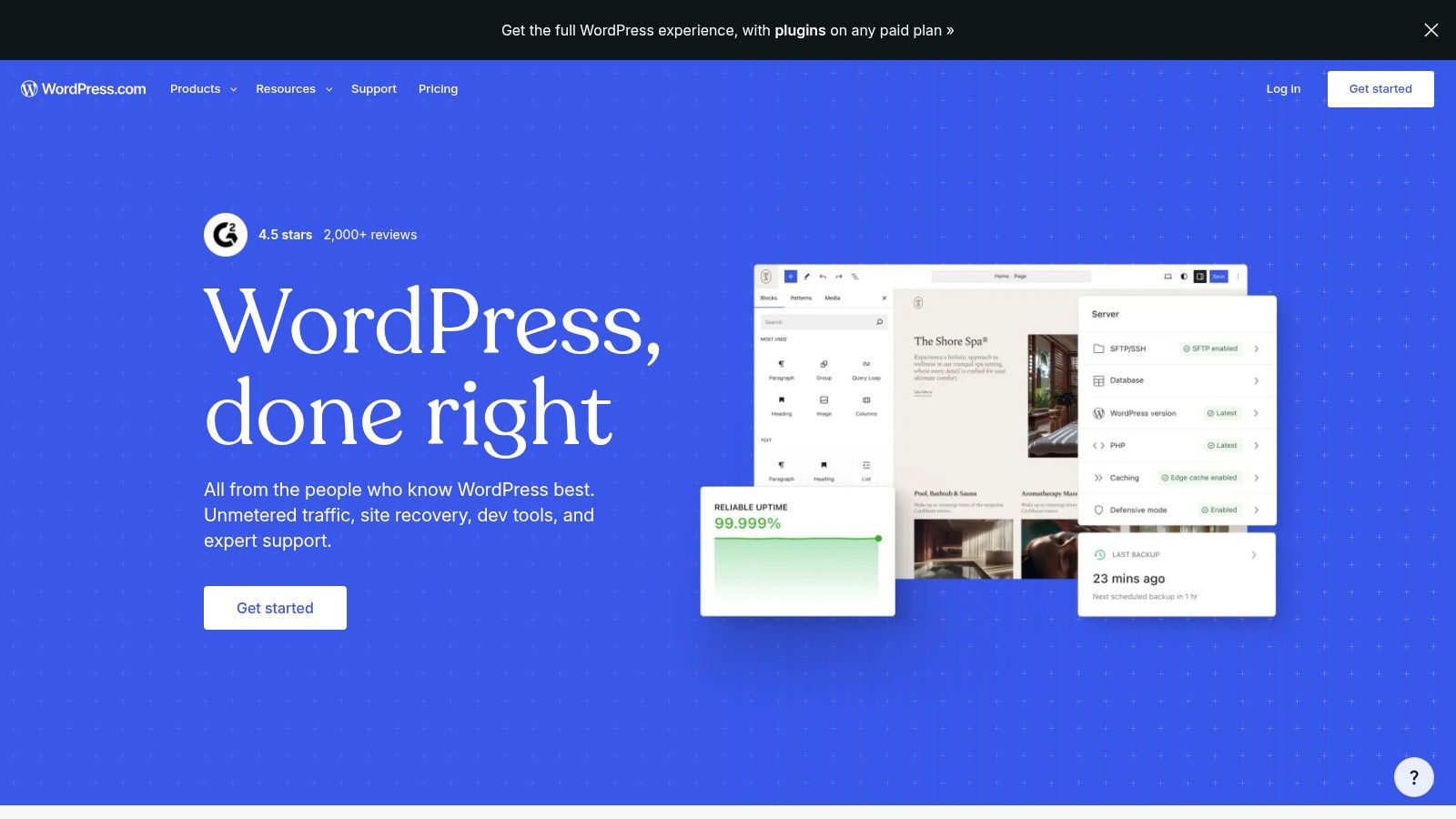
The platform includes managed hosting, SSL, free and paid plans, AI-guided site creation on higher tiers, and a plugin and theme marketplace that opens up more power as you move up. That makes it a sensible bridge for owners who want to publish regularly, build authority, and grow into more advanced functionality without self-hosting headaches.
Best for content and long-term flexibility
WordPress.com shines when the site is part of a larger content strategy. It can scale from a simple blog to a business site with plugins, which is why content-driven founders keep coming back to it. The catch is that full plugin and theme freedom starts at the Business tier, so the true power is not on the cheapest plans.
That means setup can take more effort than a template-first builder, especially if you want custom functionality. Choose WordPress.com if you want the familiar WordPress world with less technical maintenance and you're willing to pay for the tier that includes the good stuff. For content-first small businesses, that's often the right bargain.
7. Webflow
Webflow is the builder for owners and teams who want real layout control without hand-coding the whole stack. It's the design-centric choice for agencies, startups, and brands that care about visual precision, CMS structure, and a site that feels custom instead of canned.
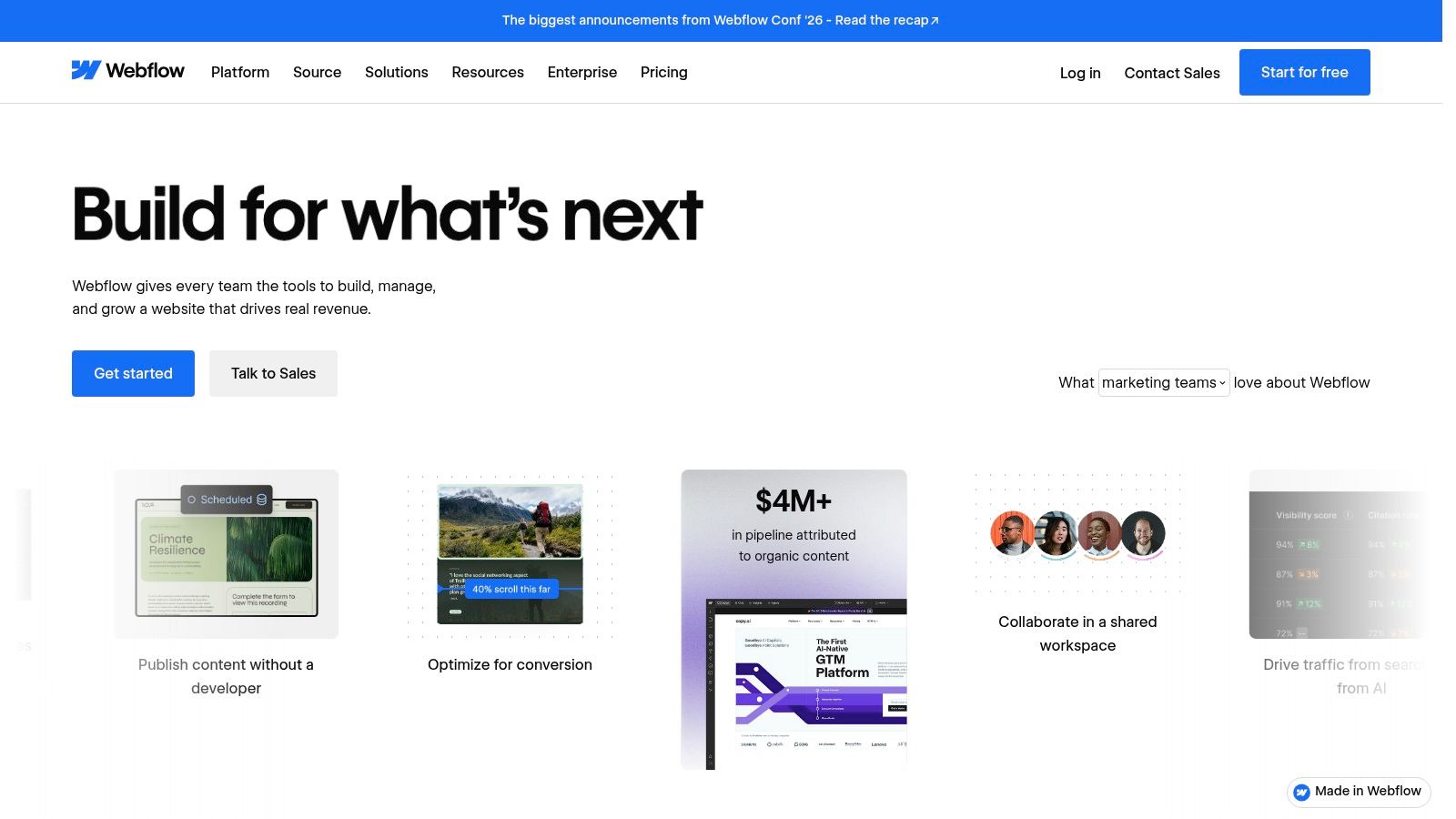
Its visual CSS and box-model editing gives designers far more control than typical drag-and-drop builders. Add in CMS features, AI tools, analytics, A/B optimization, hosting, and code export for static output, and you get a platform that can feel like a hand-built castle with fewer maintenance curses than full custom development.
Best when design control matters more than simplicity
Webflow is excellent for businesses that need a polished, branded experience and expect the site to evolve with content, landing pages, and campaign experiments. It's also a strong handoff tool for agencies, because the CMS and hosting are built to serve client workflows rather than forcing everyone into the same mold.
The downside is complexity. Pricing can get tangled with add-ons, and the learning curve is steeper than more beginner-friendly builders. If you need a site tomorrow and you've never touched a design tool, this is not your first wand. If you need precision, it's one of the strongest picks in the market.
8. GoDaddy Website Builder
GoDaddy Website Builder is the fast, bundled option for owners who want a site, marketing tools, and support in one place without learning a complex interface. It's aimed squarely at small service businesses that care about speed and simplicity more than deep customization.
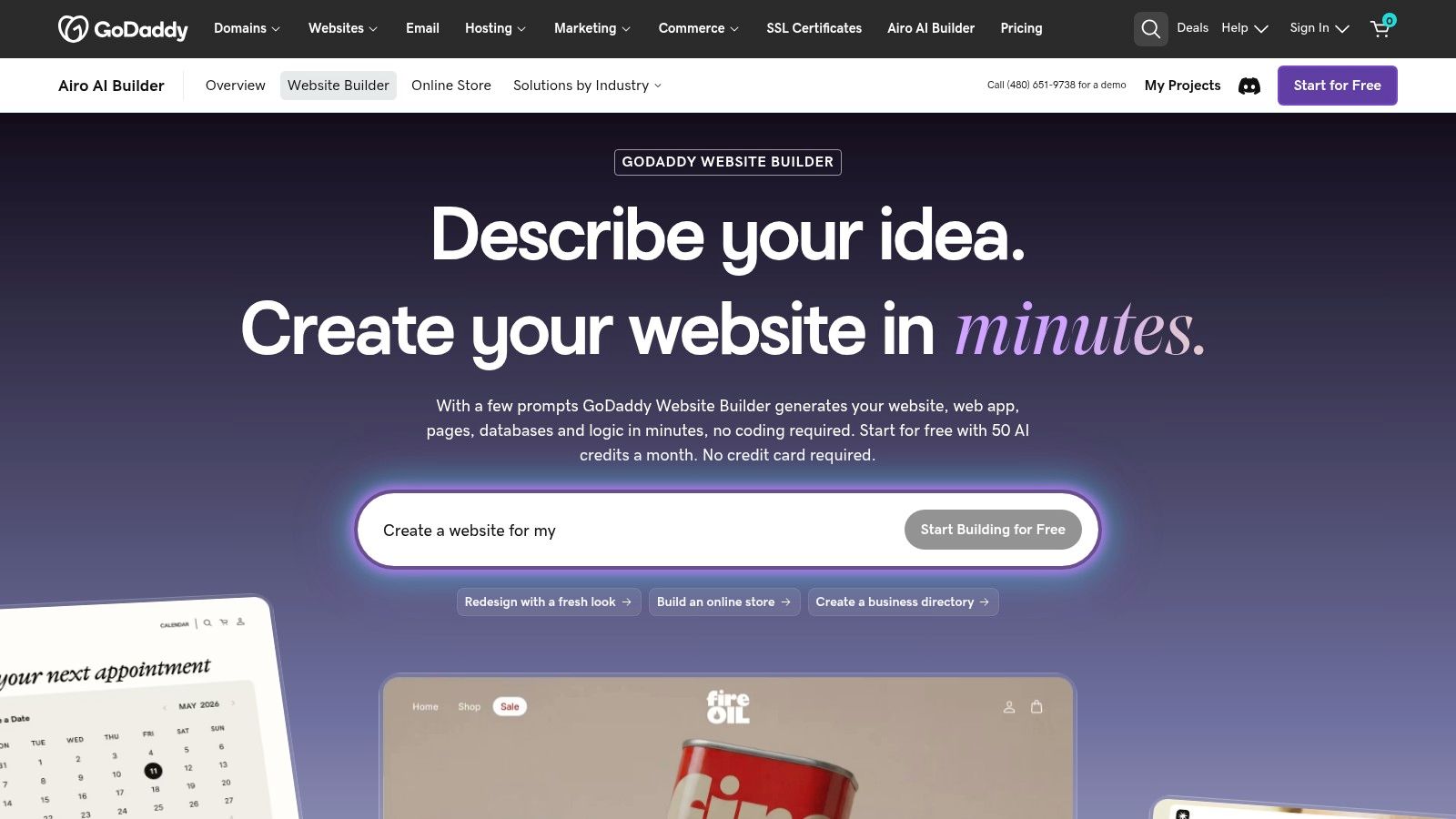
The builder uses a section-based editor and AI-assisted site creation, plus email marketing, social posting, basic SEO, and optional appointment scheduling. That bundle is handy for first-time owners who want a single place to handle the basics, especially when the business only needs a clean digital front door and a few ways to follow up with prospects.
A speed-first choice with clear limits
The upside is convenience. GoDaddy gives you abundant help resources and 24/7 support, so if you want a quick launch without figuring out three separate tools, it's an easy path. The downside is that design depth is thinner than Wix or Webflow, and the pricing page can be opaque enough that you should verify live figures before paying.
Use GoDaddy if you need a simple, bundled setup and you value speed over finesse. It's not the most expressive builder, but for a small business that just needs to look open for business, that can be enough.
9. Hostinger Website Builder
Hostinger Website Builder is the budget-friendly bundle for owners who want hosting, a domain for the first year, SSL, and a simple AI site builder in one package. It's a practical choice for lean startups and small businesses that want a respectable site without a heavy monthly burden.
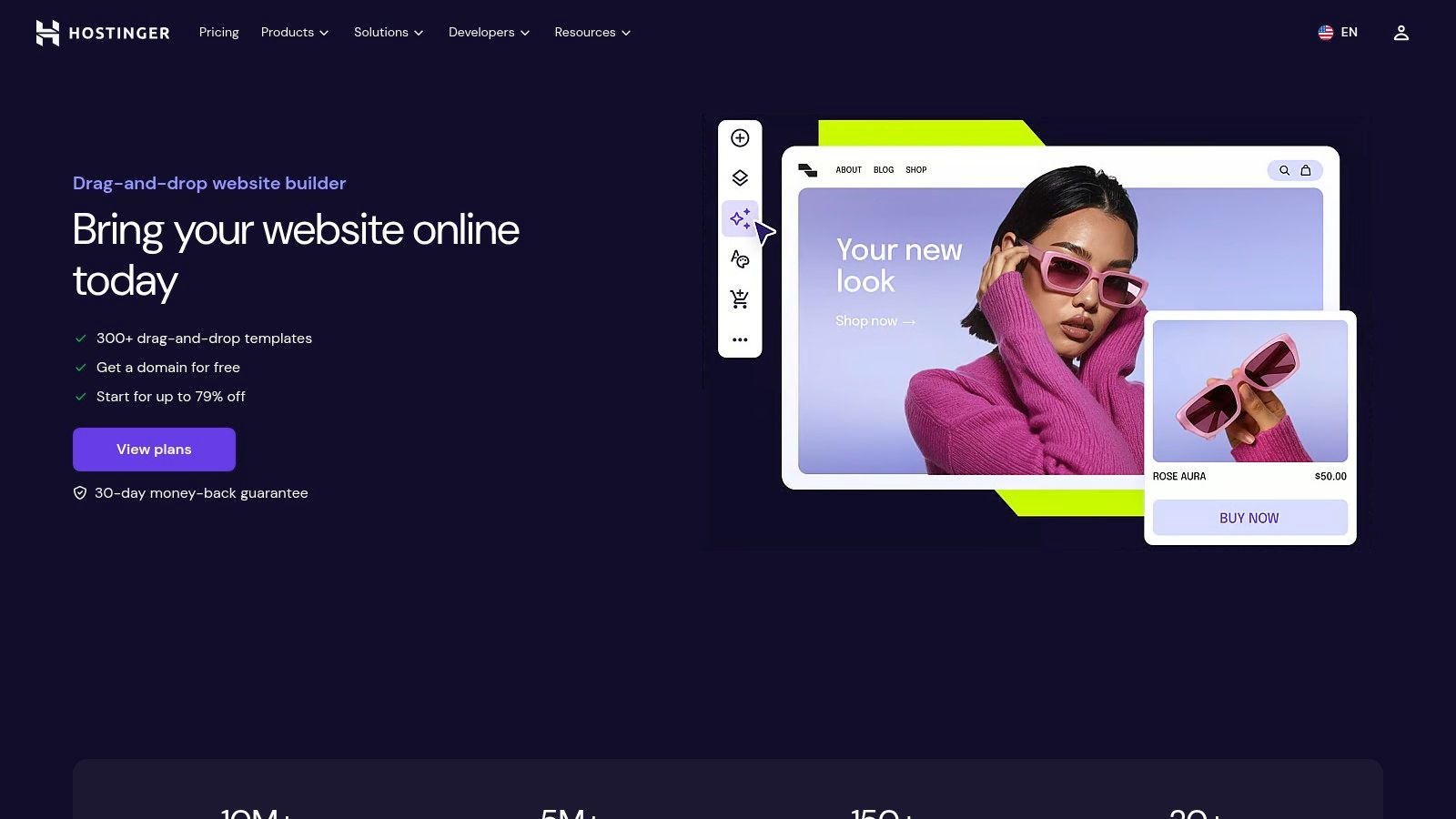
The interface is modern and straightforward, and the AI content tools help owners move quickly from idea to live page. It's especially useful if you want a simple brochure site or a basic online store and you'd rather keep the stack light than pay for features you'll never touch.
Budget value with some trade-offs
Hostinger's biggest appeal is value. You get the kind of bundle that makes launching feel affordable, and the platform is simple enough that many small teams can handle it without outside help. The catch is that the best pricing depends on a longer commitment, renewals rise later, and ecommerce is more limited than what you'd get from a specialist commerce platform.
If you need a no-drama, low-cost starting point and you can live with modest ecommerce capability, it's a smart buy. If your store is the business, choose something stronger.
For more on its bundled setup angle, see this guide to a website builder with hosting.
10. Duda
Duda is the agency familiar, built for people managing multiple client sites rather than a single owner building one storefront. It's strong on multi-site management, permissions, collaboration, white-label dashboards, and workflow discipline, which makes it a serious tool for freelancers and agencies serving small businesses at scale.
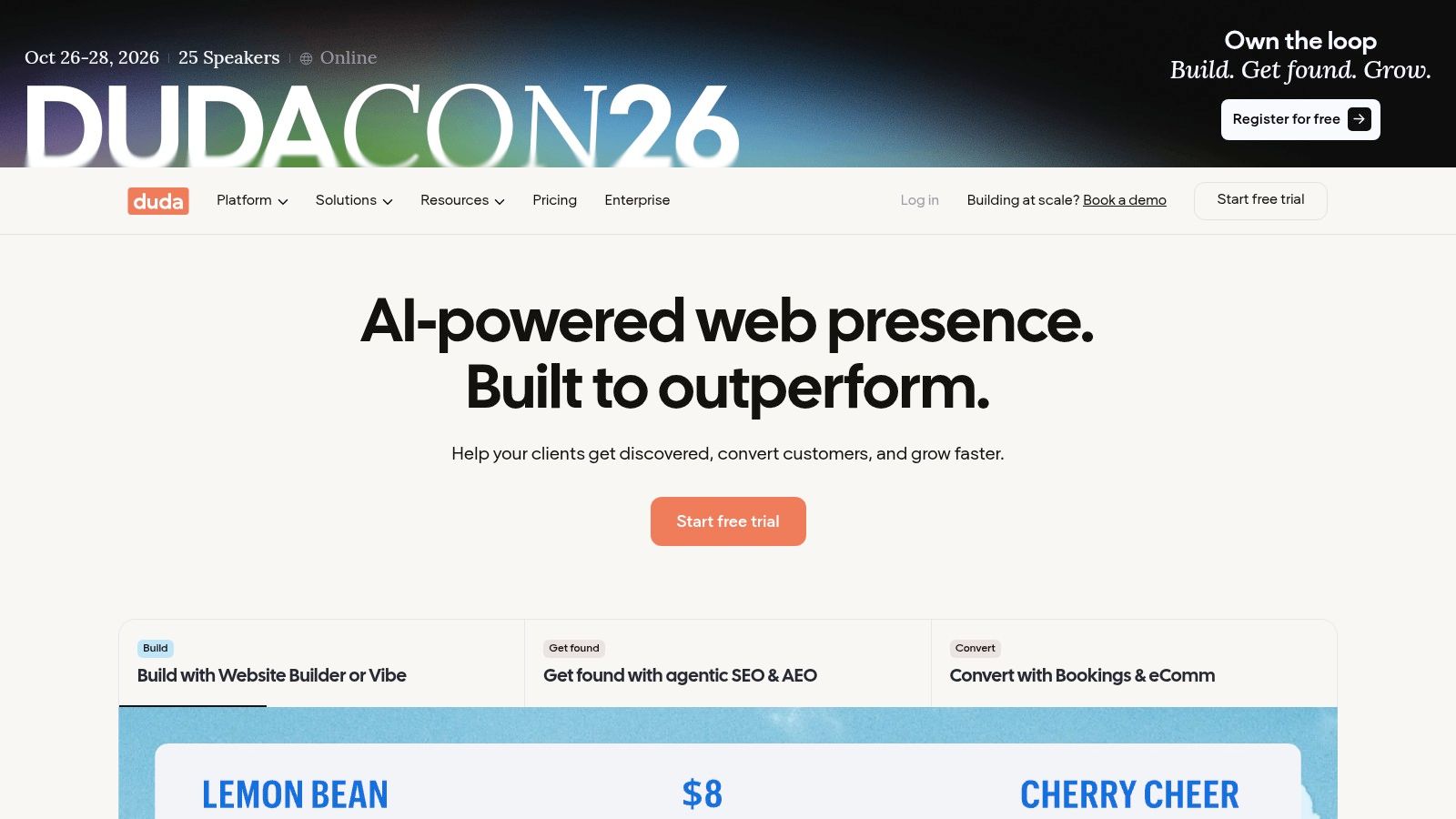
The platform includes AI-assisted generation, SEO-oriented tooling, bookings and ecommerce add-ons, AWS hosting, and unlimited bandwidth. That combination makes it feel less like a site toy and more like a production system for teams that need repeatable delivery, client comments, and consistent handoff.
Best for agencies, not lone owners
Duda is the right choice if you build websites for clients and need to keep permissions, billing, and deliverables tidy. The workflow support is the selling point, not just the editor, and that matters when you're juggling multiple small-business builds at once.
The limitation is obvious. If you only need one website, the agency-first structure can be more than you need, and ecommerce often requires separate add-on pricing. Choose Duda when the business is managing many sites well, not just building one site quickly.
Top 10 Small-Business Website Builders Comparison
| Product | Core capabilities | Automation & optimization | Pricing & value | Best for | Key differentiator |
|---|---|---|---|---|---|
| Web Mage | Prompt-to-page, one-sentence funnels, chat edits, hosting & SSL | Nightly agents (SEO Seer, Speed Sprite, Analytics Oracle, Conversion Alchemist); automated A/B tests | $8/mo incl. 500 credits; top-ups (1k = $20); 14‑day trial | Solo founders, agencies, course creators, DTC, SaaS growth teams | AI-generated pages/funnels + continuous autonomous daily optimization and built-in split testing |
| Wix | AI site generator + visual drag-and-drop, 800+ templates, app marketplace | Built-in SEO/analytics; apps extend automation | Free plan (ads); multiple paid tiers | Small businesses wanting design freedom & add-ons | Large template/app ecosystem and flexible visual editor |
| Squarespace | Polished responsive templates, blogging, commerce, managed hosting | Basic SEO/analytics; native features reduce plugins | Paid plans only (trial available) | Creatives and businesses prioritizing design | High-quality out-of-the-box design and native commerce/scheduling |
| Shopify | Full ecommerce: checkout, inventory, POS, themes & apps | Advanced analytics; AI assistant; app-driven automations | Tiered plans + app/transaction costs | Product-led stores scaling to enterprise | Best-in-class commerce, checkout & omnichannel selling |
| Square Online | Site + store tightly integrated with Square Payments & POS | Order/pos sync, basic marketing and sales flows | Free plan available; transaction fees apply | Local retailers, restaurants, salons using Square | Seamless Square POS and payment integration |
| WordPress.com | Managed WordPress, themes, optional plugins (Business+) | Built-in stats; plugins add SEO/automation | Free/basic tiers; Business+ for plugins | Content-heavy sites, blogs, publishers | WordPress ecosystem without self-hosting complexity |
| Webflow | Visual CSS/box-model builder, CMS, hosting, code export | Built-in analytics, A/B tools; paid AI credits | Site & account plans; pricing can be complex | Designers, agencies needing pixel control | Granular layout control + code export for handoff |
| GoDaddy Website Builder | Section-based editor, AI-assisted creation, marketing tools | Email campaigns, social posting, basic SEO | Free trial; paid plans | Service businesses needing fast setup & support | Bundled marketing tools and 24/7 customer support |
| Hostinger Website Builder | Budget AI site/content generator + hosting, domain (yr1) | AI content tools and basic marketing features | Very competitive low-cost plans (best with longer terms) | Budget-conscious small businesses and basic stores | Value bundle: hosting + domain + SSL for low price |
| Duda | Multi-site management, white-label dashboards, client tools | AI-assisted content/SEO agents; workflow features | Agency-focused tiers and add-ons | Agencies and freelancers managing many client sites | Agency-grade multi-site, white-labeling and client workflows |
Your Small-Business Site's Next Move
Pick Web Mage when prompt-driven launch speed and autonomous optimization matter most. Choose Wix for broad general-purpose flexibility, Squarespace for polished design, Shopify for product-led commerce, Square Online for Square-connected local selling, WordPress.com for content depth, Webflow for granular design control, GoDaddy or Hostinger for straightforward bundled setup, and Duda for agency workflows.
Don't choose on vibes alone. Before you launch, confirm current pricing, renewal terms, domain requirements, integrations, ownership, and plan limits. The shiny front door matters, but the hidden plumbing matters more once real customers start walking through it.
The smartest implementation sequence is simple. Define the primary business outcome, build the smallest useful version, connect the required selling or booking flow, test it on mobile, then schedule ongoing review so the site doesn't decay into a neglected wizard's attic. A good website builder for small business should help you sell, book, or capture leads without constant babysitting, and the right choice is the one that fits the job you need done.
If you want the fastest path from idea to a site that keeps improving, Web Mage is built for that exact job. It turns a plain-English prompt into a live website or funnel, then keeps working every day on SEO, speed, analytics, and conversion. Visit Web Mage if you want to launch like a wizard and keep the magic running after opening day.