
You're probably in the same spot as most founders the first time this decision turns real. You need a site live this week, not next quarter, and you don't want to stitch together hosting, SSL, plugins, forms, analytics, backups, and performance fixes like some sleep-deprived warlock assembling a cursed golem at midnight.
A website builder with hosting solves that by bundling the publishing tool and the infrastructure underneath it. You build pages in one system, and that same system usually handles hosting, security certificates, updates, and the baseline maintenance that would otherwise become your part-time job. The category is no side quest anymore either. The website builders market is projected to reach about USD 3.57 billion in 2026 and rise to USD 7.67 billion by 2031, a projected 16.58% CAGR over 2026 to 2031 according to Mordor Intelligence.
That sounds tidy, but the trade-offs are where buyers get ambushed. Some tools favor automation over control. Some give you strong commerce flows but clunky content editing. Some look cheap at entry, then tack on costs through billing term, region, transaction fees, bandwidth, usage limits, credits, or add-ons.
This list compares ten hosted builders by the actual job they need to perform. Fast launch, polished branding, store operations, design control, extensibility, or low-friction upkeep. Check current pricing carefully before you commit, especially the billing cycle, local plan differences, domain rules, feature caps, and any usage-based extras.
Table of Contents
- 1. Web Mage
- 2. Wix
- 3. Squarespace
- 4. Webflow
- 5. WordPress.com
- 6. Shopify
- 7. Framer
- 8. Hostinger Website Builder
- 9. GoDaddy Website Builder
- 10. Square Online
- Top 10 Hosted Website Builders Comparison
- Summon the Right Hosting Plan
1. Web Mage
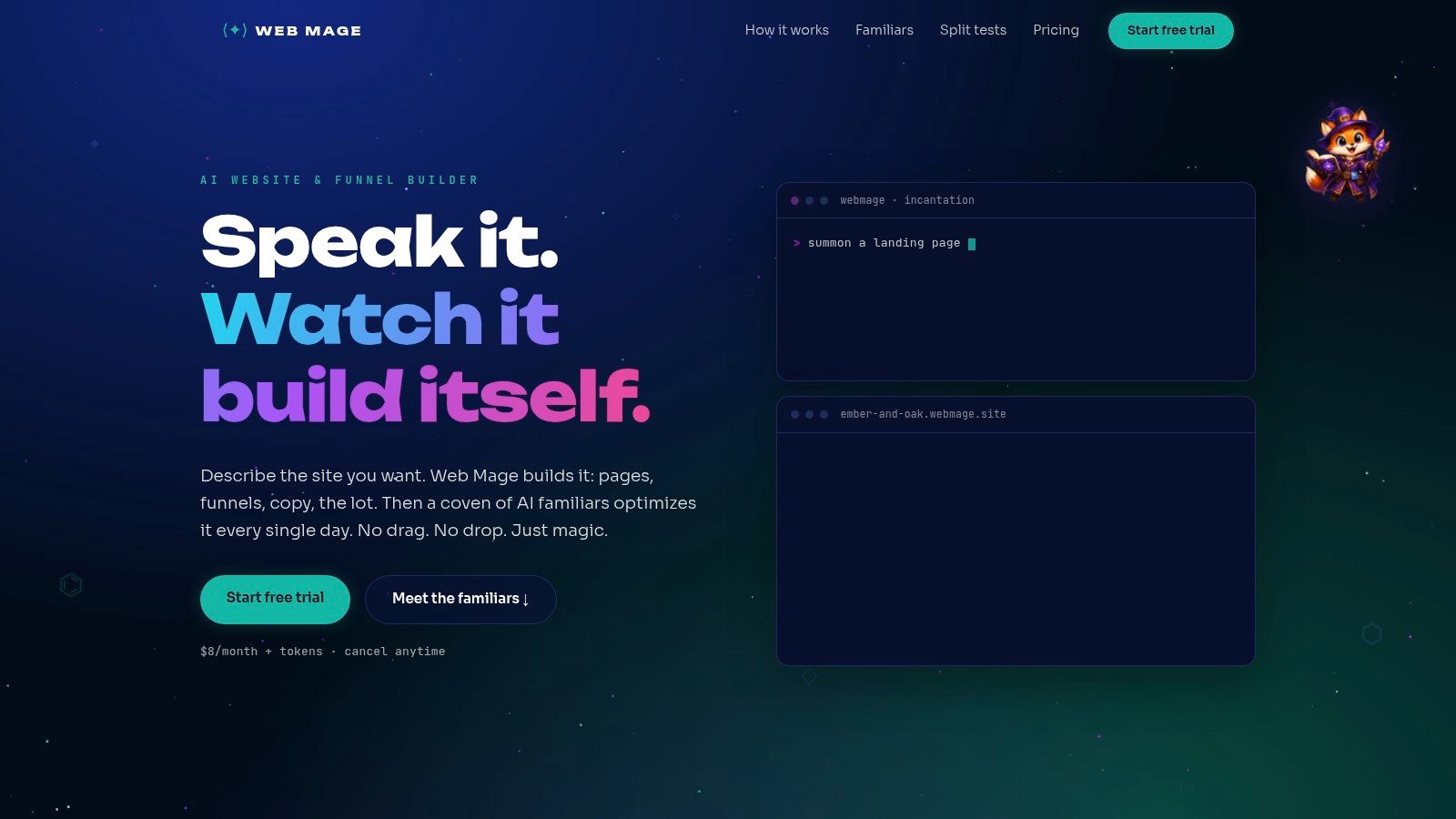
Web Mage is the pick for people who don't want to “build a website” in the traditional sense at all. You describe the site or funnel in plain language, and it generates pages, copy, imagery, styling, and the conversion flow. That changes the job from arranging blocks on a canvas to directing the build like a mage giving orders to a familiar.
The hosting part is straightforward. Managed hosting, SSL, and a .webmage.site subdomain are included. Pricing is also unusually simple for this category: Web Mage starts at $8/month with 500 monthly credits, and 1,000-credit top-ups cost $20. Monthly credits reset, while purchased credits don't expire.
Why it works for fast-moving teams
What separates Web Mage from template-led builders is that it doesn't start by asking which layout you want. It starts by asking what outcome you want. That matters if you're launching a service site, lead gen funnel, webinar sequence, course checkout, or campaign microsite and you care more about speed and iteration than dragging containers around for three evenings.
The platform's built-in agents do the maintenance work that most small teams postpone until rankings slide or pages get bloated. SEO Seer handles metadata and broken-link cleanup. Speed Sprite compresses assets and lazy-loads media. Analytics Oracle surfaces drop-offs and opportunities. Conversion Alchemist creates A/B variants and can promote winners automatically.
Practical rule: If you know your offer but don't want to become a part-time site operator, this is the strongest fit in the list.
There's also a real workflow advantage in the editing model. Chat-based updates are faster than page-by-page tweaking when you need broad changes across headlines, offers, CTAs, or styling patterns.
The trade-off to watch
Web Mage is best when you accept the platform's AI-first logic. If your team wants meticulous pixel placement or a highly manual visual editor, the platform is less about handcrafting every element and more about guiding the system, reviewing output, and letting the built-in familiars keep tuning the result.
The credit model is the main thing to monitor. A full funnel can use a meaningful chunk of the included credits, so heavy users will need top-ups. That's still cleaner than juggling plugins for SEO, performance, testing, and hosting across separate vendors, but you should match expected usage to the plan.
A final note on the optimization angle. Google treats Largest Contentful Paint as a concrete speed benchmark and says it should occur within the first 2.5 seconds of page load in its Core Web Vitals guidance referenced here. Web Mage's pitch makes sense in that context because speed work isn't decorative. It directly affects how quickly the main content appears.
2. Wix
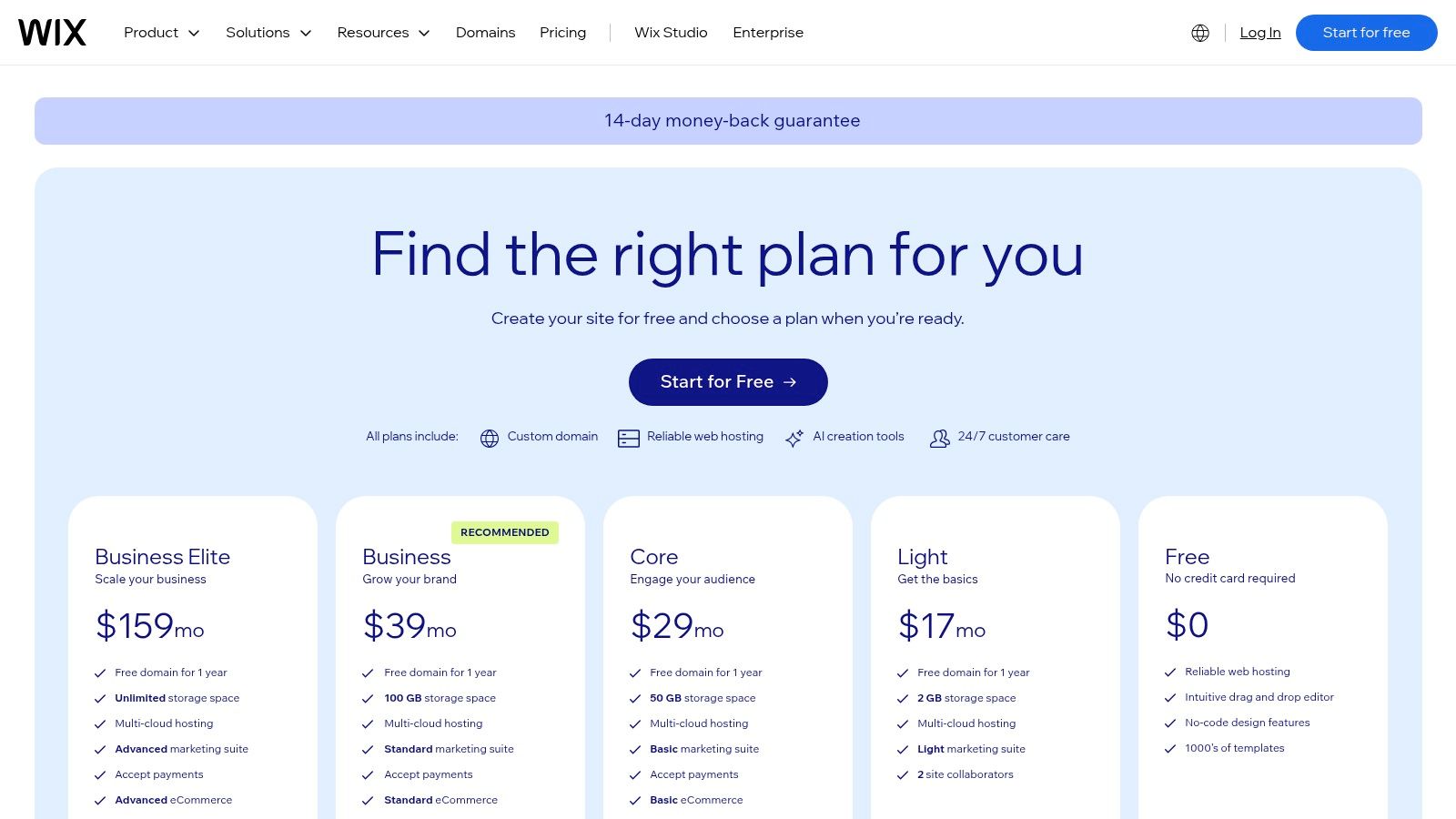
A common Wix buyer starts with a simple brief: get the site live fast, keep hosting and upkeep in one account, and leave room for extra jobs later. That job might be online bookings, a members area, basic ecommerce, or a campaign landing page that does not require a developer every time the copy changes.
Wix handles that job well because its hosted package is broad, not narrow. The setup path is friendly for beginners, the visual editor gives more freedom than stricter template systems, and the app marketplace covers a lot of edge cases that appear after launch. For an owner-operator or small team, that matters more than a flashy demo. The advantage is avoiding a second migration six months later because the first builder ran out of spells.
Wix also has scale in the market. SiteBuilderReport estimates Wix at 4.3% of all websites in its website builder statistics roundup. I would not treat market share as proof of quality, but it does signal a mature platform with a long history of handling mainstream small-business needs.
Where Wix earns its keep
Wix is strongest when the business job is mixed and likely to change.
A local service company can launch a brochure site now, add appointment scheduling later, then test lead capture pages or light ecommerce without rebuilding the whole setup. That combination of builder, hosting, templates, domain handling, SSL, and add-ons under one roof lowers operational drag. The familiar here is convenience.
It also gives more hands-on design control than highly guided systems. That is useful for teams who want to tweak layouts page by page without stepping into Webflow-level complexity. The trade-off is that more freedom can produce messier pages if nobody owns consistency.
The pricing mechanics to watch
Wix can look inexpensive at checkout and become less tidy over time.
The base plan is only part of the spend. Business features may push you into a higher tier, annual billing changes the math, and paid apps can add a meaningful monthly cost if you rely on bookings, forms, advanced marketing tools, or other extras. Buyers who only compare headline plan prices usually miss the actual number.
Control has limits too. Wix is a hosted castle. It is comfortable while you stay inside it, but exporting the full site experience to another platform later is rarely graceful. If the business expects custom infrastructure, unusual database logic, or a future handoff to a development team, that constraint should be part of the decision on day one.
Best buyer fit: small businesses, solo operators, and lean teams that want one vendor, broad feature coverage, and enough design freedom to adapt the site as the business changes, without taking on server maintenance or plugin management.
3. Squarespace
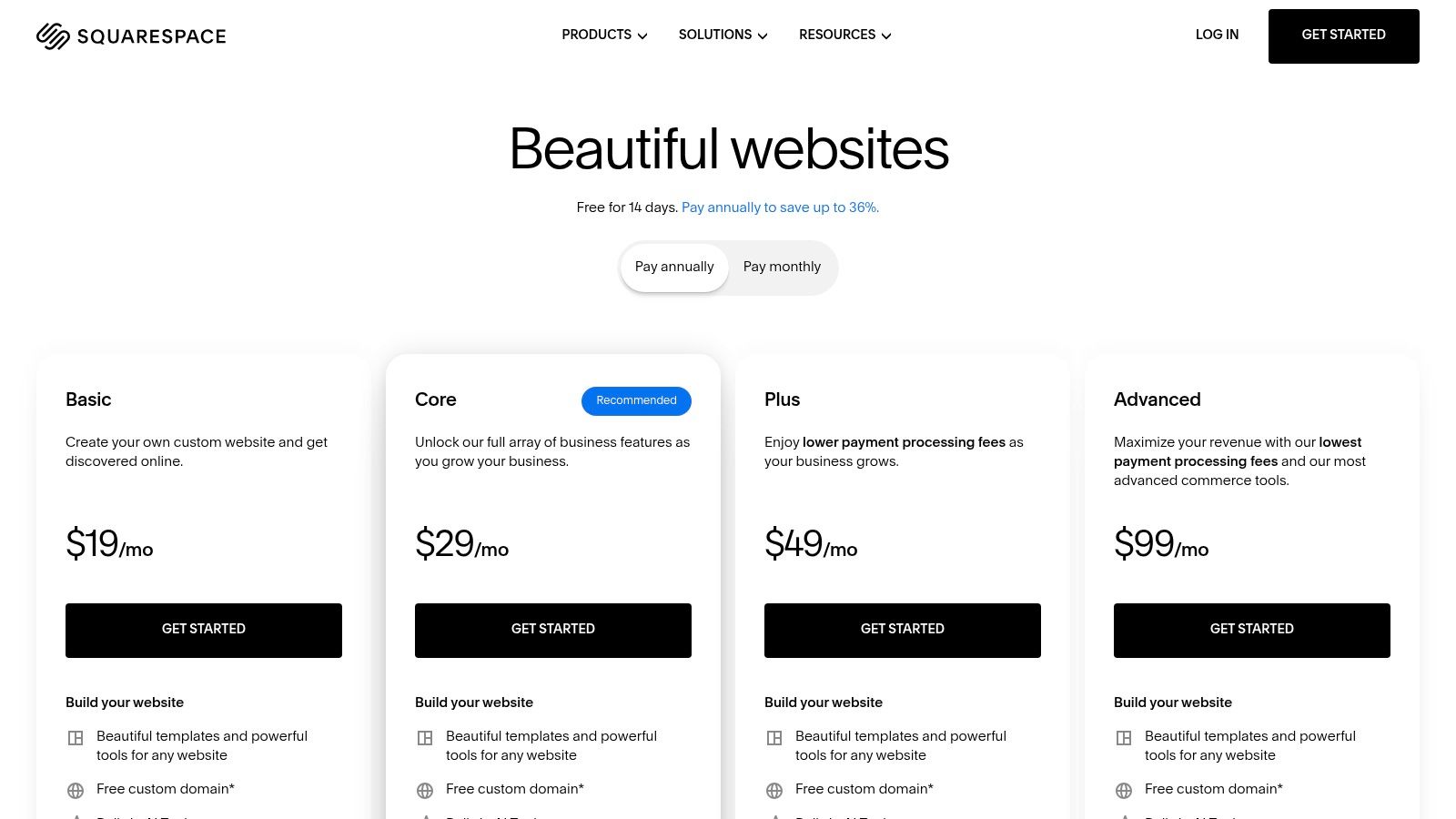
Squarespace is the polished-brand pick. If the job is “make us look credible fast, keep the backend calm, and let us sell services or a modest catalog,” Squarespace stays near the top of the list.
The hosted package is clean. Cloud hosting is bundled, the templates are consistently strong, and the plan structure is easier to understand than many rivals. You also get a trial window, which matters because this platform tends to win people over in actual use, not in feature-grid arguments.
Why service brands like it
Squarespace is a good fit for consultants, studios, coaches, restaurants, and creative businesses that care about presentation but don't want their site to become a tinkering hobby. The visual system is cohesive, so pages often look better with less effort than they do in builders that offer more freedom but less guardrail.
All paid plans can sell products or services, though advanced commerce features sit higher up the ladder and the Basic plan includes a transaction fee. That's the key trade-off. The site can start as a brand hub and later add revenue features, but heavy selling pushes you toward more expensive tiers.
A polished system beats a powerful mess when your team updates the site between client work, not between sprint reviews.
The catch
Squarespace doesn't offer a permanent free plan. You get a trial, then you pay. That's usually fine for serious business use, but it removes the “sit on it forever for free” option some founders expect.
It's also a hosted system with opinionated structure. That's good for consistency, but less ideal if you want deep layout experimentation or advanced store operations. Squarespace is a sharp familiar. It follows instructions well, but it won't turn into a dragon when your requirements become exotic.
4. Webflow
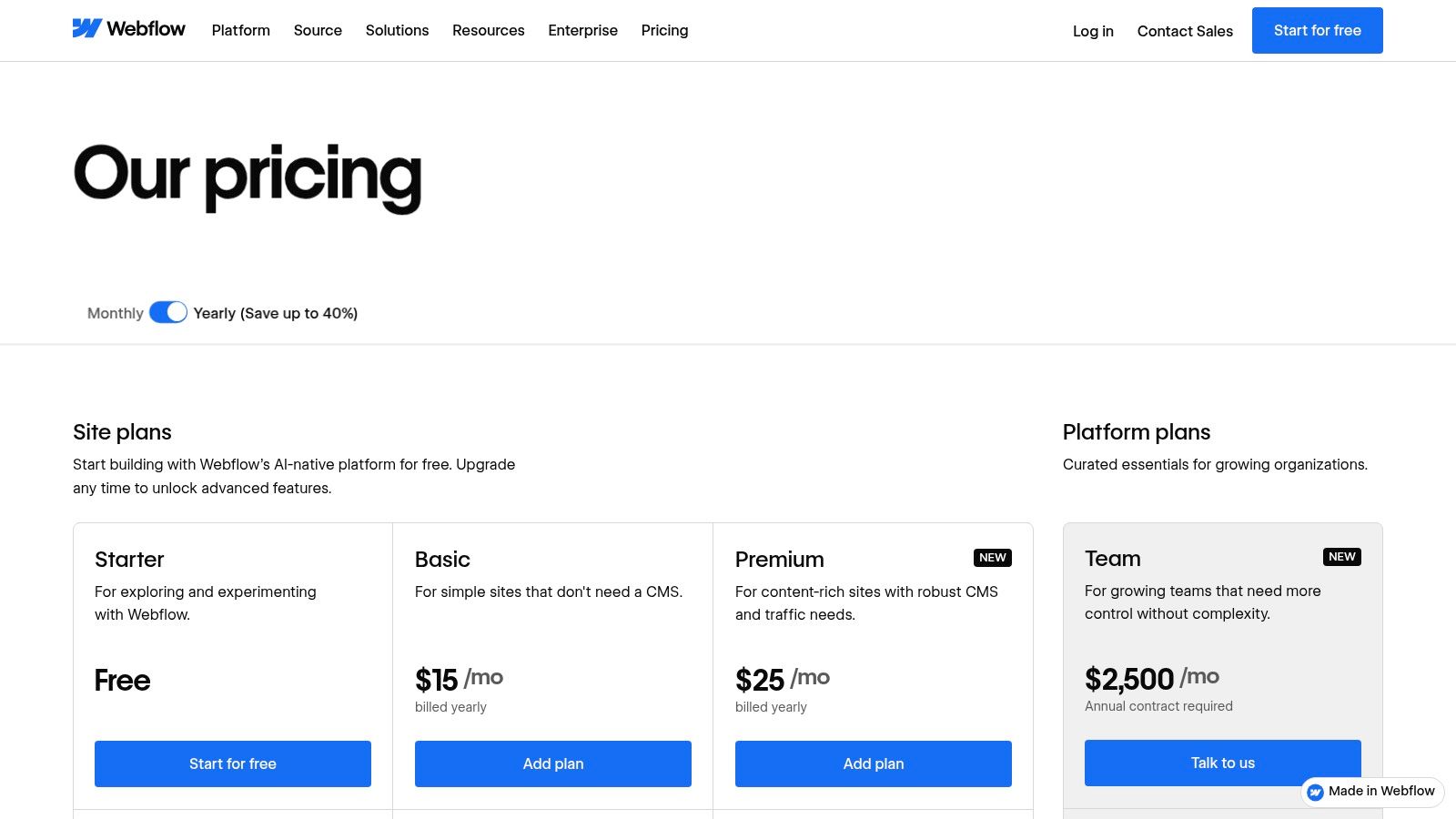
Webflow is what I recommend when the site is a design system first and a business brochure second. It gives no-code teams near front-end-level control, with managed hosting underneath, but it expects a lot more discipline than beginner builders.
This is the hosted builder for teams who care about layout precision, animation, CMS structure, and handoff quality. If you've ever felt boxed in by simpler builders, Webflow feels like opening a spellbook with the advanced pages finally available.
Best for design-led marketing sites
Webflow is strongest for marketing teams, startups, and agencies building content-rich brand sites where presentation and structure both matter. The visual editor rewards people who understand web layout logic, even if they aren't writing code directly.
Its market share is smaller than Wix or Squarespace, but still meaningful. One market snapshot estimates Webflow at 0.9% of all websites in a 2026 website builder share roundup from Colorlib. That fits the product reality. It's mainstream enough to trust, but specialized enough to remain a pro tool.
If you're weighing Webflow against other advanced visual builders, this guide to a no-code website builder is worth a look because the dividing line isn't “can it build pages,” it's how much control you need versus how much complexity you're willing to manage.
What buyers underestimate
Webflow's pricing can sprawl. Site plans, workspace plans, bandwidth add-ons, team needs, and CMS requirements can turn a modest starting point into a much larger operating cost. The platform has also drawn scrutiny when pricing changes land, so teams should budget with some headroom.
- Choose Webflow when: layout precision, interactions, and CMS flexibility matter.
- Skip Webflow when: you need the fastest possible DIY launch with minimal training.
- Watch closely: bandwidth-related costs and the split between site and workspace decisions.
5. WordPress.com
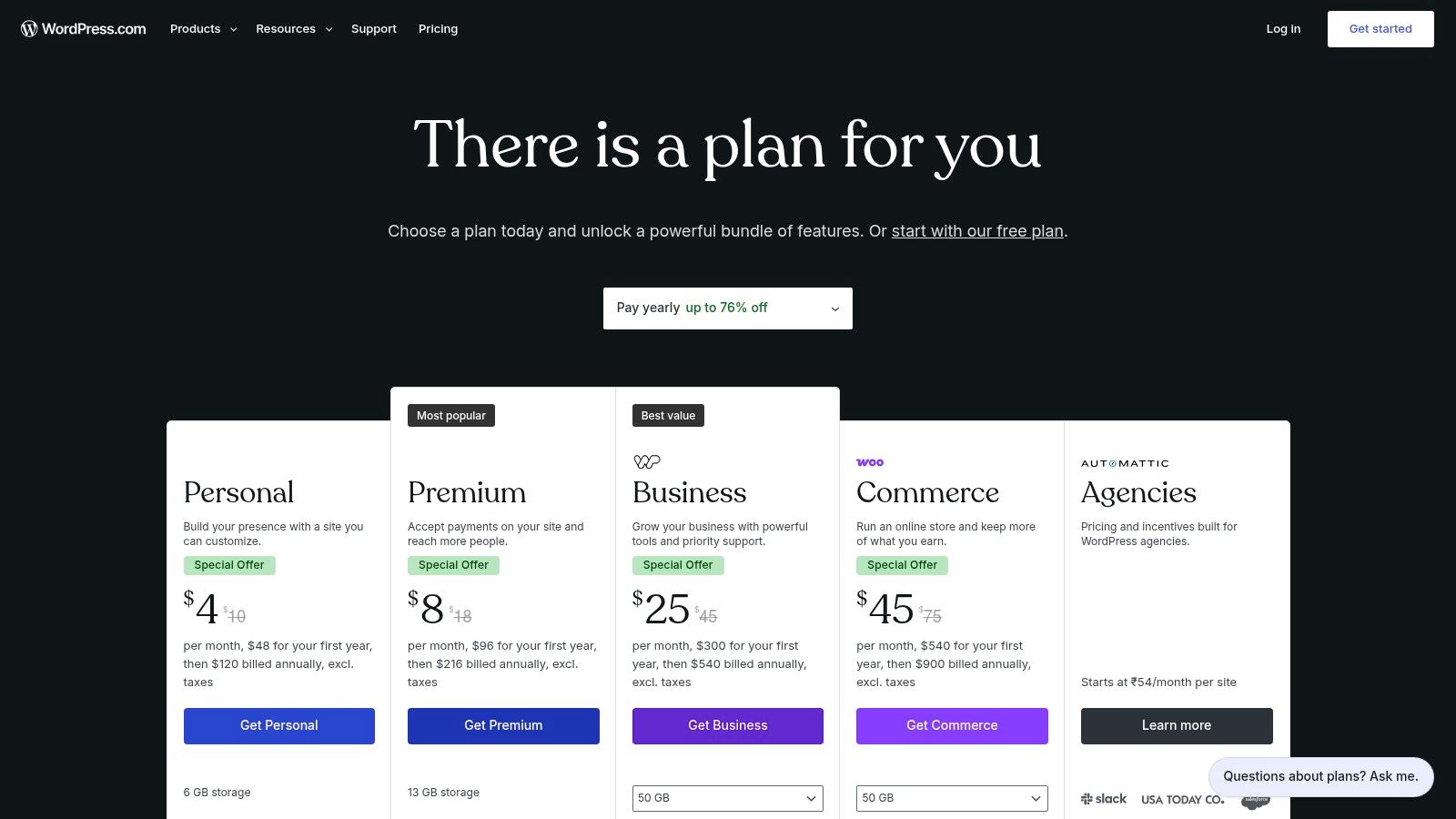
WordPress.com is the hosted option for buyers who want WordPress's ecosystem without becoming their own server caretaker. It bundles hosting, SSL, platform maintenance, and security controls, but still keeps one foot in the vast WordPress world.
That hybrid role matters because many buyers start with “just give me a hosted builder” and later realize they want more extensibility, more integrations, or more content depth than a closed builder easily supports.
Why hosted WordPress still matters
The ownership and migration question is the part many hosted-builder comparisons skip. Buyers often assume “website builder” and “hosting” are the same thing, when hosting is only one part of the stack. That matters even more as cloud deployment captured 81.08% of website-builder revenue in 2025 in the Elementor market overview, because the easier the hosted path gets, the more important it becomes to understand your future exit routes.
WordPress.com earns its place here because WordPress still powers over 43% of the web and 64% of CMS-based sites in that same market discussion. In plain terms, plenty of site owners eventually care more about control and extensibility than convenience alone.
The practical fit
WordPress.com makes sense for publishers, agencies, membership projects, and businesses that want the plugin ecosystem without taking on raw infrastructure work. Malware detection, WAF, DDoS protection, and updates are handled within the hosted service, and plugin installation on paid plans makes the platform notably more flexible than many buyers expect.
If your future self keeps asking, “What happens when we need more control?”, hosted WordPress deserves a serious look before you lock into a closed builder.
The trade-off is that some deeper controls are still gated by plan, and the free tier comes with branding limitations. It's simpler than self-hosted WordPress, but it isn't as frictionless as a pure all-in-one builder.
6. Shopify
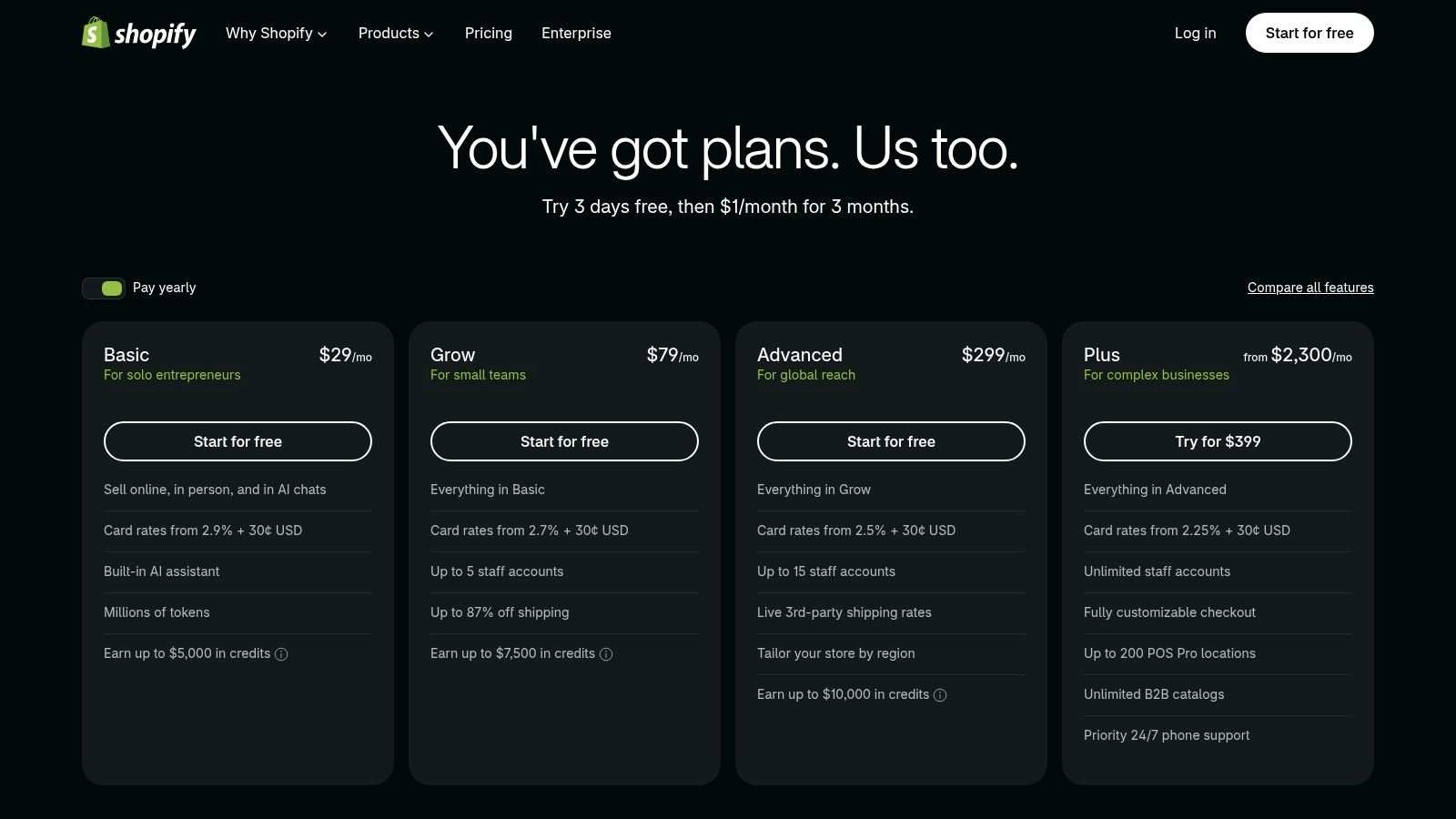
Shopify is the commerce-first choice. If your site's main job is to sell products cleanly, process payments smoothly, and support operational growth, Shopify beats the prettier generalists.
It includes hosting, SSL, a custom domain path, store management, payments, POS options, and a huge app ecosystem. The reason teams choose Shopify isn't because it has the most beautiful page editor. They choose it because checkout, catalog management, and omnichannel selling are the parts that pay the bills.
Where Shopify wins
Shopify is built for SKU-driven businesses, retail brands, and merchants that need more than a nice storefront. You get strong commerce plumbing, large ecosystem support, and AI-assisted setup help that shortens time to launch.
This is also the builder I'd choose before trying to force a general website platform into becoming a serious store. If you're early-stage and deciding what kind of company you're building, this breakdown of the best website builder for startups is useful because startup sites split quickly into two camps: marketing-led and commerce-led.
Where costs creep in
Shopify's core value is clear, but the total cost often isn't. App subscriptions, payment setup decisions, and plan upgrades can stack up once the store becomes more advanced. For straightforward catalogs, that's manageable. For B2B complexity, multi-region operations, or deeper customization, the ladder gets steeper.
- Strongest fit: DTC brands, online stores, retail businesses, and teams with a real catalog.
- Less ideal fit: Service businesses that mostly need lead gen, content, and a polished brochure site.
- Common mistake: Choosing Shopify for a business that sells a few things occasionally instead of one that lives and dies by checkout quality.
7. Framer
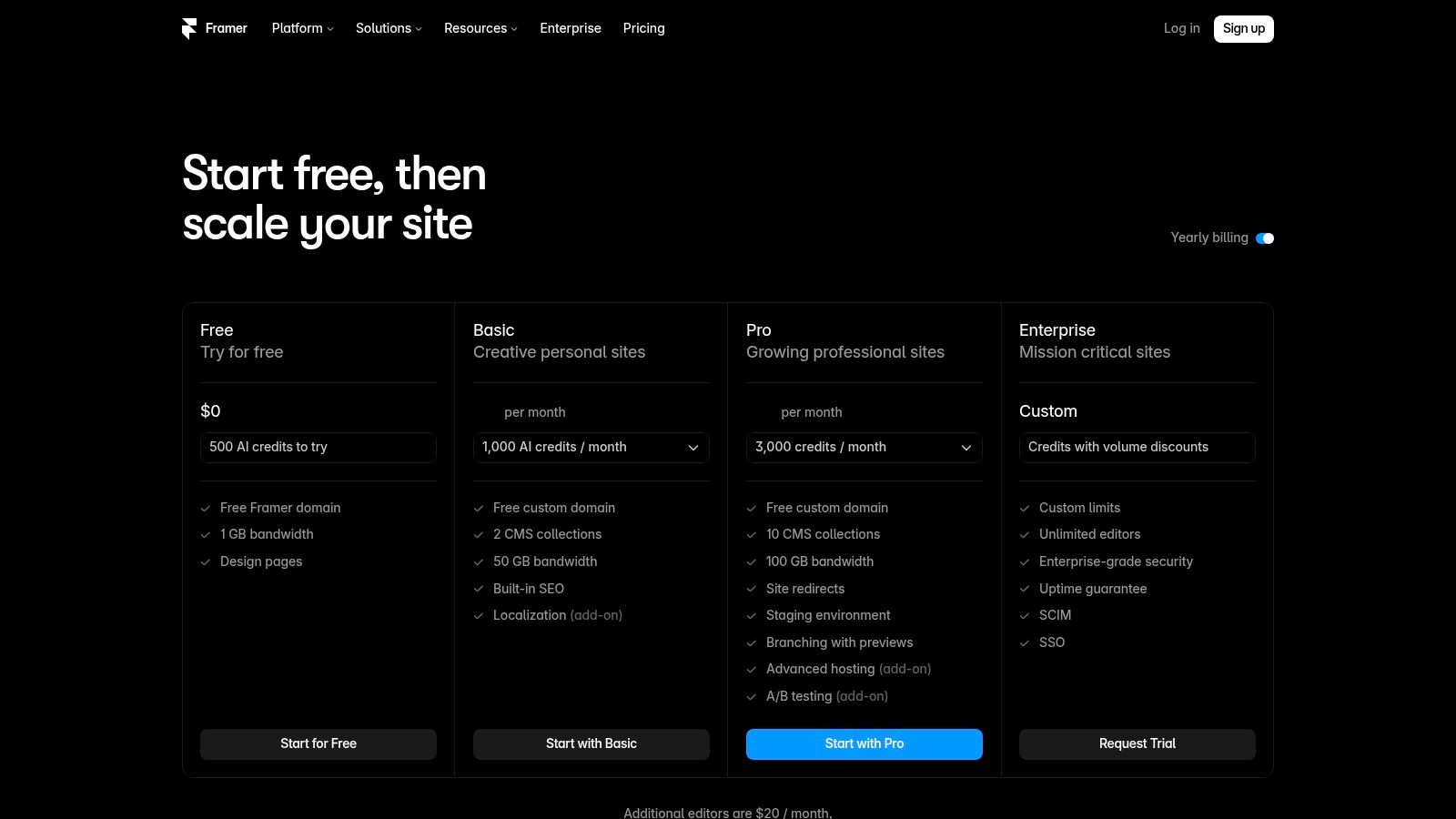
Framer is the nimble design sprite of the list. It's modern, fast to iterate in, and especially attractive to growth teams shipping campaign pages, product launches, and design-led marketing sites at high frequency.
Managed hosting is built in, but the product behaves less like a classic “small business website builder” and more like a publishing environment for teams that are comfortable with web design logic. That distinction matters. Framer can feel magical in the hands of the right operator and oddly bare in the wrong ones.
Why teams like the workflow
Framer's appeal is speed of iteration. You can move quickly, connect domains without drama, and use add-ons for funnels, localization, and testing. The pricing page is also clearer than many rivals on usage-based overages, which I appreciate because opaque pricing is where hosted platforms often hide the goblins.
There's also an interesting split-testing angle here. Native experimentation is valuable only if teams respect sample quality. Optimizely notes that statistical significance depends on views and conversions, and its support guidance says binary-metric experiments require at least 100 visitors or sessions and 25 conversions in both baseline and variation before declaring a winner. That's a helpful sanity check for any testing-heavy workflow, including Framer's growth use cases.
Where Framer gets expensive
Framer feels lightweight until traffic, page count, CMS usage, and premium add-ons begin stacking. Then the bill can become less fairy and more dragon. Teams running lots of localized pages or high-volume campaign testing need to watch limits carefully.
Its sweet spot is clear: design-led teams that publish often and value speed over all-in-one business tooling. If you need native scheduling, invoicing, or deeper operational features, another builder will be easier to live with.
8. Hostinger Website Builder
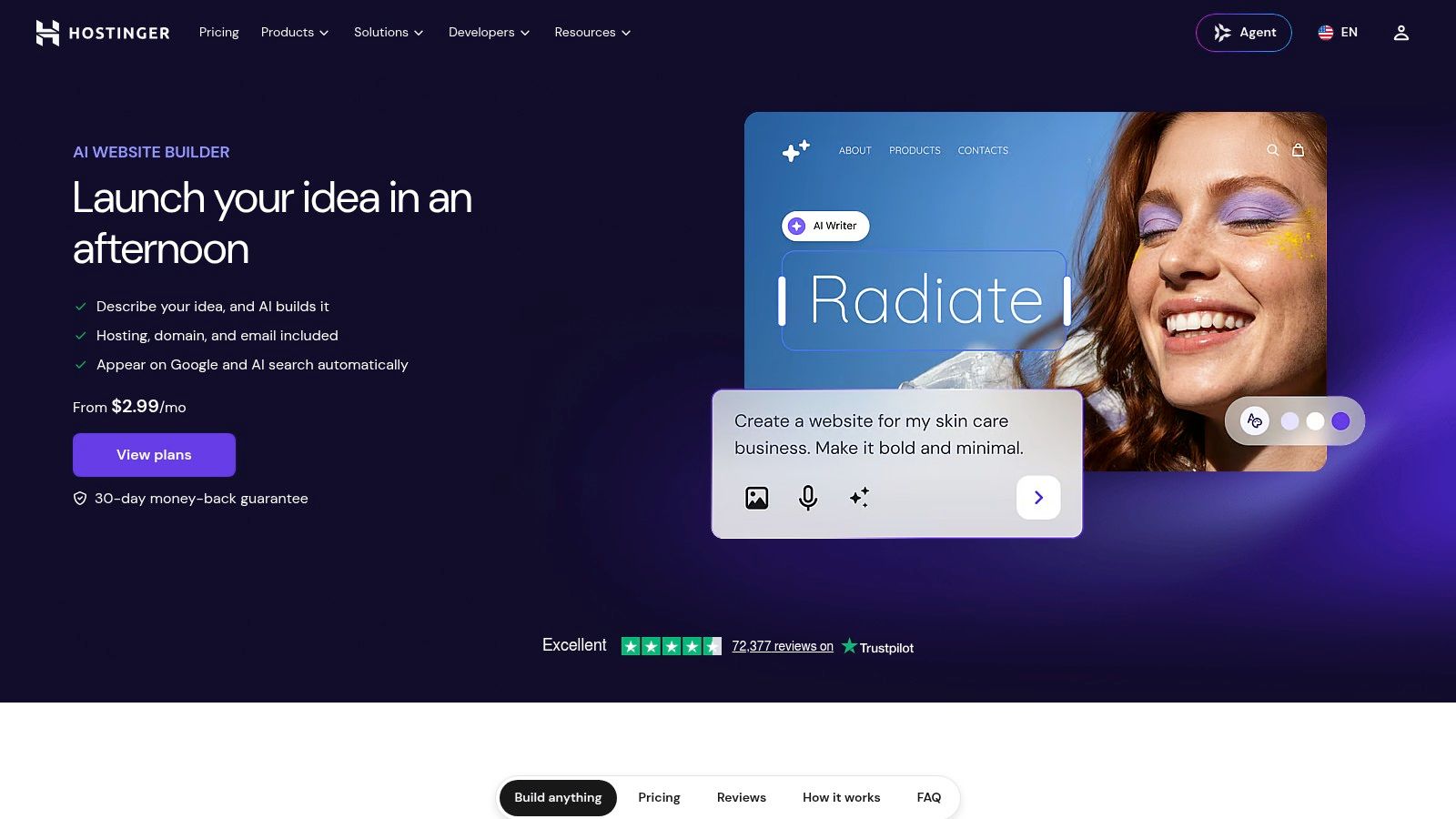
Hostinger Website Builder is the budget-conscious pick that still wants AI assistance and bundled hosting. If the mission is “get online quickly, spend carefully, avoid extra setup,” Hostinger has a strong argument.
Hosting and SSL are included, and the product leans hard into AI generation. It also gives you two modes of operation: a more classic manual builder and a more AI-led path. That's useful because some users want help starting, but still want to steer the final site themselves.
Why it appeals to practical buyers
Hostinger is often the answer when someone says, “I need a real business site, but I don't need a cathedral.” You get a simple package, promotional domain offers, and a bundle that avoids the separate-hosting rabbit hole.
For beginners curious about prompt-led creation, this walkthrough on how to build a website with AI pairs well with Hostinger's positioning because the main question isn't whether AI can draft pages. It's whether the draft gets you close enough that editing doesn't become another project.
Cheap and simple is a good strategy if the site's job is narrow and the business can live without advanced workflows.
The downside
The lower entry price usually depends on long billing commitments, so renewal math matters. Commerce depth and automation breadth are also thinner than what you get from more premium platforms.
That doesn't make Hostinger weak. It makes it focused. If you need a clean, low-friction launch and don't expect deep operational complexity, it's one of the easier ways to get a hosted site into the world.
9. GoDaddy Website Builder
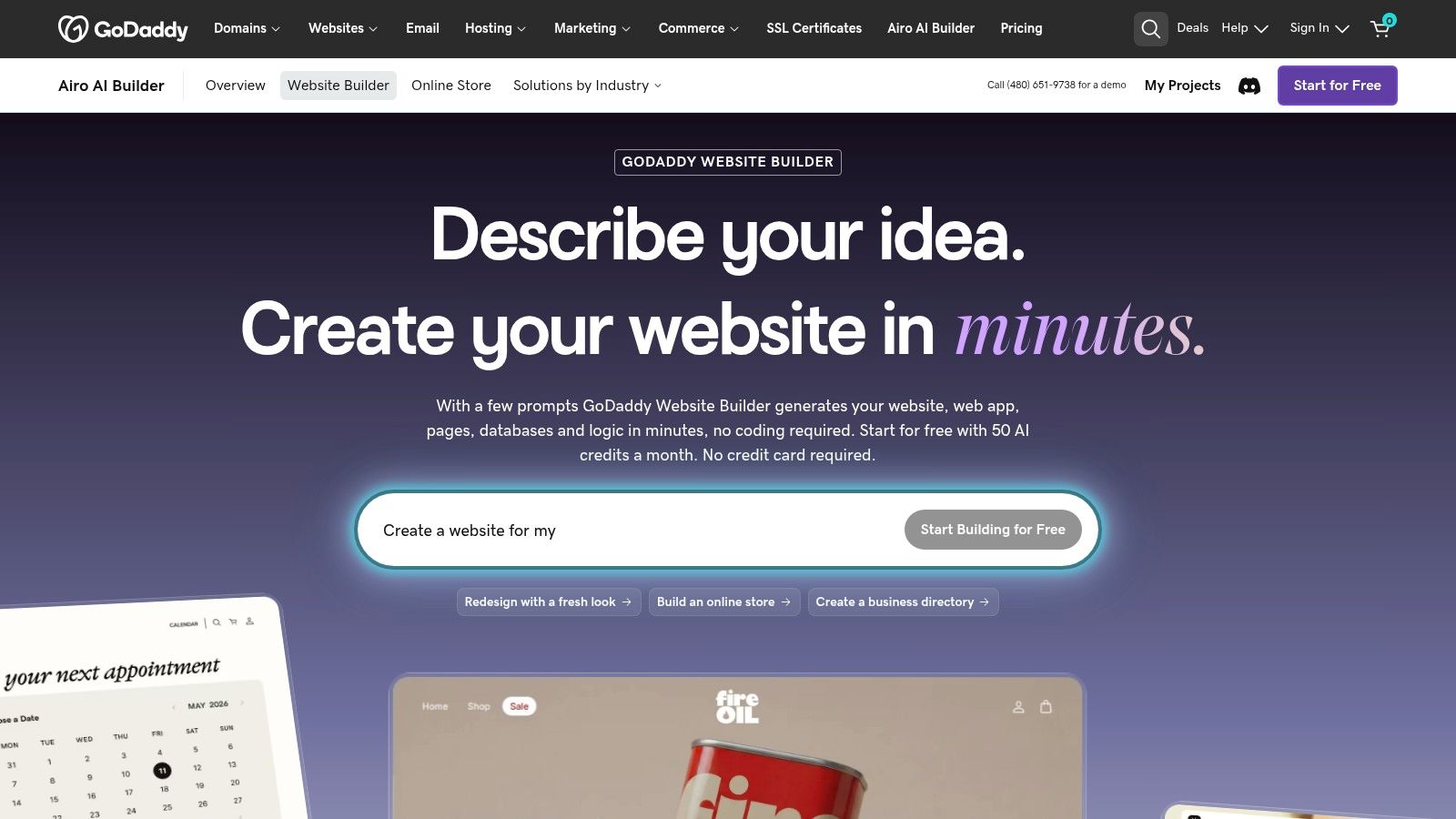
GoDaddy Website Builder is the convenience play for people already inside GoDaddy's orbit. If you manage domains there, or prefer one vendor for domain, hosting, basic site building, and perhaps payments, the friction stays low.
Its AI-assisted flow and one-click deployment make the setup feel light. You can start free, connect your domain, and publish without much ceremony. That simplicity is the whole spell.
Best for low-friction setup
GoDaddy makes sense for founders who care more about getting a dependable online presence than crafting a highly customized web experience. Small service businesses, solo operators, and local companies often fit this profile well.
The value isn't design control. It's operational convenience. If you already own your domain there, you skip a lot of the fiddly linking and provider-hopping that slows people down on day one.
Where it falls short
The trade-off is control. Designers and growth teams will outgrow it faster than they would Webflow or Framer. Pricing presentation can also vary by region, which makes comparison shopping harder than it should be.
A/B testing is another place to stay grounded. A common optimization guideline uses a 95% confidence level, described here along with a recommendation of at least 250 conversions per variant before trusting results. If your site traffic is modest, simple publishing may matter more than chasing advanced testing workflows you can't realistically support yet.
10. Square Online
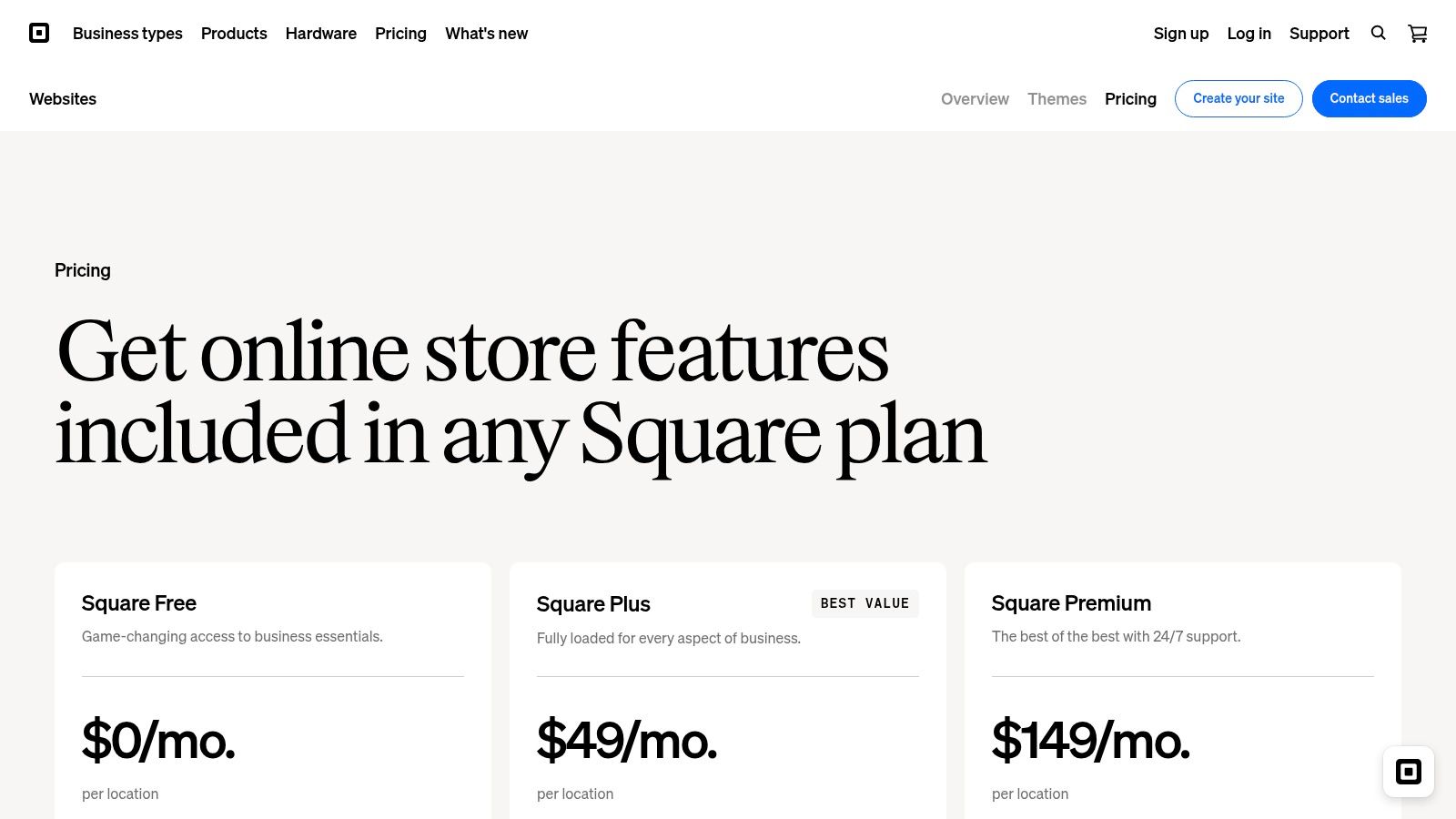
A cafe owner already using Square for counter sales has a different website job than a designer building a brand showcase. The site needs to publish a menu, accept orders, keep inventory aligned, and avoid creating a second admin mess for staff. Square Online handles that job better than many prettier builders.
The appeal is operational, not visual. If Square already runs your payments, catalog, or pickup flow, the hosted builder extends the same system onto the web with less setup work than stitching together separate tools. That lowers launch friction and ongoing maintenance, especially for small teams that cannot babysit plugins, hosting settings, or broken integrations.
Best for sellers who need the site to match the register
Square Online earns its keep when the website is part of day-to-day selling. Retail shops, restaurants, and service businesses with physical transactions can manage products, orders, and fulfillment from the same orbit. That matters more than flashy editing controls if the business goal is keeping online and offline sales in sync.
The free entry point is also useful for testing demand. A merchant can publish a basic storefront, validate whether pickup or local delivery gets traction, then decide if paid features are worth it. That pricing path fits cautious buyers better than builders that ask for a larger commitment before the site proves anything.
Square Online also carries some of Weebly's legacy in the hosted builder market, but its real identity now sits closer to commerce operations than general site design. That distinction helps explain who should buy it.
Where the trade-off shows up
Design control is limited compared with Squarespace, Webflow, or Framer. Brand-heavy teams will feel the walls quickly. Layout freedom, visual polish, and custom presentation are not the lead spell here. The merchant familiar is trained for orders and fulfillment first.
That limitation is acceptable for businesses that care more about reliable selling than bespoke design. It becomes costly for teams that expect the site to do heavy brand storytelling or fast creative testing.
- Great fit: Local retail, restaurants, appointment-led businesses, and merchants already using Square POS.
- Less great fit: Design-conscious brands, agencies, and teams that want broader layout control.
- Smart use case: Getting online ordering or product sync live fast without adding another system to manage.
Top 10 Hosted Website Builders Comparison
| Product | Core features | Automation & optimization | Design control & editing | Target audience | Pricing & standout |
|---|---|---|---|---|---|
| Web Mage (Recommended) | Prompt-to-page + one-sentence funnels, hosting, SSL | Nightly agents (SEO Seer, Speed Sprite, Analytics Oracle, Conversion Alchemist), built‑in A/B with auto‑promotion | Chat-based edits, prompt-driven (less pixel-level manual control) | Solo founders, SMBs, agencies, course creators, growth teams | $8/mo (500 credits) + 1k top-ups $20; hosting + optimizers included; continuous autonomous improvements |
| Wix | AI starter flow, 2,000+ templates, app marketplace, hosting | Built‑in SEO & marketing tools; apps for experiments | Drag‑and‑drop editor with extensive manual control | Non‑technical founders, small businesses wanting growth | Tiered plans vary by region; one vendor for host/domain/commerce |
| Squarespace | Polished templates, commerce, memberships, hosting | Marketing/analytics, AI credits on plans | High‑quality templates, limited pixel tinkering | Creatives, small commerce sites, service businesses | Clear tiered pricing, 14‑day trial; strong design-first value |
| Webflow | Visual CSS‑level design, CMS, managed hosting | AI credits in workspaces; integrations for testing | Exceptional layout/animation control, no‑code precision | Designers, marketing teams, agencies needing pixel control | Usage/bandwidth add‑ons can raise cost; standout for design fidelity |
| WordPress.com | Hosted WordPress, plugins allowed on paid plans, security/WAF | Plugin ecosystem for SEO/analytics; managed security | Theme/plugin flexibility; developer controls vary by plan | Blogs → commerce, agencies wanting WP ecosystem without server ops | Free tier shows ads; paid tiers for custom domains/plugins |
| Shopify | Commerce-first hosting, built-in payments, POS, apps | Deep analytics, Sidekick assistant, app-driven automation | Theme-based design, focused on checkout UX | DTC brands, merchants prioritizing checkout & omnichannel | Tiered pricing + app/gateway fees; best‑in‑class commerce tooling |
| Framer | Design fidelity, CMS, native A/B & funnel add‑ons | Convert add‑on for funnels/A-B, AI agents with monthly credits | Fast design iteration, modern editor | Marketing/growth teams that ship often | Transparent pricing, usage‑based extras; good for rapid launches |
| Hostinger Website Builder | Budget AI builder, hosting, SSL, multiple AI tools | AI copy/logo/image/SEO helpers; agentic & manual modes | Manual drag editor + AI agentic/vibe builds | Budget-conscious small businesses, beginners | Low entry pricing; watch renewal/renewal strategies |
| GoDaddy Website Builder (Airo) | One-click AI site generation, hosting, SSL, analytics | Monthly AI credits, simple analytics & deploy | Simpler design control vs Webflow/Framer | Users with existing GoDaddy domains/payments | Start free with AI credits; strong domain/payment integration |
| Square Online | Hosted store, POS & inventory sync, social channels | Native channel integrations, scheduling, basic analytics | Simple builder focused on commerce flows | Restaurants, retail, service businesses using Square POS | Free tier available (processing fees); best for POS‑integrated retailers |
| Web Mage (brief) | Prompt-driven full funnels, managed hosting, SSL | Autonomous nightly optimization agents, auto A/B | Chat edits, minimal manual layout work | Fast-launch teams, growth-focused SMBs | $8/mo includes hosting + 500 credits; continuous conversions focus |
Summon the Right Hosting Plan
The best website builder with hosting depends less on raw features and more on which job the platform must perform after launch.
Choose Web Mage when speed, prompt-led creation, and ongoing optimization are the priority. It's the most distinctive option here because it doesn't stop at building pages. It keeps working after publish through SEO, speed, analytics, and testing agents. That's a strong match for solo founders, lean growth teams, agencies, and anyone who wants the site to improve without turning every week into a maintenance ritual.
Choose Shopify or Square Online when commerce is the core business function. Shopify is the better fit for product-heavy brands that need checkout, ecosystem depth, and room to scale. Square Online makes more sense for businesses that already run on Square and need online and in-person operations to stay synced without heroic setup work.
Squarespace remains a smart pick for polished service businesses and brand-first sites. Wix is the broad all-rounder when you want flexibility and a wide feature surface under one vendor. WordPress.com is the hosted choice for teams that expect to need more extensibility over time. Webflow and Framer are the design-control specialists. Hostinger and GoDaddy are the simpler, budget-aware routes when straightforward setup matters more than advanced control.
One pattern is easy to miss. Buyers often shop for “hosting” when what they really need is a full operating model. A site builder with hosting isn't just storage and uptime. It's your editor, your publishing workflow, your maintenance burden, your future migration headache, and often your store, analytics, and optimization stack too. That's why checking the current plan page matters more than reading stale listicles with neat little rankings.
Before you publish, verify these seven things:
- Billing reality: Check monthly versus annual pricing, renewal terms, regional differences, and any usage-based charges.
- Domain setup: Confirm whether you can use your own domain easily, what's included, and what gets billed separately.
- Transaction costs: Review store fees, payment-processing choices, and whether entry plans add extra commerce charges.
- Content and traffic limits: Watch bandwidth, CMS item caps, page limits, seat counts, and AI or credit allowances.
- Migration options: Find out what you can export, what must be rebuilt, and how painful a future move could be.
- Control level: Decide whether you want template polish, visual precision, or AI-led automation.
- Maintenance load: Be honest about whether your team will monitor speed, SEO metadata, forms, and split tests after launch.
Then run one final launch pass. Connect the domain. Confirm SSL is active. Review the site on mobile. Test every form or checkout path. Install or enable analytics. Fill in SEO metadata. Schedule the first maintenance or testing cycle instead of pretending future-you will remember.
That last step is where good launches separate from decorative ones. A site isn't done when it goes live. It's done when someone owns the next round of fixes, experiments, and updates.
If you want a website builder with hosting that behaves more like an active growth assistant than a static editor, Web Mage is worth a close look. It can generate pages and funnels from a plain-language prompt, includes hosting and SSL, and keeps optimizing through built-in AI agents after launch. Take a spin through Web Mage and see what happens when your site gets its own resident spellcasters.