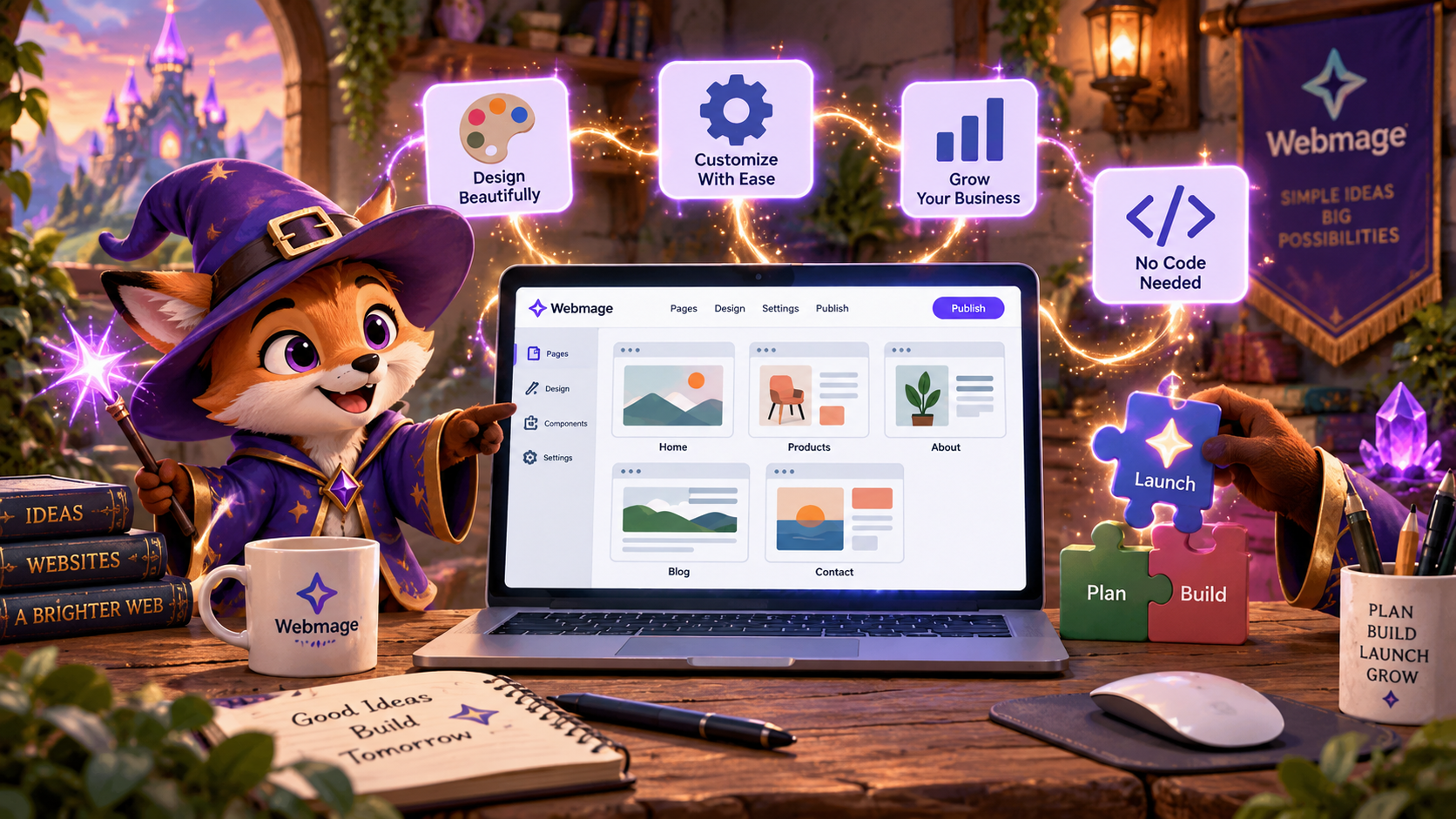
You need a website that makes you look credible, explains what you sell, and gives visitors a clear next step. Unfortunately, the no code website builder market is crowded with tools promising effortless magic, while the important differences hide in the details. One platform gives you a site from a sentence. Another gives you near-designer control. A third gets a landing page online before your coffee cools, but becomes the wrong spell once you need a store, a CMS, or serious client handoff.
This roundup matches each builder to a specific creator mission. You'll see where every tool shines, where its limitations appear, how much control it gives you, how quickly you can implement it, and what kind of project it can inspire. The list covers AI-first generation, visual control, design polish, low-cost experimentation, agency delivery, and ongoing optimization, not just template counts.
One market projection puts the global AI website builder category at $3.24 billion in 2026, rising from $2.69 billion in 2025 and potentially reaching $17.43 billion by 2035, with cloud-based tools representing about 81% of the market and small and midsize businesses generating 49% of revenue, according to independent no-code market analysis. The practical message is simple: hosted, automation-heavy builders are becoming a serious option for small teams.
Table of Contents
- 1. Web Mage
- 2. Wix
- 3. Squarespace
- 4. Webflow
- 5. Framer
- 6. Carrd
- 7. Dorik
- 8. Tilda
- 9. Hostinger Website Builder
- 10. Durable
- Top 10 No-Code Website Builders: Feature Comparison
- Find Your Familiar and Start Building
1. Web Mage
Best for: Solo founders, funnel builders, coaches, D2C teams, SaaS marketers, and agencies that need a launch-ready site with ongoing optimization.
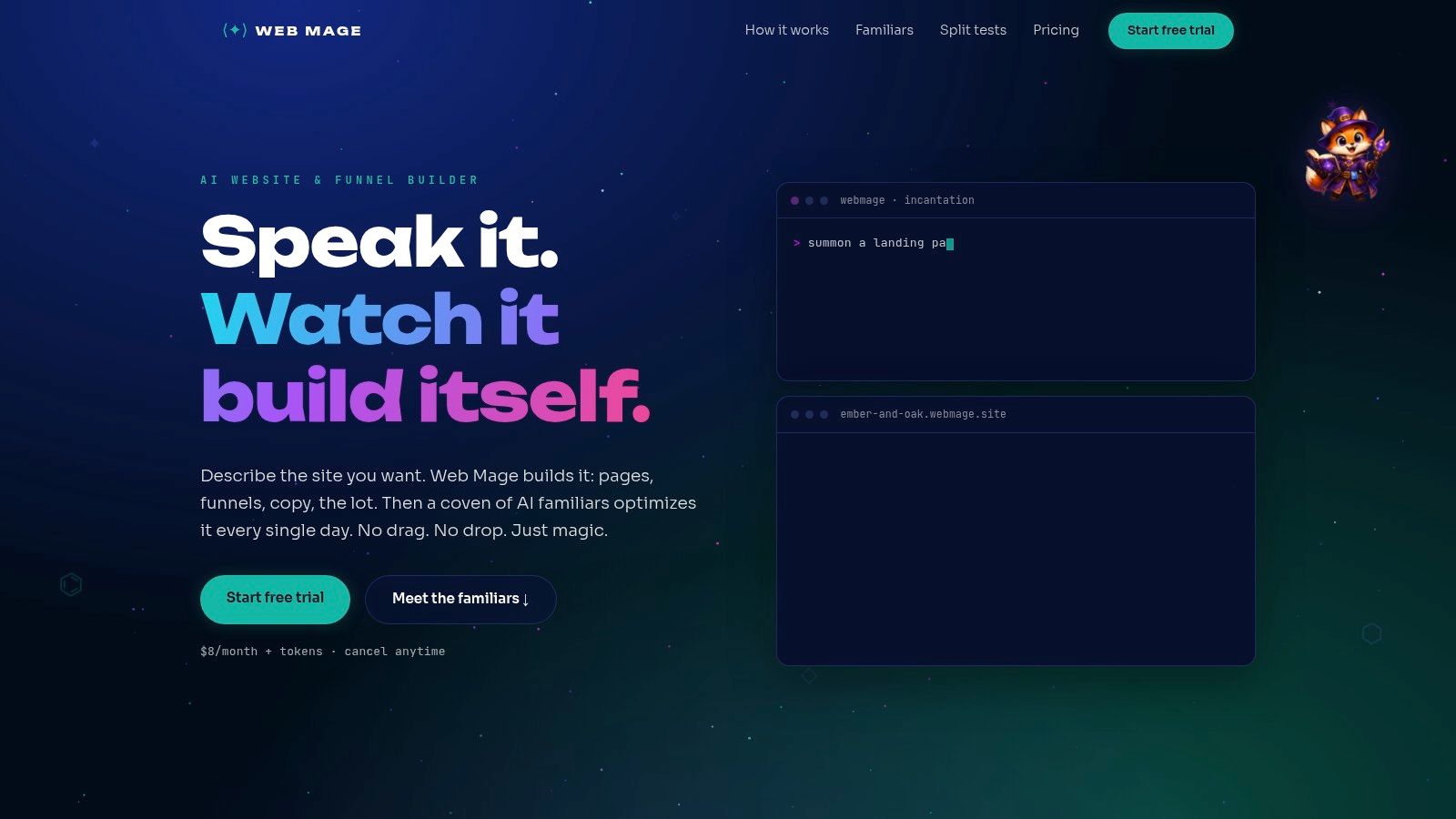
You have a sales offer, a deadline, and no appetite for wrestling with a blank canvas. Web Mage gives that brief to an AI-first builder. Describe the business, audience, offer, and desired outcome in plain language, and it creates the page structure, copy, imagery, and styling. One sentence can produce a landing page or an entire funnel with landing, checkout, upsell, and thank-you pages.
That speed makes Web Mage the right one-page launch spell for founders testing an offer, marketers building campaign pages, and coaches who need a focused path from promise to purchase. There is no template hunt or drag-and-drop maze before you have a working draft. Follow this guide to building a website with AI using Web Mage for the practical setup.
The stronger argument appears after publishing. Web Mage's AI familiars handle recurring work:
- SEO Seer: Rewrites metadata, repairs broken links, and identifies keyword opportunities.
- Speed Sprite: Compresses assets, lazy-loads media, and trims unnecessary bloat.
- Analytics Oracle: Surfaces traffic patterns, drop-offs, popular sections, and prioritized fixes.
- Conversion Alchemist: Drafts variants, routes traffic, reviews results, and promotes stronger performers.
Web Mage's product examples report a pricing-page CTR improvement of 18%, an LCP reduction from 2.4 seconds to 1.1 seconds, and a conversion lift of 11%. The product site presents these figures, so treat them as product examples rather than independent benchmark findings. The platform costs $8 per month for 500 monthly credits, with 1,000-credit top-ups priced at $20. Its examples estimate about 60 credits for a full page, 300 for a five-page funnel, 35 for a chat edit, 150 for a monthly SEO review, 20 for weekly analytics, and 5 for a split test.
Where Web Mage trades control for momentum
Choose Web Mage when speed, funnels, and post-launch care matter more than hand-tuning every wrapper and breakpoint. Its built-in split testing follows the familiar sequence described in Builder.io's A/B testing guide, variant creation, traffic allocation, results review, and winner selection. Web Mage's Conversion Alchemist automates that cycle.
The trade-off is clear. High-volume generation and frequent edits consume credits. Managed hosting, SSL, and a .webmage.site subdomain keep setup simple, but the platform offers less code-level control and fewer developer-focused export options. Agencies building bespoke front-end architecture should choose Webflow. Teams that need a sales funnel published quickly and improved without a growing maintenance checklist should choose Web Mage.
Practical rule: Choose Web Mage when publishing is only the first spell and continued improvement is part of the job.
2. Wix
Best for: Small businesses that need broad functionality without assembling a technical stack.
A local service can launch a homepage and contact form in Wix, then add bookings, memberships, gated content, or a store as its needs change. That makes Wix the practical familiar for a business mission built around expansion, not a single polished page.
Wix combines a drag-and-drop editor with AI-assisted site creation, so beginners can generate a starting draft and refine it visually. Its app marketplace adds forms, marketing workflows, bookings, memberships, and online selling. The platform lists 800+ templates for restaurants, consultants, shops, event organizers, and local services. Hosting, SSL, domains, e-commerce, and SEO tools are included, reducing the number of outside services you must connect.
Choose Wix when flexibility matters more than a minimal interface. It handles a broader range of business jobs than Carrd or a prompt-first builder, and it lets one site grow without an immediate platform change. The price of that range is complexity. More apps mean more settings, subscriptions, integrations, and maintenance decisions, while advanced features can raise the total cost beyond the entry plan.
The cost of being a generalist
Audit the complete workflow before committing. Check which features your familiar needs now, which may arrive later, and whether each app adds enough value to justify its upkeep.
Wix scored 94% in a recent platform comparison summarized by Semrush's accessibility and SEO study. Treat that result as a starting point, then inspect your own headings, contrast, keyboard navigation, labels, and alt text.
Choose Wix for a growing small-business system. Choose Carrd for a one-page launch spell, and Webflow for tightly controlled agency builds.
3. Squarespace
Best for: Creatives, local brands, consultants, and small stores that need a polished visual identity with little setup.
You have a portfolio to launch, a boutique to open, or a service brand that must earn trust quickly. Squarespace gives that mission a design familiar: its templates, style controls, hosting, commerce tools, and marketing features work as one system. You can publish a gallery, studio site, restaurant site, or small shop without tuning every rune by hand.
Its strongest spell is consistency. Typography, spacing, image treatment, and page structure look intentional early, which keeps a fast launch from feeling improvised. Depending on the plan, built-in e-commerce, scheduling, and member areas can turn a brochure site into a booking destination or customer portal.
That convenience comes with limits. Squarespace has no permanent free plan, so use it when presentation deserves a committed budget rather than when you are only testing an idea. Users also report price increases. Review current plan terms, transaction costs, and renewal pricing before moving a growing store or membership site.
A beautiful site still needs a health check
A polished template does not cast an accessibility spell by itself. Check image sizes, link text, form labels, keyboard access, contrast, and heading structure before publishing. These details affect both visitor experience and search performance, even when the page looks finished.
Choose Squarespace for a gallery, boutique, photographer, or service brand where visual polish does much of the selling. Choose Tilda for editorial control and custom storytelling. Choose Webflow when an agency needs tighter layout control, reusable systems, and deeper optimization work.
4. Webflow
Best for: Agencies, freelancers, and marketing teams that need developer-like front-end control without writing every line of code.
A client arrives with a brand system, a complex sitemap, and a deadline. Webflow gives the build familiar ground: flexbox and grid for precise layouts, responsive controls, structured CMS content, reusable classes, interactions, animations, and hosting in one workspace. It suits marketing sites, directories, editorial projects, and other systems where a template cannot carry the whole spell.
The trade-off is deliberate complexity. Webflow exposes layout systems, responsive behavior, classes, components, and content modeling instead of hiding them behind beginner-friendly defaults. Learn those foundations and you gain control. Skip them and small edits can summon layout bugs across several pages.
Performance still depends on the build. In a standardized comparison, Webflow recorded around 1.8 seconds LCP and an 88 Lighthouse score, while Framer recorded about 1.2 seconds LCP and 95-plus Lighthouse scores, according to the benchmark cited earlier. The figures are reference points, not guarantees. Heavy media, third-party scripts, and careless interactions can slow either platform.
The agency-grade bargain
Choose Webflow for a custom marketing system, not a quick one-page launch spell. Agencies can create reusable structures, hand clients a manageable CMS, collaborate through workspaces, and produce interactions that template-first tools rarely match. It is the right familiar for controlled agency builds where precision and long-term reuse matter more than the shortest learning curve.
Review current tiers before assigning a client workflow to Webflow, since pricing and plan changes have frustrated some users. Startup teams comparing control with speed should also read this guide to the best website builder for startups. Use Webflow when optimization needs and content complexity justify the extra setup. Pick a simpler builder when launch speed matters more.
5. Framer
Best for: Startups and product teams that need polished marketing pages at launch speed.
Framer is the launch spell for a homepage that should look designed, not assembled. Its visual editor combines responsive components, a lightweight CMS, forms, analytics and events, quick publishing, AI-assisted site creation, and component variants for fast iteration.
Product teams can revise positioning, test alternate hero treatments, and publish without turning every marketing edit into a development ticket. Framer also produces performance-focused pages, which suits teams that want visual polish without sacrificing loading speed.
A standardized comparative test measured Framer at about 1.2 seconds LCP and 95-plus Lighthouse scores on a landing page. Treat those figures as reference points, not guarantees. Heavy media, third-party scripts, poor image choices, and careless embeds can still slow the site.
Pick Framer before the CMS dragon grows
Framer fits a startup homepage, product launch, campaign page, or focused growth site. Component variants make section experiments quick, but teams requiring formal experimentation governance should confirm that Framer supports their chosen testing and analytics workflow.
Its CMS is the familiar to choose before the content dragon becomes large. Very complex, high-volume content operations may fit Webflow or a developer-oriented stack better. Choose Framer when visual control and publishing speed lead the brief. Reconsider it if the site already needs deep content relationships, extensive editorial workflows, or highly controlled agency production.
6. Carrd
Best for: One-page launches, waitlists, link-in-bio pages, and low-risk MVP experiments.
Carrd is the right familiar for a one-page launch spell. Its block-based builder keeps the work focused, so you can publish a landing page without learning a sprawling design system. Templates, forms, embeds, integrations, and custom domains on Pro tiers cover a creator profile, event signup, early product test, or waitlist.
The narrow scope saves attention. Build the headline, offer, proof, form, and call to action, then send visitors to one clear destination. Carrd is built for speed, not for a growing site architecture.
Build-time comparisons put Carrd far ahead of more complex no-code tools on a test project, reinforcing its main advantage: quick implementation. Treat that comparison as directional. Content volume, custom interactions, integrations, and review cycles still determine your actual delivery time.
A one-page site isn't a compromise when one page is all the customer needs.
Choose Carrd when control means arranging a focused page quickly and testing demand before investing in a larger stack. Pro features make inexpensive experiments practical, but complex multi-page sites and heavy e-commerce belong elsewhere. Higher plans support team sharing and access control. Agencies producing many content-rich client sites will soon meet Carrd's limits, especially around structure, collaboration, and optimization.
For a single conversion goal, Carrd is the cleanest choice. When the site needs a larger content dragon, choose a builder with stronger CMS and collaboration tools.
7. Dorik
Best for: Freelancers and agencies that need repeatable client delivery, white-label presentation, and recurring website services.
Dorik is an agency familiar with a practical spellbook. AI-generated pages, drag-and-drop sections, a white-label CMS, and client billing tools let you move from brief to branded handoff without building a complex system. No-code Airtable integration, unlimited storage and bandwidth, and agency-focused branding support service businesses beyond a single landing page.
Its strongest advantage is workflow control. Build a standard marketing site, present it under your agency identity, and give the client an editing environment they can manage. That combination suits local companies, portfolios, consultants, and straightforward business sites where delivery speed matters more than unusual interactions.
The trade-off is a smaller ecosystem than Wix or Webflow. Dorik offers fewer apps, integrations, advanced workflows, animation options, and developer tools, so ambitious projects can outgrow its spellbook.
Match the build to the client
Use Dorik when the project needs pages, forms, basic content management, and a clean branded handoff. Create reusable processes around those requirements, then reserve your time for messaging, structure, and conversion details instead of platform maintenance.
Choose another dragon for an animation-heavy brand experience, highly customized CMS, or integration-rich build. Webflow gives agencies finer front-end control, while Dorik wins when speed, repeatability, and client simplicity matter more than experimental interaction design.
Dorik is the right familiar for agencies selling dependable websites as an ongoing service. Pick it when predictable delivery beats maximum control.
8. Tilda
Best for: Editorial sites, campaign microsites, case studies, and long-form pages where typography carries the story.
Tilda is the right familiar for a one-page launch spell or a scroll-led story. Its template blocks speed up assembly, while Zero Block gives designers pixel-level control over custom layouts. Smooth scrolling, animation options, built-in forms, a simple store, and integrations add personality without requiring a front end built from scratch.
Use it when the page itself carries the argument. A case study can guide readers from problem to process to outcome through deliberate type, imagery, and transitions. An editorial brand can build a distinct reading environment, while a campaign team can shape a focused microsite around one message.
Zero Block is powerful, but it can also summon a maintenance dragon. Custom positioning helps clarify hierarchy, support a complex narrative, or create a memorable campaign experience. It becomes costly when every page relies on fragile coordinates or decorative motion that must be checked across screen sizes.
Tilda offers HTML export on higher plans, giving advanced users more flexibility around delivery. Its app ecosystem is smaller, and its e-commerce tools are simpler than those on platforms built for broader commerce or developer workflows.
Choose Tilda when typographic control matters more than a large integration library. Choose Squarespace for a packaged all-in-one experience. Choose Webflow when the project needs a deeper CMS, systematic production, or tighter control across many page types.
9. Hostinger Website Builder
Best for: Budget-conscious founders who want hosting and a simple website builder under one roof.
A founder with a service to sell, a tight budget, and no appetite for hosting configuration can start with Hostinger Website Builder. Formerly Zyro, it combines AI site generation, drag-and-drop editing, hosting, and publishing in one workflow. Describe the business, revise the generated pages, and publish without managing a separate hosting provider. Longer plans can include e-commerce, a domain, SSL, and CDN.
Hostinger is the practical familiar for a one-page launch spell, a starter store, or a straightforward local-business site. The bundle removes setup work around certificates, infrastructure, and publishing, so the first site can go live quickly.
Speed comes with a smaller spellbook. Hostinger offers less design and developer control than Webflow or Framer, which makes it a poor match for a highly art-directed campaign, complex CMS, or intricate interaction system. It also provides fewer options for extensive third-party integrations. Pricing and currency vary by region and promotion window, so check the current checkout terms before committing.
Choose infrastructure simplicity over deep control
Hostinger fits a founder who wants one provider handling the site's core foundation. Choose it when affordable simplicity matters more than custom behavior or a carefully engineered content system. For a more autonomous AI workflow, this comparison of AI website builders for small business offers a useful comparison. Hostinger lays the foundation. Web Mage adds recurring optimization and funnel automation.
10. Durable
Best for: Solo founders and service businesses that need a website tied to everyday operations.
A consultant, cleaner, coach, or contractor can describe an offer, collect leads, book appointments, and manage follow-up from one platform. Durable's AI creates the initial copy, layout, and images, while quick editing tools let you correct the spell before publishing. Its lightweight CRM, invoicing, appointment scheduling, and basic marketing tools keep routine work beside the website instead of scattered across separate products.
That workflow makes Durable a practical familiar for a service-business launch spell. Choose it when speed and operational simplicity matter more than a distinctive visual system. It suits an owner who wants to start accepting inquiries and appointments quickly, not a designer building a finely art-directed brand experience.
Control is the dragon at the gate. Durable offers less granular design control than Webflow or Framer, and it is a weak fit for complex content models or highly customized brand systems. The free tier uses a Durable subdomain. Paid plans support a custom domain and advanced features, while publishing limits and free-plan terms can vary, so verify the current details before paying.
Choose operations over ornament
Durable wins when the business problem extends beyond a homepage. Invoicing and appointments can matter more than custom animation for a service operator. A designer-led startup should choose a builder with a larger spellbook.
Top 10 No-Code Website Builders: Feature Comparison
| Product | Core features | Automation & optimization | Target audience | Ease of use | Pricing & value |
|---|---|---|---|---|---|
| Web Mage | Prompt-to-page + one-sentence funnel, chat edits, hosting & SSL included | Nightly autonomous agents (SEO Seer, Speed Sprite, Analytics Oracle, Conversion Alchemist); built-in automated A/B tests | Solo founders, agencies, course creators, D2C startups, growth teams | Extremely fast prompt-based setup; chat-driven edits | $8/mo (500 monthly credits); top-ups (1k = $20); credit model; 14‑day free trial |
| Wix | Drag-and-drop editor, 800+ templates, app marketplace, e‑commerce | Basic SEO & marketing tools; AI-assisted site creation (no autonomous agents) | Small businesses to complex sites, non-technical users | Flexible but can feel complex due to many options | Free tier; paid plans scale with features and apps |
| Squarespace | Designer templates, hosting, commerce, marketing tools | Built-in SEO & marketing basics; manual optimization workflows | Creatives, local businesses, small stores | Polished, low‑setup for professional look | Paid plans only (no permanent free plan); mid-range pricing |
| Webflow | Pixel-level visual builder, CMS, interactions, production hosting | Fast hosting/CDN; some paid AI tools; manual optimization control | Freelancers, agencies, teams needing developer-like control | Steep learning curve; very granular control | Higher-tier pricing; scales for professional sites |
| Framer | Visual editor, responsive components, lightweight CMS, analytics | AI-assisted creation, component variants, performance-oriented output | Startups, product & growth teams, marketing pages | Rapid iteration; designer-friendly | Mid-tier pricing; focused on fast, on-brand pages |
| Carrd | One-page/block-based builder, quick publishing | Minimal automation; simple publishing workflow | Landing pages, link-in-bio, MVPs, quick experiments | Very easy and fast to use | Very low cost; generous Pro tier for multiple sites |
| Dorik | AI page creation + drag sections, white-label CMS, client billing | Basic AI generation; agency billing/white-label features | Freelancers and small agencies delivering client sites | Simple and quick to learn | Lower-cost positioning vs larger builders |
| Tilda | Template blocks + Zero Block editor, typography, animations | Limited automation; strong visual tools for content pages | Editorial sites, campaign microsites, product pages | Moderate; good for typographic control | Mid-range; export available on higher plans |
| Hostinger Website Builder | AI site generation, hosting, CDN, e‑commerce options | Basic AI-assisted creation; integrated hosting simplifies ops | Budget-conscious founders and beginners | Beginner-friendly; hosting included | Very low effective cost on multi-year promotions |
| Durable | AI-first prompt-to-site, logo/image tools, built-in CRM/invoicing | Fast AI generation; bundled lightweight ops (CRM, booking) | Solo founders, service SMBs needing site + ops | Extremely fast prompt-to-site flow | Free tier with Durable subdomain; paid plans for custom domains and features |
Find Your Familiar and Start Building
Use the mission, not the feature list, to make the decision. Choose Web Mage or Durable for prompt-first speed, with Web Mage leading when funnels, automated testing, and ongoing optimization matter, and Durable leading when CRM, invoicing, and appointments belong beside the site. Choose Carrd for a focused one-page launch, especially a waitlist, campaign, or lightweight MVP.
For visual storytelling, Squarespace or Tilda are the clearest picks. Squarespace gives you a polished all-in-one system with commerce and marketing features. Tilda gives you more expressive typography and custom layout control through Zero Block. Choose Wix for broad functionality when the site may need bookings, memberships, forms, e-commerce, or marketplace extensions.
For polished marketing pages, Framer offers the best balance of visual quality, responsive components, and rapid iteration. For control, Webflow remains the stronger choice when you need structured CMS content, flex and grid control, interactions, animations, and a production workflow that feels closer to front-end development. Choose Dorik for agency delivery when white-label CMS and client billing matter. Choose Hostinger for an affordable hosted start when simplicity and bundled infrastructure outweigh advanced design control.
Make the decision with seven questions
- Page scope: Are you publishing one focused page, a standard business site, a funnel, or a content-heavy system?
- Design control: Do you need pixel-level layout control, or would a strong generated design be more useful?
- CMS needs: Will several people update structured posts, products, case studies, or directories?
- Commerce and operations: Do you need a store, bookings, memberships, invoicing, CRM, or a checkout sequence?
- Testing: Can the platform help you compare variants, or will you need separate analytics and experimentation tools?
- Maintenance: Who will check links, metadata, image weight, accessibility, analytics, and conversion paths after launch?
- Budget: Are you paying for a simple hosted presence, credit-based generation, client workspaces, or a broader operating system?
Performance deserves its own inspection. Google Search Central recommends keeping Largest Contentful Paint within the first 2.5 seconds for a good user experience, and Google explains that lazy-loaded content is visible to search only when it becomes visible in the viewport through the implementation approach. The guidance is detailed in Google's Core Web Vitals documentation and its lazy-loading implementation guide, which covers browser-native loading, IntersectionObserver with a polyfill, and JavaScript libraries.
Accessibility deserves equal attention. A study of 10,000 websites associated higher accessibility scores with 23% more organic traffic and 27% more organic keywords, while more than 70% of sites failed current WCAG standards, according to Semrush's accessibility research. Don't treat accessibility as a checkbox. Test the actual page your builder produces, including keyboard navigation, labels, contrast, headings, focus states, and alt text.
Build one representative page before you commit. Publish it, inspect the mobile experience, test every form and link, try an image-heavy section, review the SEO controls, and confirm the domain and export limitations that matter to your project. The best no code website builder isn't the one with the longest feature list. It's the one that lets your familiar keep working after launch without turning every improvement into a dragon fight.
Web Mage turns plain-language prompts into complete pages and funnels, then keeps working through autonomous SEO, speed, analytics, and conversion agents. Visit Web Mage to test the 14-day trial without a card and see whether prompt-first creation plus continuous optimization fits your next site.