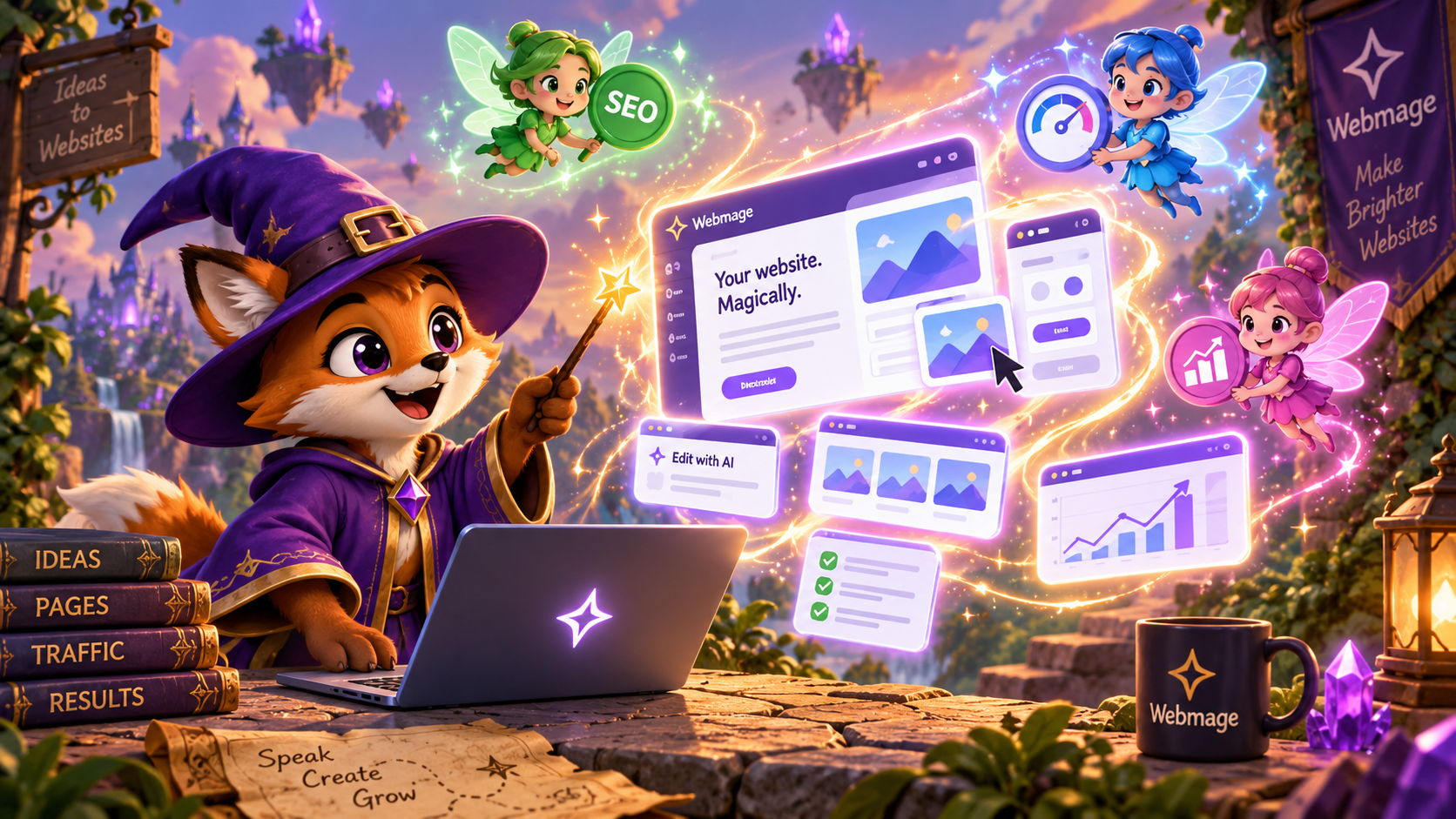
You've got a candle burning on one side of the desk, a half-finished homepage on the other, and a dozen small-business tasks tapping their little claws on your sleeve. Maybe the menu still needs a page, maybe the booking form is missing, maybe the whole site idea keeps getting shoved to “tomorrow.” That's exactly where an AI website builder for small business feels less like software and more like a helpful apprentice with a stack of spellbooks, because it can turn a plain-language idea into something live without making you learn the whole tower of web development.

The trick is that the magic doesn't stop at launch. A site that's easy to summon but hard to keep accurate is only half a charm. Small businesses need pages that stay fast, stay findable, and keep earning trust after the first publish, which is why the value sits in the ongoing work, not just the first burst of creation. One useful case study archive for that mindset is Web Mage case studies, where the focus is on complete site and funnel creation from a prompt, then steady optimization afterward.
Table of Contents
- Introduction Your Shop Deserves a Little Magic
- How AI Website Builders Conjure Sites From Words
- Template Builders Versus AI Conjuring Compared
- What Magic Really Costs and How Credits Work
- Your Quick Launch Workflow From Prompt to Live
- Keeping Your Site Fast Found and Converting After Launch
- Choose Your Builder and Cast Your First Spell
Introduction Your Shop Deserves a Little Magic
A lot of owners reach the same midnight moment. The day has already been spent answering customers, packing orders, booking calls, or closing the register, and now the website is still a tangle of half-written copy and empty sections. A designer quote feels too heavy, a template editor feels like a maze, and the site sits there like an uncast spell.
That's why this category has become so useful for small firms. Independent summaries citing U.S. Chamber of Commerce data say 58% of small businesses use generative AI, up from 40% in 2024, which shows that AI-assisted work is no longer fringe behavior, it's part of everyday marketing and web tasks (Hostinger's 2026 AI website builder statistics summary). The same summary says nearly 1 in 3 small businesses still operate without a website, while 87% intend to create one, which leaves a large group of owners looking for a simpler path to launch.
For a small shop, that gap matters. The obstacle usually isn't imagination, it's friction, the sort of friction that comes from too many tools, too many decisions, and too much technical setup. An AI builder removes some of that spellwork by turning a short description into pages, copy, and structure, so a solo founder or tiny team can move from “we should launch” to “we're live” without waiting on a long queue of developers.
Practical rule: if your site idea can be explained in one clear sentence, AI can usually turn that into a first draft worth editing.
The rest of the path is just as important. Once the first version exists, you still need to understand what the builder is doing, what it costs to keep running, and how the site keeps improving after launch. That's where the difference between a shiny trick and a useful business system becomes obvious.
How AI Website Builders Conjure Sites From Words
The simplest version of the magic starts with a prompt. You type a short description of your business, your offer, and the kind of site you need, and the builder turns that into a structure, copy, images, and styling. It's a bit like telling a wizard what kind of shop you want, then watching them furnish the whole room before you've even finished your tea.
From a sentence to a working page
The first generation is usually the broadest pass. The system decides which sections belong on the page, where the calls to action should live, and how the tone should sound. It may also wire related pages together, which is where funnel-style generation matters for businesses that need a landing page, checkout, upsell, and thank-you page to behave as one path rather than four disconnected rooms.
That's where chat editing becomes the useful follow-up spell. Instead of dragging every element around by hand, you can ask for changes in plain language, like making the hero warmer, shortening the services section, or giving the header a more local feel. The key idea is that the builder doesn't just make a static artifact, it gives you an editable draft that responds to conversation.
Useful mental model: prompt-to-page is not “write once and hope.” It's “draft fast, then refine the parts that matter most.”

The best way to judge the magic is to ask whether the builder can move from words to structure, then from structure to edits, without making you learn a visual editor first. That's test. If the tool can't turn natural language into a coherent page flow, it's just a fancy mask over old-fashioned manual work.
Template Builders Versus AI Conjuring Compared
A template builder works well when the layout is already clear in your head and you do not mind filling each box by hand. The owner still does most of the spellcasting, choosing a theme, swapping copy, finding the right section, and relying on plugins or manual checklists for SEO, testing, and upkeep.
AI generation changes the pace. It starts from the business description, not a blank theme, and can shape a site that matches the goal sooner. Analysts at uithings website builder statistics summary report that 64% of U.S. small businesses use website builder platforms instead of custom development, which shows how strongly speed and simplicity shape the market.
Where each path feels different
Template builders ask for more work before launch and more maintenance after. AI builders shorten the first draft and can keep helping once the site is live, with tasks like metadata updates, broken-link repair, speed optimization, and analytics checks. That makes them feel less like a decorative wand and more like a resident mage who keeps watch after the reveal.
A small comparison makes the split easier to see.
| Capability | Template Builder | AI Website Builder |
|---|---|---|
| Setup style | Manual section building and theme choice | Natural-language generation from a prompt |
| Editing | Click, drag, replace | Chat-based changes and guided refinement |
| Ongoing SEO | Often handled with separate plugins or checklists | Can be handled by autonomous agents and built-in logic |
| Speed tuning | Depends on theme and manual cleanup | Can include automatic optimization after launch |
| Testing | Often external tools and manual setup | Can run inside the system with automated routing |
Ownership changes too. The same survey summary says agencies built 45% of small-business websites, which shows how many owners still hand the work off to someone else (uithings website builder statistics summary). AI builders sit between total DIY and full outsourcing. That makes them useful for a solo founder who needs a site tonight, and for a busy team that wants post-launch help without another upkeep ritual.
What Magic Really Costs and How Credits Work
Pricing gets fuzzy fast because many owners compare the monthly sticker price instead of the full cost of keeping a site healthy. A plan can look light at first, then grow heavier through plugin upkeep, content rewrites, speed fixes, and outside help for small changes. The sharper question is not what the tool costs, but what comes included and what keeps asking for attention.
One useful pricing model starts with a core plan at $8 per month, 500 credits, and top-ups of 1,000 credits for $20. Monthly credits reset, while purchased credits never expire. That makes the budget easier to track if you think in usage cycles rather than one oversized bundle.
What credits are really buying
Credits pay for generation, edits, and agent activity. A neighborhood shop that only refreshes a homepage, a service page, and a few metadata fields uses them differently from a multi-page store that keeps requesting new variants and automated checks. The right plan follows the actual pace of change, not a guess about future growth.
That matters because pricing also shapes adoption. Market research from Hostinger's 2026 AI website builder statistics summary points to the gap between owners who still need a site and the tools that lower the entry barrier. For a first-time builder, bundled hosting and SSL can remove two extra bills from the pile, which makes the launch feel less like buying a machine and more like receiving a spellbook with the key pages already open.
Small-business website budgets usually live in a wide range, so the cheapest plan is rarely the full story. Cost shows up in the labor around the site, the time spent keeping pages accurate, and the tools needed after launch to keep SEO, speed, and conversions in good shape.
Budgeting rule: estimate what you will change each month, then size the plan for that rhythm, not for panic-level future growth.
If you compare builders, ask whether hosting is bundled, whether SSL is included, and whether add-ons are required just to keep the site running. A low monthly fee can still become the expensive choice if every useful upgrade sits behind another payment gate.
Your Quick Launch Workflow From Prompt to Live
The cleanest launch ritual starts with a short prompt. Say what you do, who you serve, and what the site needs to accomplish, then let the builder produce the first draft. A prompt like “I run a neighborhood bakery, I need a homepage, menu, order page, and a way for customers to ask about custom cakes” gives the system enough shape to build something useful without forcing you into technical language.
The first pass and the edits
Once the draft appears, review the sections in order of business importance. The hero, offer, proof points, and contact path usually deserve attention first, because those are the places where customers decide whether to stay. If the wording feels too generic, use chat edits to make it sharper, warmer, or more specific to your audience.
For businesses that need a sales flow, the builder should connect the path end to end. A funnel can assemble landing, checkout, upsell, and thank-you pages from a single sentence, which saves a lot of manual wiring. That matters most for course creators, booking businesses, and product-led offers where the journey needs to stay smooth once people click in.
Here's the internal guide that pairs well with that stage, AI landing page copy generator, because stronger page copy makes the first draft much easier to refine.
Publish, then let the assistants work
After the pages look right, connect the domain and publish. Then work begins, because the site shouldn't freeze the moment it goes live. A smart builder keeps checking for issues, keeping speed tight, and feeding you useful signals instead of leaving you alone in the dark.
Launch habit: publish only when the page tells the same story in the headline, the body, and the button.

If you need one concrete example of how a business can move quickly, think in terms of one prompt, one review pass, and one publish action. That's the difference between a project that lives in drafts for weeks and a site that becomes a real customer touchpoint before the week ends.
Keeping Your Site Fast Found and Converting After Launch
Launch day feels dramatic, but the quieter days after it decide whether the site earns its keep. A builder that only creates pages once is a decoration. A builder that keeps repairing, optimizing, and measuring becomes part of the business machinery, and autonomous agents make that possible.
The daily optimization loop
Four helpers make the idea easy to grasp. SEO Seer can rewrite metadata and repair broken links, Speed Sprite can compress assets and lazy-load media, Analytics Oracle can surface where people drop off, and Conversion Alchemist can draft A/B variants and promote winners. Together, they turn maintenance into a loop instead of a panic response.
Speed still matters, because small delays change behavior. Independent summaries of Google-linked research note that improving mobile speed by just 100 milliseconds was associated with an 8.4% conversion increase in retail and a 10.1% increase in travel, and they also list healthy Core Web Vitals targets as LCP under 2.5 seconds, INP under 200 milliseconds, and CLS under 0.1 at the 75th percentile (milliseconds make millions summary). Those same summaries also report that pages loading in 1 second had conversion rates about 3x higher than pages at 5 seconds, and about 5x higher than pages at 10 seconds.
Why SEO and AI content can work together
Google's current guidance, as summarized in independent coverage, is that AI-generated content is judged by helpfulness and originality, not by whether a human or machine wrote it (Sonary AI website builder overview). So the question is simple. Does the page answer the searcher clearly, specifically, and transparently? If the builder also clears away weak links, bloated assets, and stale metadata, the site has a much better chance of staying useful over time.
A/B testing deserves the same discipline. It splits traffic randomly between versions and checks predefined metrics, not hunches. Common guidance treats 0.05 as the alpha threshold for significance, as explained in this A/B testing tools guide, and many workflows wait for enough traffic before picking a winner (Elementor's A/B significance guide, Optimizely's A/B testing glossary). That is the post-launch spell, a site that keeps learning with you.
Decision rule: if a change improves clarity, speed, or conversion evidence, keep it. If it only feels clever, leave it in the broom closet.
Choose Your Builder and Cast Your First Spell
Choose the builder that matches the shape of your business. A solo founder usually needs quick page creation and little upkeep. A coach or course creator needs funnels and testing. An ecommerce shop or local service business needs pages that stay fast, accurate, and easy to find after launch.
Use that business shape as your map.
- Solo founder: look for prompt-to-page generation, easy edits, and included hosting so you can launch without extra admin.
- Agency or freelancer: prioritize multi-site management, repeatable edits, and automation that cuts manual checks across client work.
- Coach or course creator: focus on funnel wiring, upsells, thank-you pages, and split testing without extra plugins.
- Ecommerce or local service business: care most about speed, trust signals, and ongoing SEO cleanup, because the site has to stay findable and usable.
For small businesses, the better question is not whether AI can build a site. It is whether the builder can keep working after launch, with SEO updates, speed checks, and conversion tweaks still running in the background. Some tools stop at the first draft. Others keep tending the site like a spellbook that updates itself.
If you want one option that combines prompt-to-page generation, funnel creation, chat edits, and resident optimization agents, Web Mage is one system to compare with others. It treats the website as a living asset, not a one-time decoration, which fits businesses that need a site to stay visible, fast, and converting.