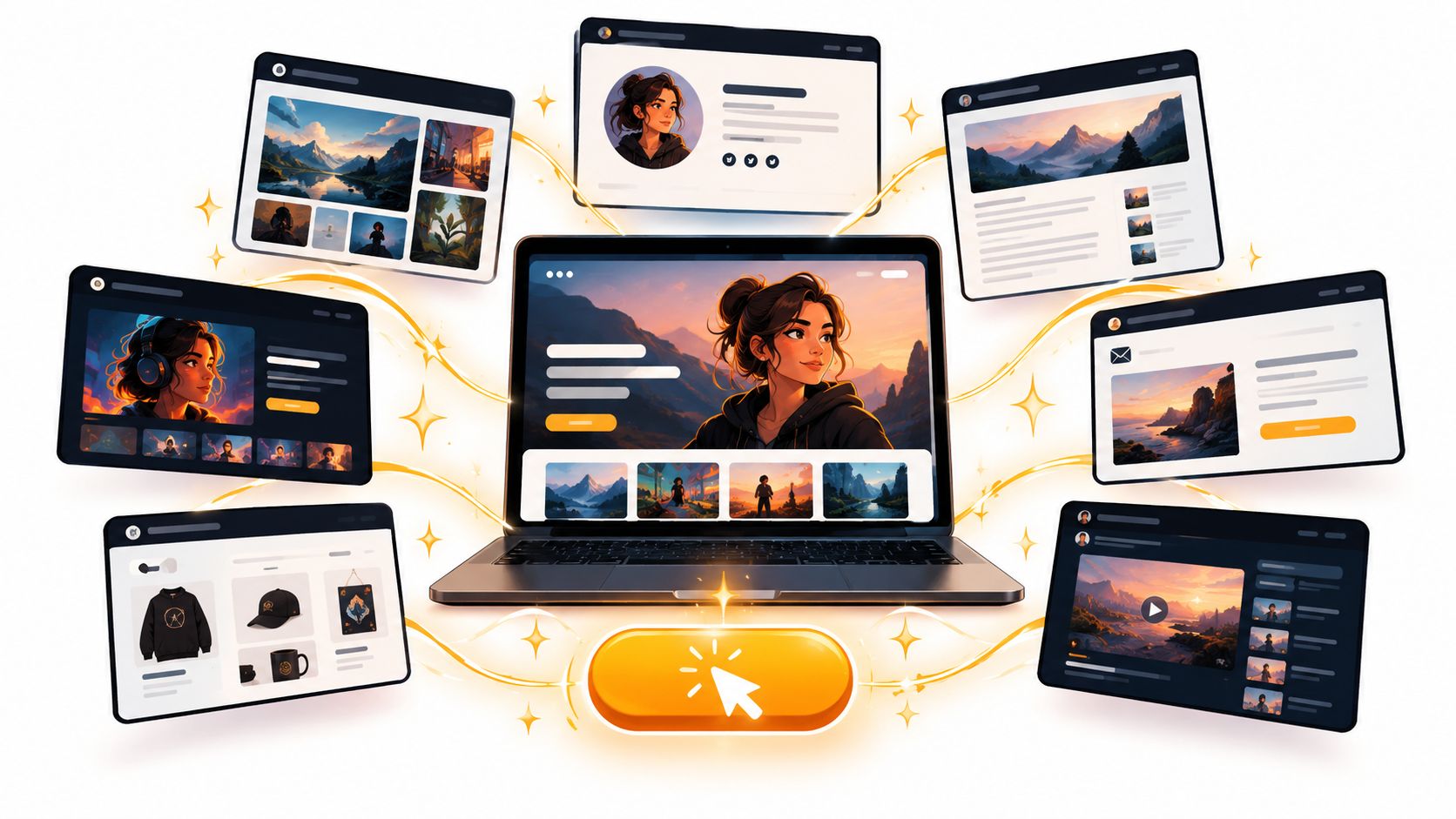
You've just sent someone your link. They clicked from LinkedIn, a podcast bio, or a referral email, and now they're on your homepage making a fast call. Are you credible, are you clear, and is there one obvious next step worth taking? If the answer wobbles, they don't book, subscribe, or inquire. They leave.
The strongest personal brand websites don't win on decoration. They pair a memorable point of view with a focused conversion path, proof near the decision, and pages built for search and speed. Think of each site below as a page in a seven-step spellbook. One teaches positioning, another visual hierarchy, another publishing discipline, another the art of doing less. Steal the tactic, not the costume.
That owned, persistent address has deep roots. On August 6, 1991, Tim Berners-Lee published the first publicly announced website at info.cern.ch, a milestone detailed in NPR's look back at the first website launch. It explained ideas, organized knowledge, and linked out to more. Your site should do the same job, with far better typography.
Table of Contents
- 1. Web Mage
- 2. Squarespace
- 3. Wix
- 4. Framer
- 5. Webflow
- 6. WordPress.com
- 7. about.me
- Top 7 Personal Brand Website Platforms Compared
- Cast Your Own Conversion Spell With Web Mage
1. Web Mage
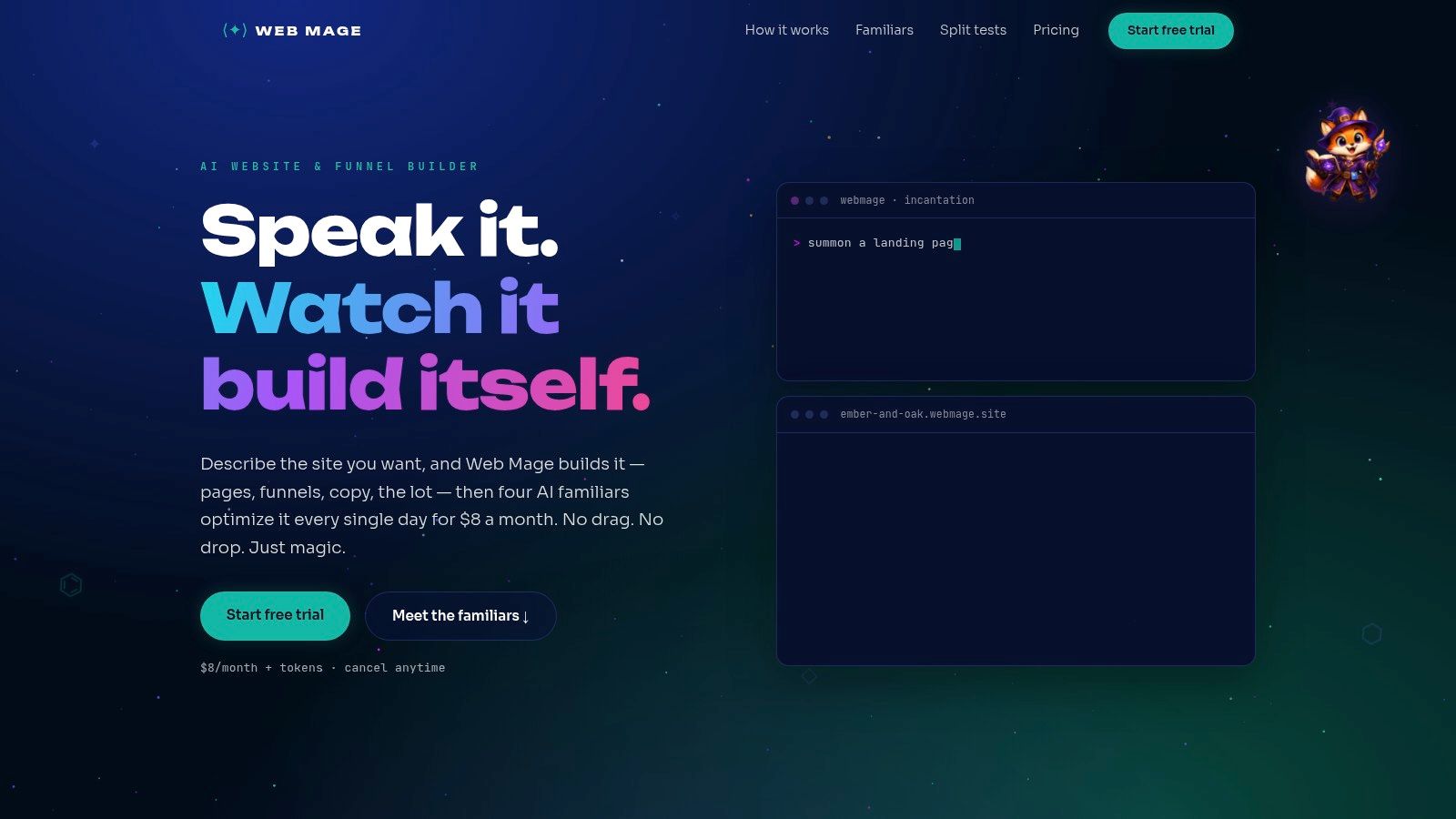
Pick Web Mage if you want to describe your site in plain language and launch without wrestling templates or a drag and drop canvas. You state the page or funnel you need, and it generates structure, copy, images, styling, and connected pages. You then edit through chat, which suits founders, coaches, and creators who think in sentences, not spacing panels.
The lasting spell is what happens after launch. Four built in agents handle recurring work most personal sites never get. The SEO Seer crawls and rewrites metadata, the Speed Sprite compresses and lazy loads assets, the Analytics Oracle surfaces drop offs, and the Conversion Alchemist drafts A/B variants and promotes winners. That's a maintenance system, not a launch day snapshot.
Why the Agents Matter in Practice
Speed and metadata aren't vague virtues. Google says Largest Contentful Paint should occur within 2.5 seconds for a good experience in its Core Web Vitals guidance for Search, and that hero portrait of yours often decides whether you pass. Google also pulls search titles from the title element, main visual title, headings, and other signals, not one rigid field, as explained in its documentation on title links in search results. An agent that coordinates visible headings with metadata beats a one off title tweak.
- Prompt to page generation: Complete pages and multi step funnels from natural language, no templates required.
- Chat based edits: Common content and design changes happen through simple instructions.
- Bundled plan: $8 per month includes hosting, SSL, a .webmage.site subdomain, unlimited pages and funnels, and 500 monthly credits, with a 14 day free trial and no card required.
- Credit top ups: 1,000 credits for $20, and purchased credits don't expire, though monthly credits reset.
Watch the limits. AI actions consume credits, so heavy generation can outrun the monthly allowance. The sample performance figures on its site are labeled illustrative, not verified customer outcomes, and no testimonials were evident, so review every AI change against your own results. Used with editorial judgment, it's the fastest route from positioning statement to a site that keeps optimizing itself.
2. Squarespace
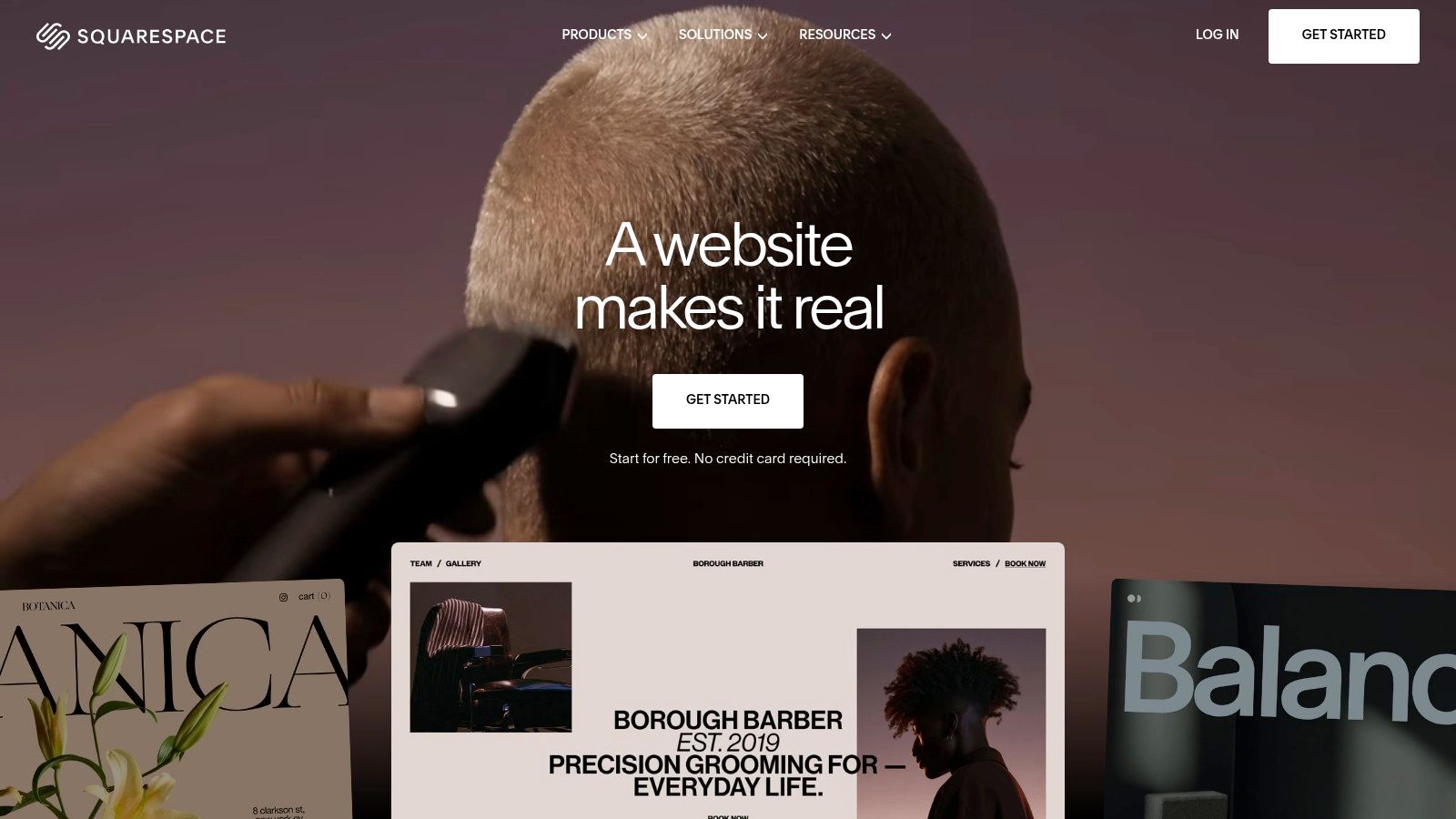
Choose Squarespace when visual polish is the trust signal. Its templates for portfolios, resumes, blogs, and creative work give coaches, consultants, and authors a composed multi page presence without custom development. AI assisted creation helps you start, while built in blogging, forms, scheduling, and contact management let the site grow into a small business.
The repeatable tactic here is separate pages for separate intents. One page for coaching, one for speaking, one for your book, each with its own promise and call to action. A redesign case makes the payoff concrete. Laura Bonarrigo's site grew to approximately 950 monthly organic visits, 1.03 million impressions, and 16,500 organic clicks over 12 months, according to the Crownsville Media case study on her redesign. Distinct service pages, descriptive metadata, and internal linking created multiple doors into the same house.
Don't judge a personal site by total traffic alone. Track impressions, clicks, and inquiries by landing page, so you know which door people actually use.
That same case reached an average position of 7.6, yet visibility without compelling titles still leaks clicks. Treat metadata as copywriting, a point reinforced in this guide to website builder SEO that actually moves rankings. You can also add digital downloads, members only pages, and a small store as offers mature.
The trade offs are clear. A paid plan is needed for a professional custom domain setup, and it's more platform than a single bio page requires. Template workflows also limit fine grained design control. If you want elegance plus business tools in one bundle, it's a strong, safe pick.
3. Wix
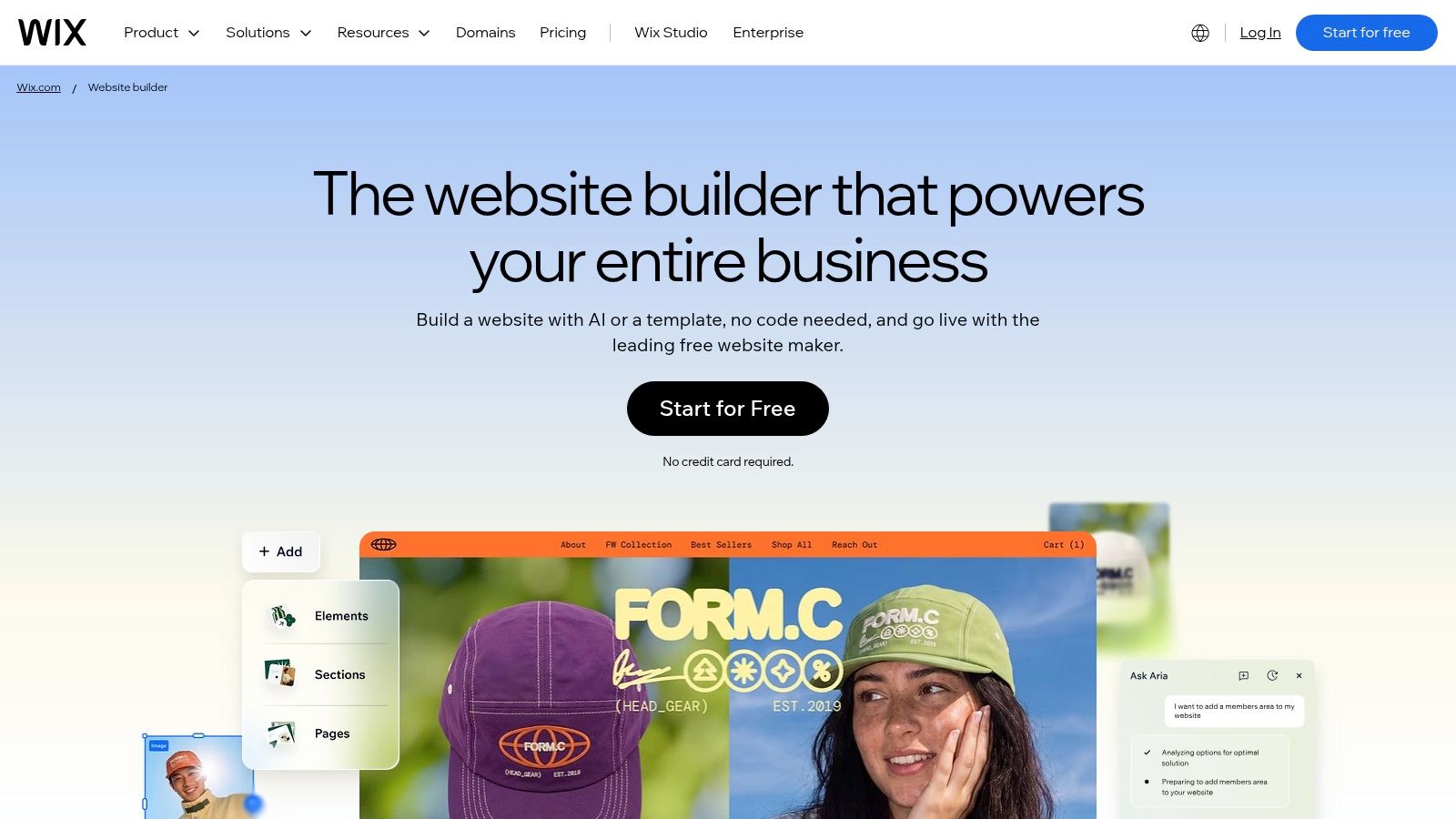
Wix is the versatile generalist. Start from a template or an AI generated site, then use drag and drop editing to shape portfolio layouts, media galleries, and project pages. Bookings, blogging, marketing, and commerce tools sit nearby when your personal brand starts selling sessions, products, or events.
Use Wix to practice proof first project pages. Don't open a case study with screenshots and process artifacts. Lead with the problem, your specific contribution, the intervention, and the result. A UX researcher portfolio shows the format working, citing a 28% lower bounce rate, 31% more sign ups, and 94% user approval in the Start Designs UX researcher portfolio case study. Numbers placed up front make expertise scannable for a busy hiring manager or client.
Build the Proof Unit
- Problem in one line: Name the audience and the friction they faced.
- Your move: State exactly what you changed, not what the whole team shipped.
- Outcome with context: Add the measurement period and conversion event beside the metric.
- Artifact last: Let visuals confirm the story after the result lands.
That structure travels well across any builder, including the no code website builder options compared here. Wix makes assembling media rich versions of it approachable for non designers.
Expect friction at the edges. Free sites carry Wix branding and a Wix branded domain, which undercuts a premium personal brand. The broad feature set can overwhelm a simple page, and flexible layouts take time to tune. Pay for the domain, keep pages disciplined, and it serves portfolios and solo businesses well.
4. Framer
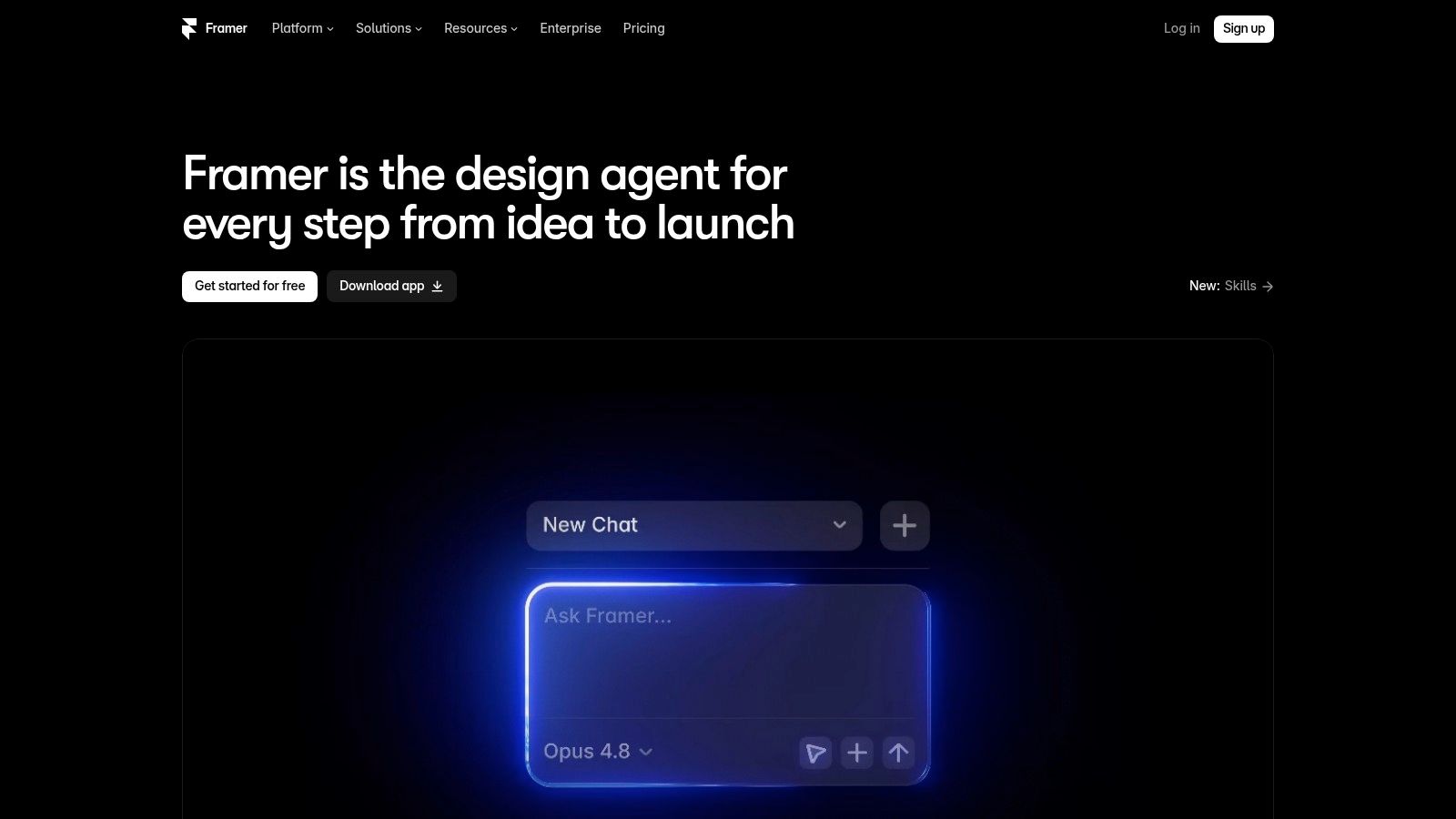
Designers, product professionals, and creators who want their site to demonstrate taste rather than describe it should look at Framer. Start from a template or a blank canvas, then control layout and styling visually in a workflow that feels closer to a design tool than a form. Design and publishing live in one platform, and a free tier lets you test the fit.
Its Basic plan includes a custom domain connection and built in SEO, while CMS collections organize projects, writing, or resources. That combination suits a portfolio where motion, spacing, and typography carry the positioning. A restrained, confident Framer site tells a client you can make hard things feel clear.
Distinctive can't mean exclusive, though. WebAIM analysis found detectable WCAG failures on 94.8% of the top one million homepages, a figure cited in Sherwen's discussion of accessibility and personalisation. Animated, image led portfolios are prime suspects. If keyboard users can't reach your contact button, your craft story collapses at the moment of conversion.
Practical rule: Treat semantic headings, visible focus states, descriptive link text, captions, and restrained animation as brand quality, not compliance chores. Clarity is the aesthetic.
Plan for the learning curve. A design oriented workflow takes longer to master than a simpler builder, the entry level paid plan has limited CMS capacity, and advanced needs can push you into higher tiers or add ons. If visual authorship is your differentiator, pay that tuition. If you just need pages live this week, choose a gentler wand.
5. Webflow
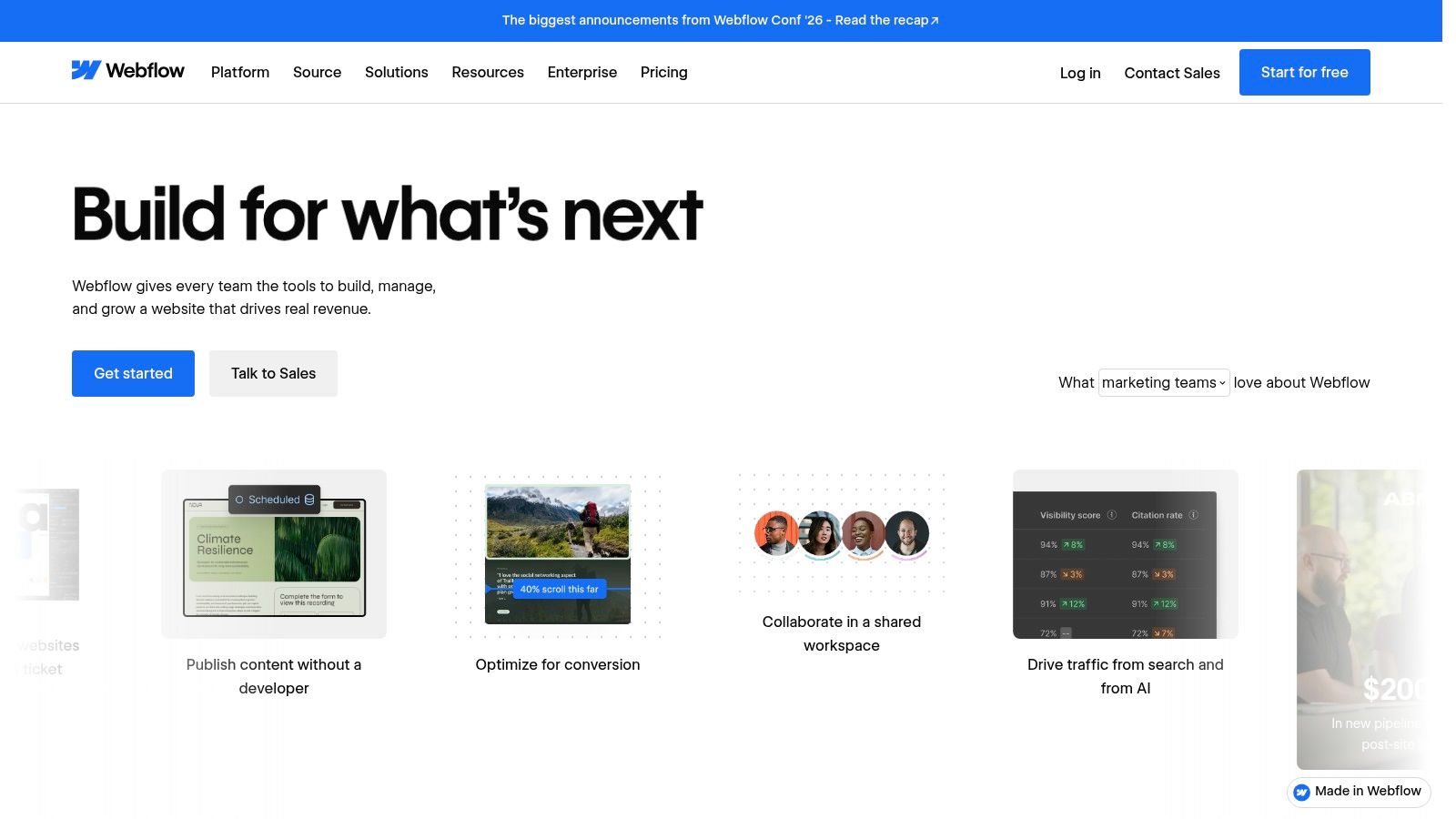
Webflow rewards people who want detailed design control plus structured content. Its visual builder and CMS handle portfolios, blogs, and content rich personal brands that outgrow a handful of static pages. A free Starter plan lets you build and test, and paid site plans enable custom domain publishing.
The strategic lesson from Webflow style sites is to build a proof hub, not just a brochure. Create topic pages, case study collections, and a consistent biography that other sites can reference. Discovery increasingly happens through third party signals. Ahrefs research across 75,000 brands found branded web mentions correlated at 0.664 with Google AI Overview visibility, as reported in The Thaiger's guide to brand mentions and AI search visibility. Correlation isn't causation, but interviews, podcasts, conference pages, and reputable publications give AI systems independent evidence to cite.
Make Expertise Machine Readable
Keep your name, credentials, and topic language consistent everywhere. Link your site to professional profiles and published work, and attribute contributions clearly. Your CMS structure should make that consistency easy to maintain as content grows.
Webflow's power costs time. Setup and plan selection are more involved, site and workspace plans are distinct, and free sites have page limits on a Webflow subdomain. Budget conscious builders should weigh it against an affordable website builder that covers the essentials before committing. Choose Webflow when bespoke design and a growing content library matter, not because more control sounds impressive.
6. WordPress.com
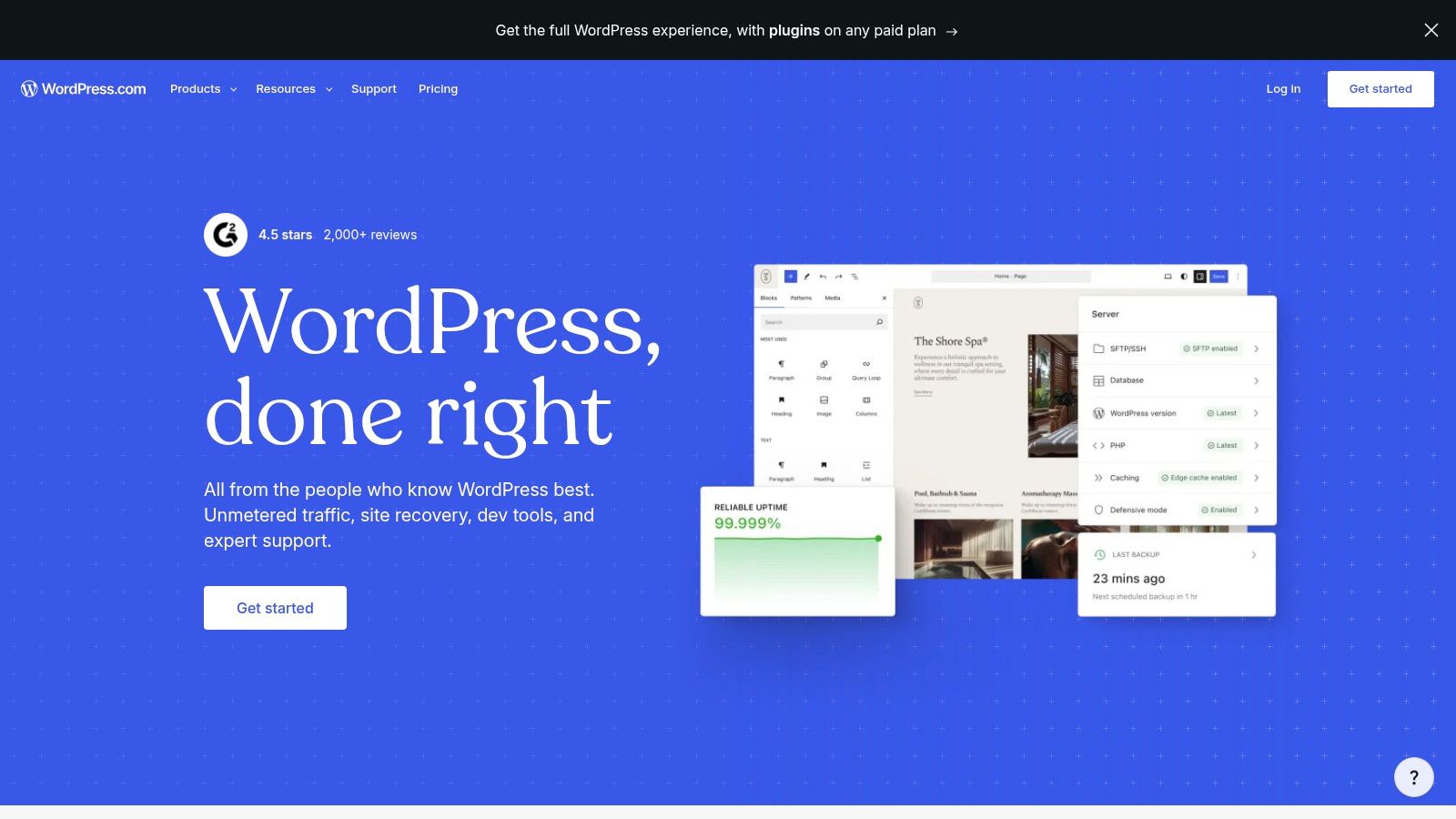
Writers, speakers, and professionals whose authority compounds through regular publishing belong on WordPress.com. This hosted WordPress option combines website and blog publishing, with unlimited pages and posts on paid plans and a plugin ecosystem for extending functionality. Custom domain support and guided, AI assisted setup lower the starting friction.
Publishing led brands follow the oldest pattern on the web. CERN's early environment expanded from project explanations into papers, experiment information, and practical resources, a progression traced in CERN's record of the web's early history. One address held biography, credentials, education, and deeper work. A modern essay archive does the same, turning each article into a durable entry point that search and peers can find years later.
Use that archive with intent. Every post should point toward one primary action, whether that's subscribing, booking a talk, or downloading a lead magnet. Internally link related pieces so a reader who arrived for one idea discovers the body of work behind it.
- Publishing depth: Built for blogs and growing libraries, not just a static profile.
- Plugin ecosystem: Add forms, memberships, or commerce as needs emerge.
- Domain included early: Annual plans include a free domain for the first year.
Decisions multiply here. Themes, plugins, and settings demand choices, prices vary substantially by billing term, and advanced needs require higher priced plans. If you publish weekly, that overhead earns its keep. If you'll post twice a year, a simpler builder will serve you better and nag you less.
7. about.me
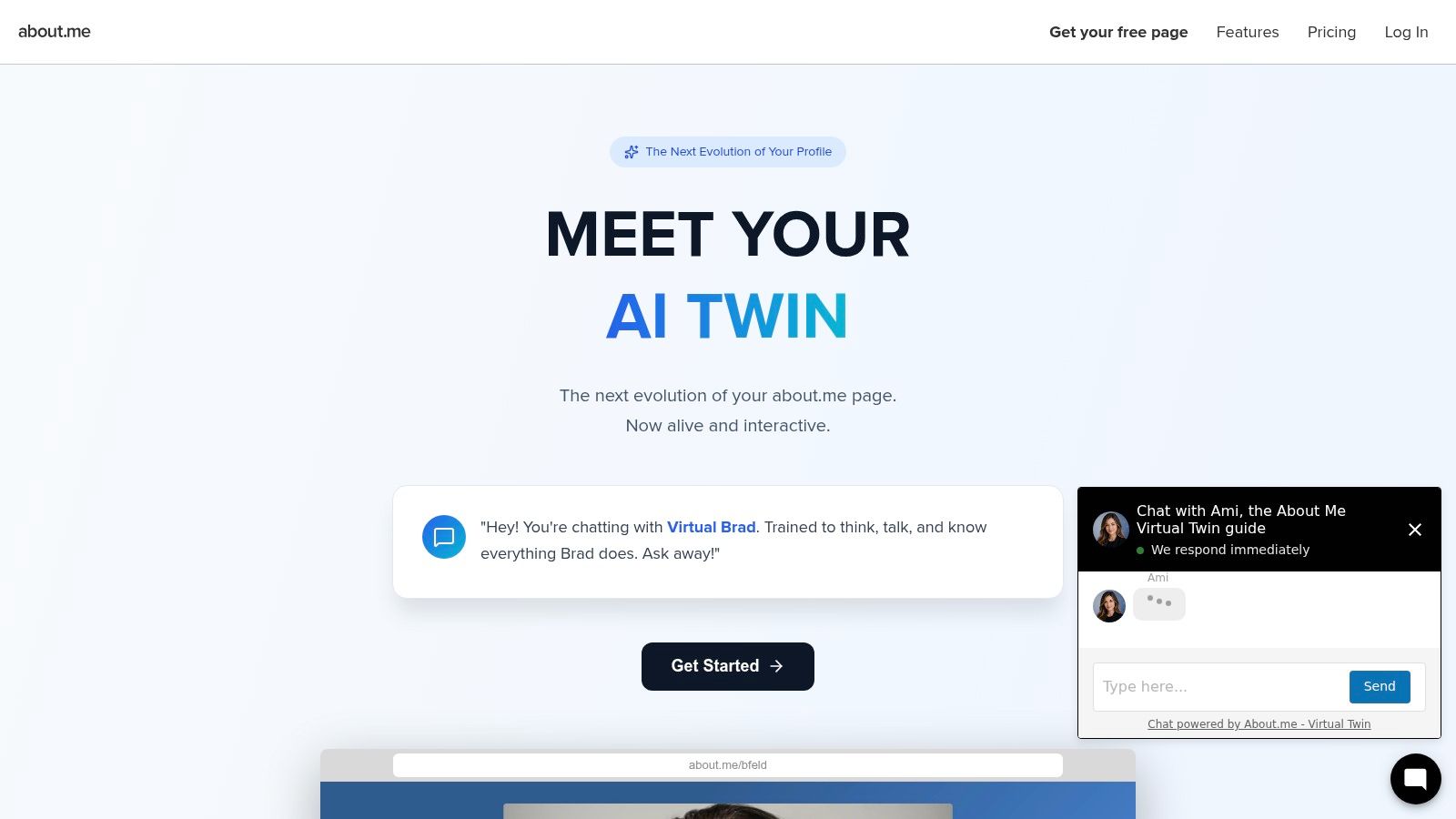
Sometimes the right spell is the smallest one. about.me gives you a focused profile page with an introduction, links, and contact options at a shareable address. Drop it in email signatures and social bios, and you've established a professional presence without building a full site.
Paid features add custom domain support, lead capture, and appointment scheduling, plus a small media portfolio with photos, captions, and video embeds. For a consultant between offers, a speaker testing positioning, or a professional who mainly needs a credible contact point, that constraint is a feature. One page forces one promise and one action, which many sprawling sites never achieve.
A single clear page that gets shared beats a ten page site that never launches. Start where momentum lives, then expand when demand proves itself.
Know when you've outgrown it. Pages stay within about.me's format, flexibility is limited compared with a multi page builder, and a custom domain requires a paid plan. You also can't build the topic pages, case study depth, or publishing archive that search and AI discovery reward. Treat it as a sharp calling card, not your permanent castle. When inquiries, content, or offers multiply, graduate to a platform built for growth and redirect your audience to an address you fully control.
Top 7 Personal Brand Website Platforms Compared
| Platform | Implementation Complexity | Resource Requirements | Expected Outcome | Ideal Use Cases | Key Advantage |
|---|---|---|---|---|---|
| Web Mage | Low; create and edit with prompts | $8/month; 500 monthly credits, hosting, and SSL included | AI-generated pages or funnels with ongoing optimization tools | Quickly launching landing pages and multi-step funnels | Combines natural-language creation with SEO, analytics, and A/B testing agents |
| Squarespace | Low to moderate; template-oriented | Paid plan for a custom domain; templates and built-in business tools | Polished multi-page website with publishing and business features | Personal brands, portfolios, blogs, and small stores | Strong visual templates with tools to grow a site |
| Wix | Low to moderate; drag-and-drop editing may take time | Free plan available; paid plan needed for a custom domain | Flexible site with portfolio and optional business features | Portfolios, personal sites, and solo businesses | Broad feature set and a free Wix-branded publishing option |
| Framer | Moderate; design-focused workflow | Free tier available; entry paid plan has limited CMS capacity | Distinctive, visually customized website | Design-led portfolios and creator sites | Detailed visual control with publishing and SEO tools |
| Webflow | Moderate to high; flexible setup requires learning | Free Starter plan; paid site plan for a custom domain | Bespoke website with structured, dynamic content | Custom portfolios, blogs, and content-rich personal brands | Extensive design control and support for growing site complexity |
| WordPress.com | Moderate; many themes, plugins, and settings | Paid plans include hosting and plugin access; prices vary by billing term | Expandable website or publishing platform | Writers, speakers, and professionals who publish regularly | Broad plugin ecosystem and strong publishing capabilities |
| about.me | Low; focused profile-page setup | Free shareable profile; paid plan for a custom domain and additional features | A compact professional profile with links and contact options | Simple online presence for social profiles or email signatures | Quick setup with contact and booking features |
Cast Your Own Conversion Spell With Web Mage
Across all seven options, the pattern repeats. Make one promise a specific audience can repeat back to you. Guide every page toward one primary action, and place proof close to the decision, not buried three clicks away. Then keep improving after launch, because a personal brand site is a system, not a portrait you hang and forget.
That last point needs patience built into the process. Google notes snippets are usually drawn from a page's visible content and may use the meta description, so optimize real copy as well as metadata, per its SEO starter guide on snippets and descriptions. Performance reporting also uses a rolling window covering the previous 28 days, as described in Google's Core Web Vitals report support guidance. You can't declare speed fixed after one test. You optimize, measure real visits, and prioritize the pages still missing the mark.
Start with a prompt that encodes positioning, proof, and conversion in one breath. Try this one in Web Mage. “Create a personal brand website for a senior product designer who helps B2B teams turn complex systems into clear digital experiences. Use a confident editorial visual style, feature a concise hero statement, three selected case studies, testimonial proof, an email newsletter signup, and a prominent booking CTA; generate responsive copy, imagery, metadata, and a contact funnel.” Adapt the role, audience, and action to yours.
Your Adaptation Checklist
- Name the audience and outcome: One sentence, no buzzword fog, visible in the hero.
- Pick one primary CTA: Book, subscribe, or inquire, repeated consistently across pages.
- Show outcome led proof: Case studies and testimonials beside the decision point.
- Give each offer its own page: Distinct titles, descriptions, and internal links per intent.
- Check access and speed: Keyboard navigation, readable contrast, alt text, and a fast loading hero.
- Build external evidence: Interviews, publications, and profiles that corroborate your claims.
- Measure by page: Review clicks, engagement, and completed inquiries, then test one change at a time.
Follow that sequence and your site stops being a prettier resume. It becomes a working spellbook, each page cast for a specific reader, a specific decision, and a measurable result you can improve month after month.
Ready to turn your positioning, proof, and primary call to action into a live site without templates or drag and drop busywork? Describe your personal brand website in plain language and let Web Mage generate the pages, copy, imagery, and funnel, then keep optimizing SEO, speed, and conversions through its built in agents. Start your free trial today and cast a site that keeps getting sharper after launch.