A traffic drop rarely arrives with a neat label attached. One morning, your analytics dashboard shows fewer visits, a landing page feels slower, and a developer insists nothing changed. Then three audit tools produce three different diagnoses. One flags missing metadata, another exposes blocked resources, and a third shows that Google has stopped crawling an important template.
That's normal. A website SEO audit tool doesn't inspect the whole spellbook. Each platform sees a different layer, from HTML and JavaScript to server logs, real-user performance, accessibility, analytics, and deployment changes. Choosing well means matching the tool to the job, not chasing a universal health score.
This roundup compares 10 practical options by the work they perform best. You'll find tools for autonomous maintenance, accessible desktop crawling, log analysis, enterprise governance, and real-time regression detection. The decision path moves from routine checks and hands-on diagnosis to complex, multi-team monitoring, then finishes with a crawl-to-fix workflow that combines the right instruments instead of forcing one wand to do everything.
Table of Contents
- 1. Web Mage AI Website and Funnel Builder
- 2. Ahrefs Site Audit
- 3. Semrush Site Audit
- 4. Screaming Frog SEO Spider
- 5. Sitebulb
- 6. SE Ranking Website Audit
- 7. JetOctopus
- 8. Lumar Formerly Deepcrawl
- 9. Oncrawl
- 10. Conductor ContentKing Real-Time Monitoring
- Top 10 Website SEO Audit Tools Comparison
- Build a Crawl-to-Fix Workflow That Works
1. Web Mage AI Website and Funnel Builder
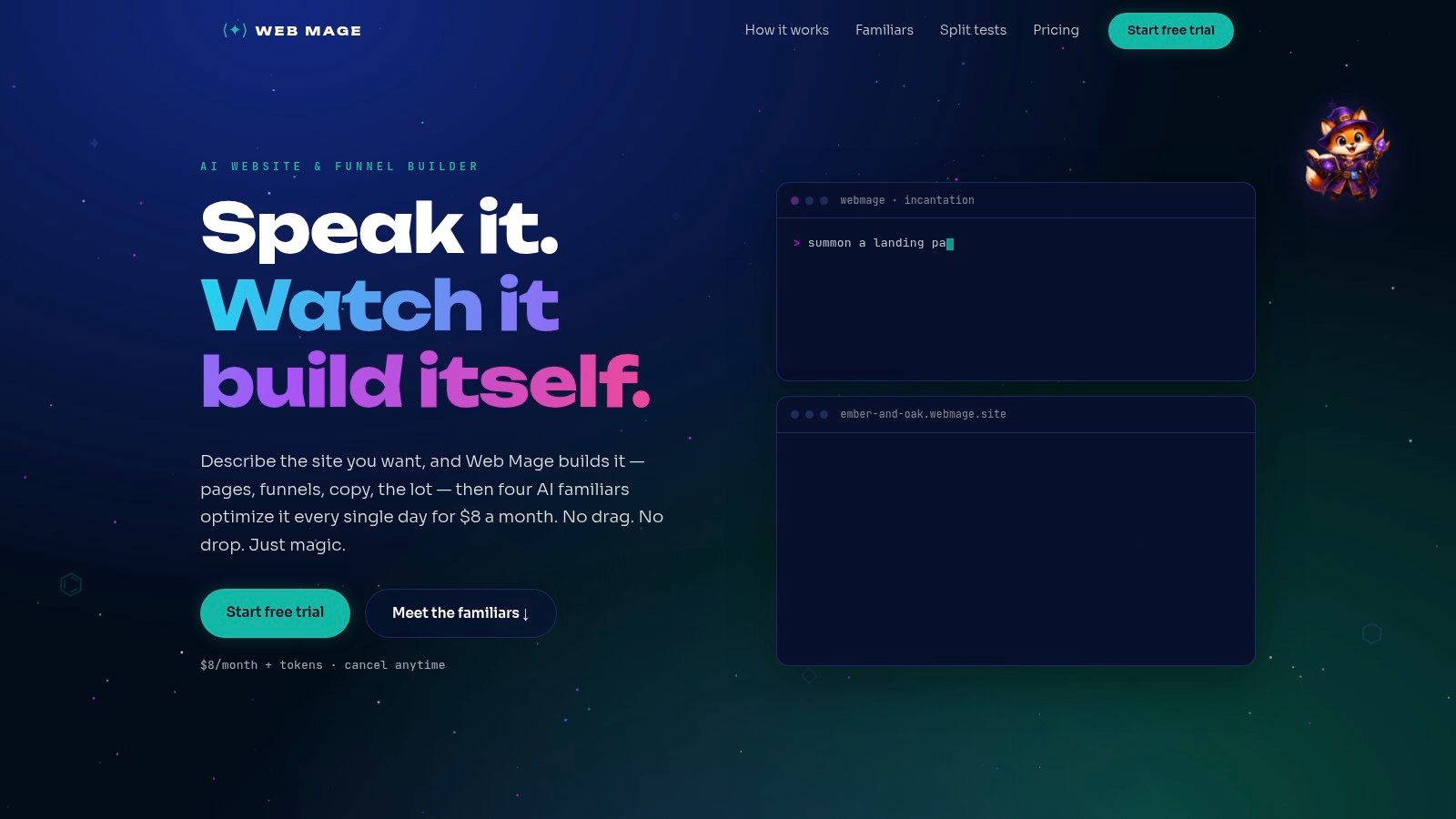
Web Mage is the strongest choice when the job isn't merely finding SEO issues, but building and maintaining the pages that need fixing. A plain-language prompt can produce a complete site or multi-step funnel with copy, imagery, layout, and styling. A separate sentence can assemble a landing page, checkout, upsell, and thank-you flow without template hunting or plugin assembly.
The maintenance layer is where Web Mage differs from a conventional crawler. Its nightly SEO Seer reviews pages, rewrites metadata, repairs broken links, and searches for keyword opportunities. Speed Sprite compresses assets, lazy-loads media, and removes unnecessary bloat. Analytics Oracle identifies drop-offs and valuable pages, while Conversion Alchemist creates A/B variants, allocates traffic, and promotes winning versions automatically.
The result is closer to a resident mage than a report generator. You still need judgment for brand positioning, technical edge cases, and changes that could affect a complex stack, but routine maintenance doesn't have to wait for a monthly audit meeting.
Best fit for teams that want fixes, not just findings
The plan includes managed hosting, SSL, a .webmage.site subdomain, unlimited pages and funnels, image optimization, page-speed monitoring, analytics checks, and a monthly SEO review for $8 per month with 500 credits included, as described on the Web Mage platform. Purchased credits don't expire, while monthly credits reset, and top-ups are available when heavier AI usage demands them.
The trade-off is control. A credit-based model can become restrictive for high-volume generation, and teams accustomed to pixel-level visual editors may find autonomous design decisions less granular. Web Mage is most compelling for solo founders, agencies, coaches, course creators, ecommerce startups, and small marketing teams that value speed and continuous upkeep over manual layout manipulation.
Practical rule: Use Web Mage when the audit and the repair need to live in the same workflow.
2. Ahrefs Site Audit
Ahrefs Site Audit is built for practitioners who want a deep, exportable technical inventory inside a broader SEO research suite. It checks more than 170 technical and on-page issue types, including crawlability, indexability, internal links, metadata, performance, and content-related problems. The Ahrefs Site Audit platform organizes those findings into explanations, categories, and a Health Score that teams can track across recurring crawls.
That clarity matters when an audit has to become a ticket queue. A developer can open an issue, understand why it matters, identify affected URLs, and export the data for reporting. Crawl scheduling supports recurring reviews, while integrations and connectors help move findings into dashboards and client reports.
Ahrefs suits agencies and in-house teams that need technical auditing alongside backlink research, keyword discovery, and content analysis. It also handles larger sites more comfortably as plans scale, although the credit-based crawl model means smaller plans can run out of capacity sooner than expected.
Where the trade-off appears
Ahrefs is powerful, but it isn't the cheapest answer if you only need a lightweight crawl. Full access to the wider feature set requires a higher-priced plan, and its breadth can distract teams that just want to find broken links and missing titles.
For teams building a repeatable maintenance program, its structured data is more valuable than a decorative score. Use the crawl to identify patterns, connect affected URL groups to business importance, and assign fixes by template rather than treating every warning as an emergency.
For a practical explanation of how automation can extend this kind of workflow, see SEO automation software for recurring site maintenance.
3. Semrush Site Audit
Semrush Site Audit works best when technical diagnosis needs to sit beside keyword research, backlinks, content planning, local SEO, and performance tracking. Its crawler checks hundreds of issues, groups them into themes, and explains common remediation steps. That makes it a useful command center for teams that don't want to stitch several separate SEO products together.
The reporting workflow is one of its strongest advantages. Projects can be scheduled, crawls can be compared, and findings can be connected with Google Analytics, GA4, and Google Search Console. Teams can move from a crawl issue to search queries, landing pages, content gaps, or competitive context without changing platforms.
Semrush is also useful for organizations investigating search beyond traditional blue links. Its broader platform includes AI-search visibility tracking in relevant bundles, which can sit alongside technical checks rather than becoming a completely separate research exercise.
Strong suite, heavier commitment
The main limitation is scope. If you only need a website SEO audit tool, Semrush may feel like a full wizard tower when a small workshop would do. Pricing and plan names can change, and higher tiers become expensive for teams that need multiple projects, larger crawl allowances, or wider reporting access.
Technical recommendations still need human review. A crawler can flag a thin page, a redirect, or a rendering issue, but it can't decide whether the page deserves consolidation, expansion, or removal without business and search context.
For performance-focused implementation, pair the audit with this guide to optimizing website speed. The useful question isn't whether the platform found a warning. It's whether your team can turn the warning into a verified fix.
4. Screaming Frog SEO Spider
Screaming Frog SEO Spider is the right instrument for a hands-on technical SEO practitioner who wants control over the crawl. It runs on a desktop, supports custom extraction and JavaScript rendering, and provides powerful filters for bulk investigation. You can connect it with GA4, Google Search Console, PageSpeed Insights, and other data sources, then export the results for detailed analysis.
The free mode crawls up to 500 URLs, while a paid annual license grants access to the full feature set, as documented on the Screaming Frog SEO Spider site. That makes it a useful entry point for smaller sites, pre-launch checks, and developers who want to inspect a site without committing to a cloud platform.
Maximum control comes with responsibility
Screaming Frog doesn't hide the raw material. You can inspect status codes, canonicals, hreflang, headings, links, images, structured data, rendered HTML, and custom elements in a spreadsheet-like environment. That flexibility is excellent for diagnosing unusual problems, but beginners may need time to understand which filters matter and why.
Desktop execution is another trade-off. Your machine handles the crawl, so very large projects need memory planning, crawl configuration, and sensible rendering choices. Collaboration also takes more discipline than a shared cloud workspace.
Use it when the question is precise, such as whether a JavaScript application exposes the correct content, whether a migration preserved canonicals, or which templates contain a particular element. For the broader relationship between crawling and search access, explore crawling and indexing in SEO.
5. Sitebulb
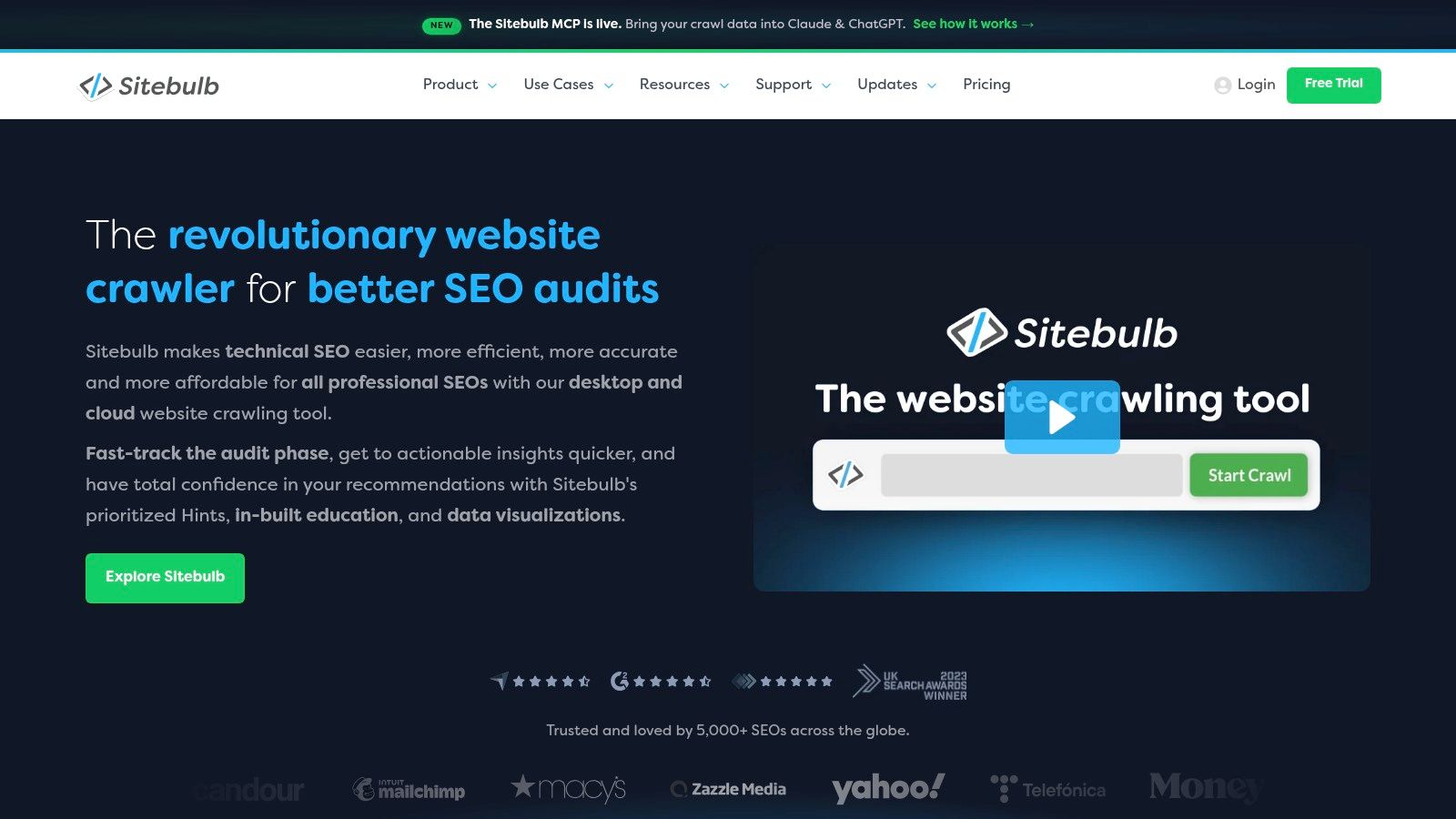
Sitebulb is designed for the auditor who needs to explain findings clearly, not just collect them. Its prioritized Hints turn a large crawl into a guided set of problems, with educational notes that help less experienced team members understand the technical consequence and likely remedy.
Visual site maps and crawl comparisons add useful context. Instead of reading a flat list of URLs, you can inspect how a site is connected, compare changes between crawls, and show stakeholders where structural problems cluster. JavaScript crawling supports modern sites, while the choice between Desktop and Cloud editions lets teams match the product to their operating model.
A good bridge between data and action
Sitebulb works well for agencies onboarding junior auditors or presenting technical SEO work to clients who don't speak in status codes. The interface helps turn a crawl into a narrative, which can make prioritization easier during a review meeting.
The desktop edition uses local machine resources, so the crawl experience depends partly on the computer running it. Cloud pricing differs from Desktop pricing, and collaboration needs may push a team toward the cloud version even when a local workflow would be sufficient.
That distinction matters before purchase. A solo consultant may prefer local control and an audit file that can be examined offline. An agency with shared projects, recurring reporting, and distributed reviewers may value centralized access more. Sitebulb is a strong choice when interpretability is as important as technical depth.
6. SE Ranking Website Audit
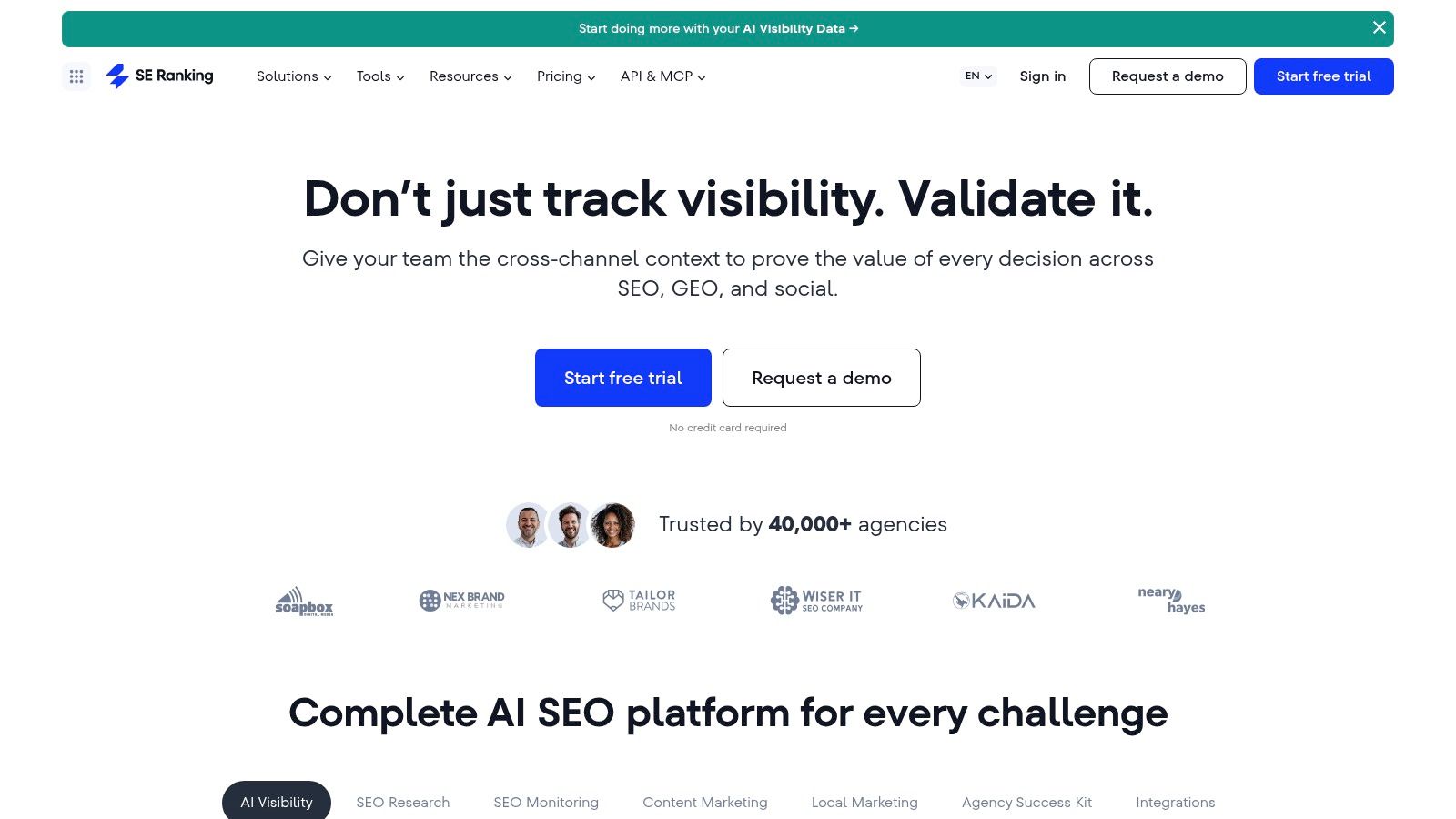
SE Ranking Website Audit is a practical fit for small teams and agencies that want recurring audits beside rank tracking and SEO research. It combines overall health scores with more than 100 on-page and technical checks, including crawlability, indexability, HTML tags, speed, security, and Core Web Vitals, according to the SE Ranking Website Audit platform.
The page-level view is useful when a site-wide score hides the actual work. An SEO manager can inspect a specific URL, review indexability diagnostics, check performance issues, and connect the result with ranking and research modules. Scheduling supports routine reviews without requiring an auditor to remember every project manually.
Value depends on the quota
SE Ranking's main attraction is workflow efficiency. Teams get a recognizable audit interface, recurring checks, and related SEO functionality without maintaining several disconnected tools. Agencies can use it for client work where the audit needs to sit beside rankings, keyword research, and reporting.
Plan structures and limits vary, so confirm crawl quotas, project allowances, and reporting access before committing. A small team may find the balance excellent, while a large publisher with complex logs or very high crawl demands may need a specialist platform.
It also isn't the natural choice for heavy log analysis. A crawl tells you what the site makes available to a bot. It doesn't fully reveal how search engines request URLs over time. For routine technical health, SE Ranking is efficient. For server-level crawl behavior, pair it with a log-focused platform.
7. JetOctopus
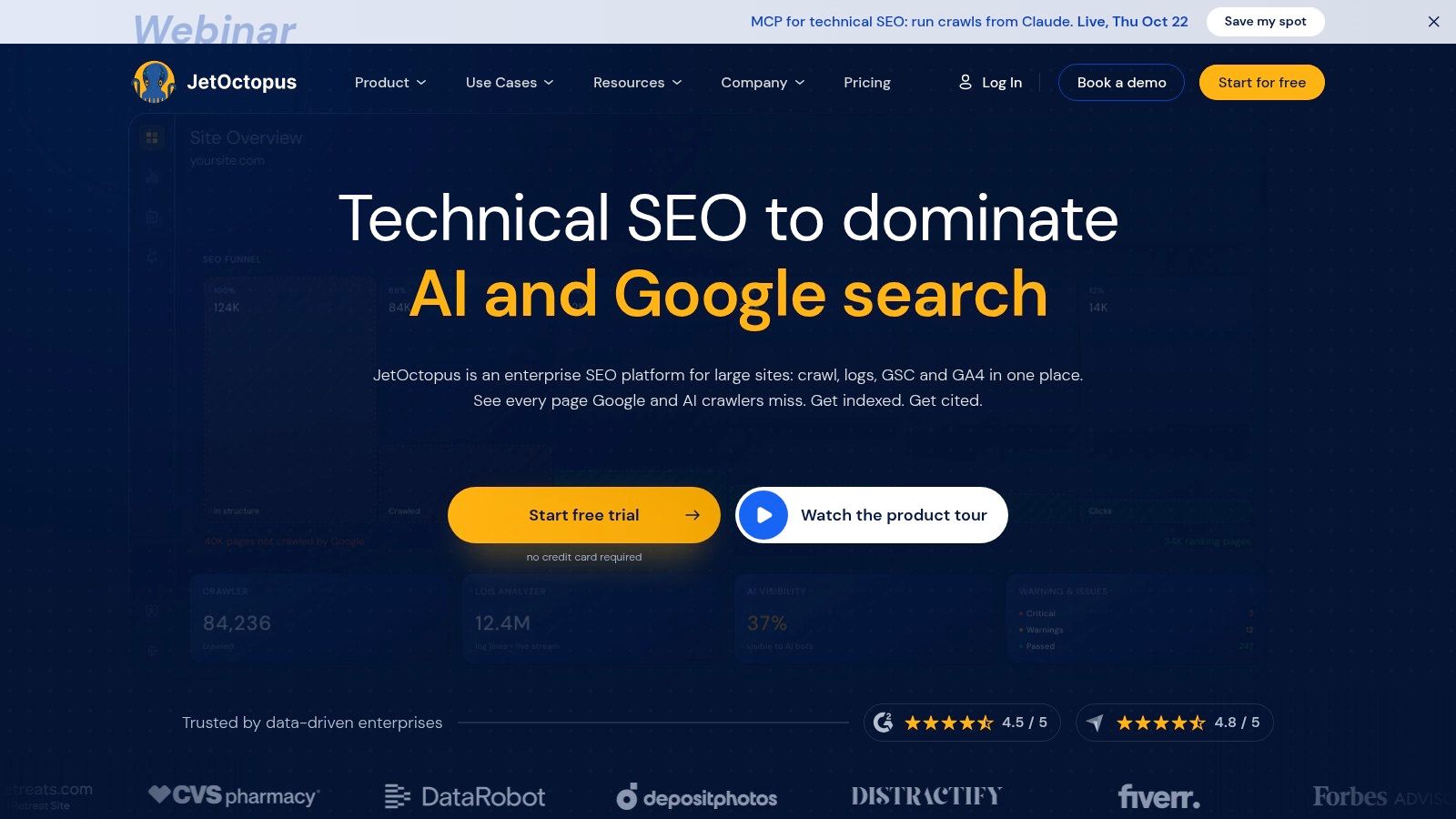
JetOctopus performs best when an SEO team needs scale plus log evidence. Its cloud crawler is designed for high-volume technical work, supports JavaScript, and is noted by the product for speeds of up to about 250 pages per second, depending on conditions and configuration. Its built-in log analyzer and Google Search Console modules help connect what a crawler sees with what Googlebot requests.
That distinction changes the investigation. A crawl may show thousands of valid URLs, but logs can reveal that search bots spend attention on low-value parameters, miss important sections, or repeatedly request redirect chains. JetOctopus lets technically mature teams examine those patterns without assembling an entirely separate stack.
Fast doesn't mean simple
The platform also offers self-serve pricing, flexible add-ons, and plans with no seat limits in many cases. Enterprise options include audits and onboarding, which can help large organizations move from raw data to a repeatable operating process.
The cost is complexity. A small brochure site doesn't need a high-speed crawler and log analysis dashboard to discover that its title tags are missing. Teams need enough technical confidence to interpret server logs, URL groups, crawl waste, and Search Console relationships.
JetOctopus is a strong selection for large ecommerce sites, publishers, marketplaces, and international properties where crawl behavior matters. It earns its place when the question is not just “what is broken?” but “what does Google spend time requesting, and what should it request instead?”
8. Lumar Formerly Deepcrawl
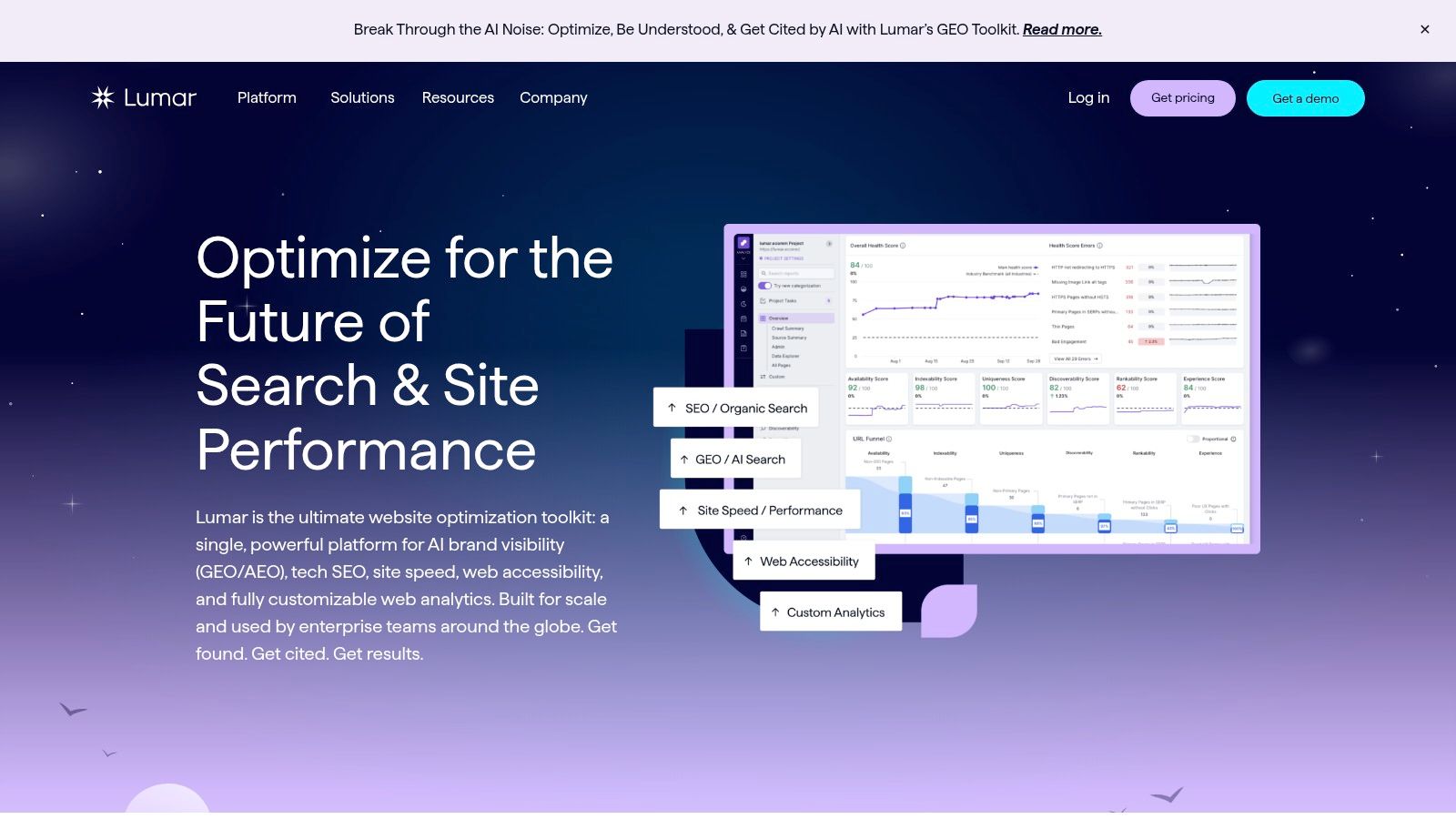
Lumar is built for organizations that need enterprise governance around technical SEO, performance, and accessibility. Its cloud platform supports large-scale crawling, scheduled monitoring, issue classification, reporting, team workflows, integrations, and APIs. The emphasis isn't just on discovering a defect. It's on giving different teams a controlled way to see, assign, discuss, and verify the defect.
That cross-functional approach matters for complex organizations. SEO may own indexability, engineering may own rendering, design may own accessibility, and leadership may need a concise view of risk. Lumar's reporting and workflow features can connect those audiences without reducing every issue to a single score.
Accessibility deserves more than a compliance badge. More than 94% of homepages contain detectable WCAG failures, while only about 3% of the top million websites are fully accessible under WCAG 2 standards, according to this web accessibility data overview. Low contrast, missing alternative text, unclear links, and unlabeled controls can affect usability and conversion paths as well as technical quality.
Governance is the feature
Lumar is a good fit when an organization needs permissions, scheduled monitoring, APIs, and stakeholder-ready reporting. It can help teams prioritize an inaccessible checkout control or a mobile interaction problem above a minor metadata warning when the affected page has greater business importance.
The limitation is obvious for smaller businesses. Pricing is quote-based, the platform is designed for enterprise use, and a one-off audit may not justify the operational investment. Lumar is less a pocket wand than a coordinated guild system. Choose it when governance, scale, and cross-functional accountability are central to the audit program.
9. Oncrawl
Oncrawl is the choice for teams that want to blend crawling, logs, analytics, and Search Console data in one analytical environment. Its cloud platform combines a scalable crawler with a log analyzer and data connectors, then makes the blended information available through dashboards, saved filters, role-based access, and specialized “Lenses.”
The value appears when a site has several competing explanations for poor performance. A crawler may show that pages are indexable. Logs may show that Googlebot rarely visits them. Analytics may reveal that users abandon the template. Search Console may show impressions without clicks. Oncrawl helps analysts examine those relationships instead of judging each dataset in isolation.
Its REST API supports automation and business intelligence exports, which makes it suitable for organizations that want audit data inside wider reporting systems. Shared dashboards also help agencies and enterprise teams standardize recurring analysis across departments.
Powerful data linking, heavier setup
Oncrawl's AI bot visibility insights add another angle to the emerging search environment. Google's guidance says there is no special schema required for generative AI features, and structured data should accurately match visible content, as explained in the Google AI features optimization guidance. That makes a useful audit less about piling on markup and more about checking crawl access, claim consistency, visible evidence, and deliberate preview controls.
Oncrawl is likely more than a small site needs for a single audit. Public pricing isn't available, access is sales-led, and teams need the analytical maturity to configure data sources and interpret blended reports. For complex publishers and large ecommerce operations, that depth is the point. For a small business, a simpler crawler will usually produce a faster path to action.
10. Conductor ContentKing Real-Time Monitoring
Conductor's real-time monitoring, formerly known as ContentKing, is best for organizations where a deployment can break search visibility before the next scheduled crawl. Instead of relying only on periodic scans, it continuously audits important SEO elements and alerts teams when critical changes occur, including noindex directives and canonical tags.
That monitoring cadence solves a specific operational problem. A scheduled crawler can find a regression eventually. A real-time system can tell the responsible team that a release changed a search-critical element while the context is still fresh. This is especially useful for large websites with frequent deployments, multiple editors, and complex release processes.
A watchtower, not a complete SEO suite
Conductor integrates with GA4 and enterprise SEO workflows, and its security and compliance resources support organizations with stricter operational requirements. The product now lives inside the wider Conductor platform, so buyers should evaluate it as part of that ecosystem rather than expecting a standalone ContentKing purchase.
The drawbacks are equally specific. There is no standalone public pricing, access generally involves an enterprise contract or demo process, and the tool isn't intended to replace a deep desktop crawler or log-analysis platform. It excels at detecting change, not at answering every strategic SEO question.
Use Conductor when a canonical alteration, accidental noindex, or template release could create serious damage between audits. It acts like a dragon guarding the site's most dangerous doors. It won't replace the rest of the audit party, but it can raise the alarm before a small regression becomes a long investigation.
Top 10 Website SEO Audit Tools Comparison
| Product | Core capability | Automation & optimization | Target audience | Price / value | Unique selling point |
|---|---|---|---|---|---|
| Web Mage, AI Website & Funnel Builder | Prompt-to-page pages, one-sentence funnels, chat-based edits, managed hosting & SSL | Nightly agents: SEO Seer, Speed Sprite, Analytics Oracle, Conversion Alchemist; auto A/B testing & promotions | Marketers, small teams, agencies wanting rapid funnels and low-maintenance sites | $8/mo (500 credits incl.), hosting/SSL/.webmage.site, credit top-ups | Generative full-site + continuous autonomous optimization and auto A/B |
| Ahrefs Site Audit | Cloud crawler with 170+ technical & on-page checks, Health Score | Scheduled crawls, prioritized issues, exports & connectors | SEOs and agencies needing actionable, exportable audits | Paid plans with crawl credits; scales by tier | Clear issue explanations and strong integrations/exports |
| Semrush Site Audit | Technical audits + integration with keywords, backlinks, local tools | Automated crawls, GA/GSC integration, project scheduling | Teams wanting an all-in-one SEO research + audit suite | Paid tiers (can be costly at higher levels) | Audit paired with broad research & tracking toolset |
| Screaming Frog SEO Spider | Desktop JS-rendering crawler, custom extraction, bulk analysis | Manual/advanced crawl setups, integrations with GA/GSC | Technical SEOs and consultants who want deep control | Free up to 500 URLs; annual license for full features | Extremely fast, flexible desktop crawler for hands-on audits |
| Sitebulb | Explainable audits with prioritized "Hints", visual sitemaps | Desktop & Cloud options, crawl comparison and guidance | Newer auditors and teams wanting clear remediation guidance | Desktop & Cloud pricing; choose per workflow | Educational notes + clear, prioritized guidance for auditors |
| SE Ranking, Website Audit | Health scores, Core Web Vitals, page-by-page indexability | Recurring audits, speed/security reports, project scheduling | Small teams and agencies seeking value and tracking | Competitive pricing for small teams; check quotas | Good value for recurring audits paired with rank tracking |
| JetOctopus | High-speed JS crawler, built-in log analysis, GSC modules | Fast cloud crawling, log-driven insights, no-seat options | Large sites and technically mature teams | Transparent self-serve pricing; add-ons available | Scale-focused crawling and integrated log analysis |
| Lumar (formerly Deepcrawl) | Large-scale cloud crawling, performance, accessibility monitoring | Scheduled monitoring, issue classification, team workflows | Enterprises needing governance, RBAC, executive reports | Quote-based enterprise pricing | Enterprise-grade governance, reporting, and cross-team workflows |
| Oncrawl | Scalable crawler + log analyzer and analytics data blending | Dashboards, role-based access, saved filters, API | Complex, multi-section sites and data-driven SEO teams | Sales-led pricing (no public list) | Deep data linking across crawl, logs and analytics |
| Conductor (ContentKing real-time) | Continuous real-time change detection and auditing | 24/7 monitoring and alerts for critical SEO changes | Sites with frequent deployments and enterprise teams | Bundled in Conductor; enterprise contracts required | Real-time monitoring that catches regressions between crawls |
Build a Crawl-to-Fix Workflow That Works
No single website SEO audit tool sees everything. A crawler inspects rendered pages and technical elements. Search Console supplies field performance and search-result behavior. Logs reveal how bots spend their time. Analytics shows what visitors do after they arrive. Real-time monitoring catches changes between scheduled reviews. The best workflow assigns each question to the instrument that can answer it.
Start with an accessible recurring audit for routine maintenance. SE Ranking suits small teams and agencies that want technical checks alongside rankings and research. Sitebulb works well when less experienced reviewers need prioritized explanations and visual context. Ahrefs and Semrush are stronger choices when the audit belongs inside a wider research, content, backlink, and reporting program.
Use a desktop crawler for hands-on diagnosis. Screaming Frog gives technical SEOs control over rendering, extraction, filtering, and exports. It is particularly useful during migrations, JavaScript investigations, template reviews, and one-off forensic work. Web Mage takes a different route, combining page creation with autonomous maintenance through SEO Seer, Speed Sprite, Analytics Oracle, and Conversion Alchemist. That makes it practical for teams that want the system to apply routine fixes instead of handing over another long report.
Bring in log-enabled platforms when crawl behavior matters. JetOctopus and Oncrawl help connect crawl data with server requests, Search Console, analytics, and bot activity. Choose this layer when important pages aren't being requested, low-value URL patterns consume crawl attention, or a large site needs evidence beyond an HTML snapshot.
Add enterprise governance when many teams share responsibility. Lumar is suited to permissions, workflows, accessibility, scheduled monitoring, and executive reporting. Conductor is the better fit when frequent deployments create regression risk and the team needs alerts on critical SEO changes as they happen.
Performance checks need a defensible standard. Google's Core Web Vitals use LCP of 2.5 seconds or less, INP of 200 milliseconds or less, and CLS of 0.1 or less as good thresholds, as documented in Google's Core Web Vitals guidance. Google Search Console uses real Chrome-user data, groups similar URLs, and evaluates a 28-day rolling window at the 75th percentile. A crawl should therefore identify likely causes such as oversized images, render-blocking resources, and missing dimensions, then be checked against field data.
A score is not a fix. A useful audit identifies the affected template, explains the user or search consequence, assigns an owner, and gives the team a way to verify the result.
Search reporting needs the same discipline. Google defines CTR as clicks divided by impressions, so a page with strong impressions but weak CTR may have a title link or snippet problem rather than an indexing problem. Google recommends unique, clear, concise, accurate titles, as described in its title link guidance. Connect crawl findings with Search Console before rewriting metadata blindly.
A practical workflow looks like this:
- Routine maintenance: Run scheduled crawls, monitor indexability, inspect titles and links, and keep a record of resolved issues.
- Technical diagnosis: Use Screaming Frog or Sitebulb to reproduce the problem, inspect templates, render JavaScript, and export affected URLs.
- Performance validation: Compare crawl diagnostics with real-user Core Web Vitals and investigate regressions after releases.
- Behavior analysis: Use analytics and Search Console to connect technical issues with impressions, clicks, engagement, and funnel drop-offs.
- Large-site investigation: Add JetOctopus or Oncrawl when server logs and bot behavior change the diagnosis.
- Release protection: Use Conductor when a frequent deployment schedule makes waiting for the next crawl too risky.
- Fix verification: Re-crawl the affected URL group, check field data over time, and confirm that the change didn't create a new problem.
For AI-search visibility, don't treat schema volume as the objective. Google says generative AI features don't require special schema, and structured data must match visible page content. Audit whether important claims are crawlable, useful, attributable, supported by first-party evidence, and intentionally available for previews. A page may want discovery and citations, or it may want to restrict parts of its content with controls such as nosnippet, data-nosnippet, or noindex. That decision belongs in the visibility strategy, not in an automatic “add more markup” checklist.
The final choice depends on where your team loses the most time. Pick Sitebulb or SE Ranking for approachable recurring checks. Choose Screaming Frog for detailed desktop control. Use Ahrefs or Semrush for integrated SEO research. Select JetOctopus or Oncrawl for logs and large-scale data blending. Choose Lumar for governance and accessibility across departments. Choose Conductor for continuous regression alerts. Choose Web Mage when prompt-based creation, autonomous SEO, speed, analytics, and conversion maintenance need to operate together.
Turn every finding into a prioritized ticket with an owner, affected URL group, expected outcome, and verification step. Fix the issues that affect important pages and real users first, then run a fresh crawl and compare field evidence. The magic isn't in finding the longest list of warnings. It's in building a reliable spellbook that moves from diagnosis to durable improvement.
Web Mage creates complete websites and funnels from plain-language prompts, then keeps them maintained through autonomous agents for SEO, speed, analytics, and conversion work. If you want a website SEO audit workflow that can also apply routine fixes and test better page variations, visit Web Mage and start building.