
A small-business owner rarely wakes up with “SEO” at the top of the to-do list. There are customers to serve, invoices to send, pages to update, reviews to answer, and a website that somehow needs to be faster, clearer, and easier for Google to understand. Yet search visibility matters because clicks cluster heavily near the top of results. A 2025 analysis of four million Google results found that the first organic result received 27.6% of clicks, while only 0.63% of searchers clicked to Google's second page.
That makes the right SEO tools for small business more than reporting dashboards. They're practical spellbooks for finding opportunities, fixing problems, and deciding what deserves attention first. The strongest stack usually covers four jobs: rank tracking, technical audits, local SEO, and automation. Free foundations should come before paid upgrades, and a focused tool can beat an expensive all-in-one suite when it solves the problem blocking growth.
The list below is organized by the work your business needs to accomplish, not by who has the largest keyword database. Choose the smallest combination that helps you inspect, prioritize, implement, and review.
Table of Contents
- 1. Web Mage, AI Website and Funnel Builder That Launches in Seconds
- 2. Google Search Console for First-Party Visibility
- 3. Google Business Profile for Local Discovery
- 4. SE Ranking for a Practical All-in-One Workspace
- 5. Mangools for Friendly Keyword Research
- 6. Screaming Frog SEO Spider for Technical Audits
- 7. BrightLocal for Location-Heavy Businesses
- 8. Moz Pro for a Gentle Learning Curve
- 9. Semrush for Businesses Ready to Scale Research
- 10. Ahrefs for Backlinks and Competitive Intelligence
- Top 10 SEO Tools Comparison for Small Business
- Choose the Smallest Stack That Works
1. Web Mage, AI Website and Funnel Builder That Launches in Seconds
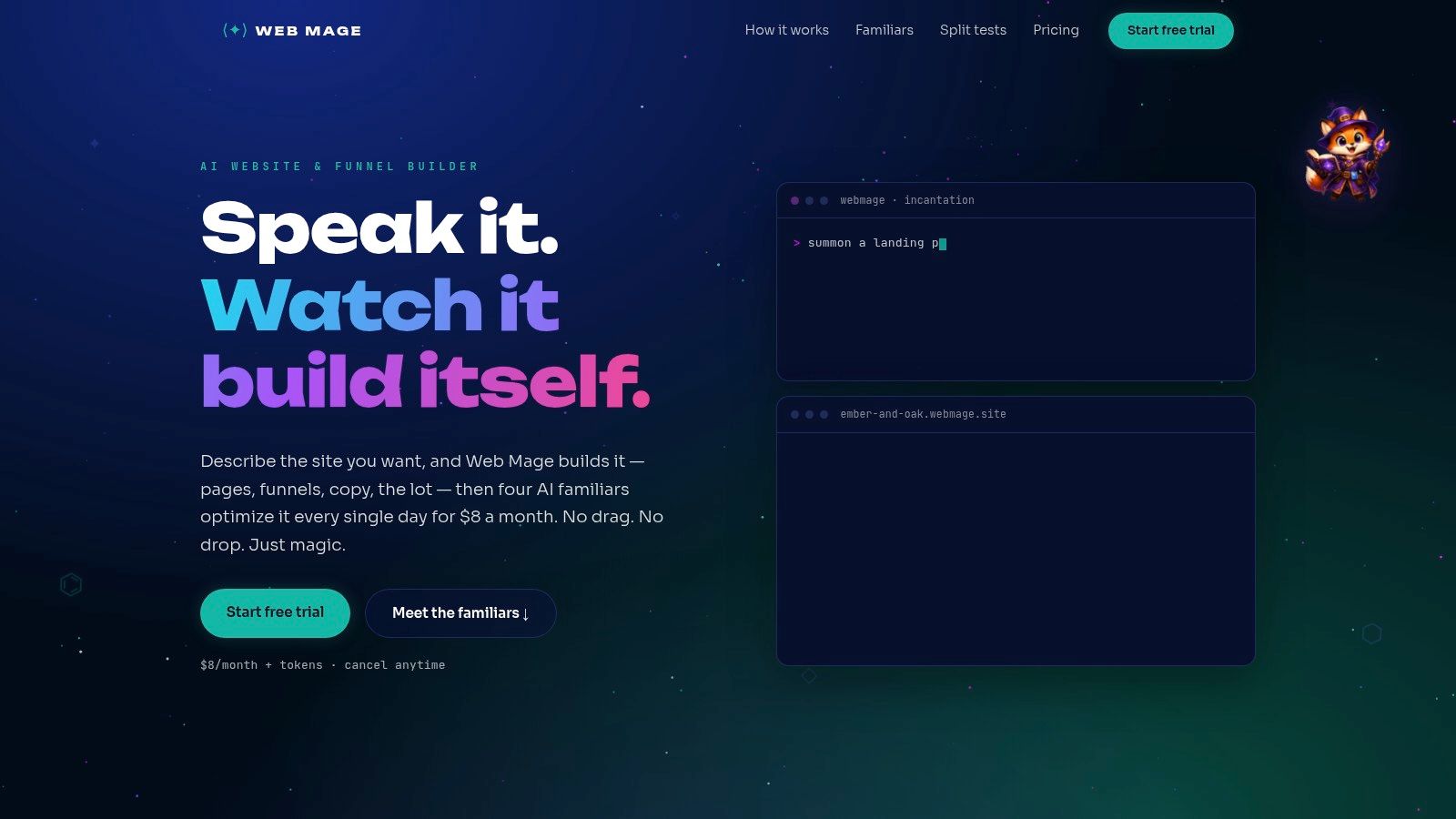
Web Mage is for the business owner who hasn't built the site yet, or who has one but can't keep up with the maintenance spellbook. Describe the business in plain language and it can generate complete pages with structure, copy, imagery, and styling. A single sentence can also assemble a multi-step funnel with landing, checkout, upsell, and thank-you pages.
The practical advantage is that the builder doesn't stop when the site goes live. Its resident agents keep working in the background. SEO Seer crawls pages nightly, rewrites metadata, repairs broken links, and identifies keyword opportunities. Speed Sprite compresses assets, lazy-loads media, and reduces unnecessary bloat. Analytics Oracle looks for traffic patterns, popular sections, and drop-off points. Conversion Alchemist drafts A/B variants, allocates traffic, tracks significance, and promotes winners when the evidence supports a decision.
Where the automation earns its keep
For a small team, this combination addresses a problem most SEO platforms only report. Google's good Core Web Vitals targets are LCP of 2.5 seconds or less, INP below 200 milliseconds, and CLS below 0.1, measured at the 75th percentile across real-user data, as Google's documentation explains. Web Mage's Speed Sprite turns those abstract targets into recurring performance work, although owners should still verify field results in Search Console.
The platform includes managed hosting, SSL, and a .webmage.site subdomain. Its entry plan is around $8 per month with 500 credits, while purchased credits can be topped up separately. The credit model is affordable for a light site, but frequent edits, large sites, or repeated generation can consume credits quickly. Businesses with highly bespoke designs or complex integrations should also confirm customization limits before moving a mature site.
Web Mage is strongest when launch speed and ongoing optimization are the bottlenecks. It's less compelling when you already have a highly customized website and only need a narrow rank tracker or crawler.
2. Google Search Console for First-Party Visibility
Google Search Console belongs in every small-business stack because it shows what Google sees, not what a third-party database estimates. The Performance report connects queries with impressions, clicks, click-through rate, and average position. URL Inspection shows whether a specific page is indexed, how Googlebot viewed it, and whether crawl or rendering problems stand in the way.
You can submit sitemaps, inspect coverage issues, monitor Core Web Vitals, and review structured-data reports. Google also sends alerts when it detects certain problems, which is useful when nobody on the team has time to check the site every morning.
Use it as a diagnostic compass
Search Console won't tell you what a competitor ranks for, and its historical data and filtering aren't designed for deep market research. It also won't replace analytics or a CRM when you need to connect organic visits to qualified leads, calls, bookings, or sales.
What it does provide is irreplaceable. A page with many impressions but few clicks may need a clearer title or a better match with search intent. A page that suddenly disappears may have an indexing or technical issue. Google's SEO Starter Guide recommends unique, clear, concise titles that accurately describe each page, so duplicate or vague titles are practical opportunities, not cosmetic details.
For a helpful explanation of how search engines discover and store pages, see this guide to crawling and indexing in SEO. Search Console is the first wizard to summon before paying for another instrument.
3. Google Business Profile for Local Discovery
Google Business Profile is the free listing that controls how a local business appears across Google Search and Maps. It can display hours, services, menus, photos, posts, booking links, products, and other information customers use before deciding whether to call or visit. It also gives owners access to insights such as searches, profile views, calls, and direction requests.
For a restaurant, tradesperson, clinic, shop, or consultant serving a defined area, this isn't a side quest. It's often the public-facing doorway to the business. Keep the category, service details, hours, phone number, and location information accurate. Add useful photos. Respond to reviews with specific answers rather than sending every customer the same enchanted boilerplate.
Separate visibility from business results
A profile can earn views without producing good customers. BrightLocal's 2025 SMB survey found that 89% of respondents invested in local SEO, yet only 29% felt local SEO had a high impact and 36% felt it had little or no impact. Those figures point to a measurement problem, not only a visibility problem.
Track profile actions, but also check call quality, booked appointments, direction requests, and sales. A complete profile can't rescue an unclear offer, poor reviews, an inconvenient service area, or a broken contact process. Google Business Profile is excellent for controlling local information and capturing local demand. It isn't a full organic keyword suite, and its analytics are lighter than those in specialist SEO platforms.
4. SE Ranking for a Practical All-in-One Workspace
SE Ranking suits owners who have outgrown free tools but don't want an intimidating command centre. It combines rank tracking, keyword and competitor research, website audits, backlink analysis, local SEO features, and client reporting in one relatively clean workspace. That breadth makes it useful for a solo founder, freelancer, or small agency managing several sites.
The platform can track rankings, monitor Google Business Profile activity, review listings and reviews, and produce reports for stakeholders who don't want a lecture about crawl depth. Its free trial gives a business time to test the workflow before committing.
The trade-off is capacity planning
SE Ranking is appealing because the entry cost is generally lower than large enterprise-style suites. The downside is that data caps matter. Before subscribing, estimate the number of websites, tracked keywords, locations, users, and reports you will maintain. A cheap plan becomes frustrating if the team hits limits every week.
Integrations and API access may also require add-ons, so agencies should price the reporting workflow rather than only the base subscription. For a small business with one site, moderate keyword tracking, and a need for competitor context, SE Ranking can replace several disconnected tools. For a tiny site that only needs occasional keyword ideas, it may still be more platform than necessary.
Practical rule: Buy breadth when you'll use several modules every week. Otherwise, a focused tool often produces more value and less dashboard fog.
5. Mangools for Friendly Keyword Research
Mangools is the approachable choice for a business that needs keyword ideas, simple rank tracking, and lightweight backlink checks without learning an entire SEO operating system. Its suite includes KWFinder, SERPWatcher, SERPChecker, LinkMiner, and SiteProfiler. The interfaces are designed for quick onboarding, which matters when the person researching keywords is also answering customer emails.
KWFinder helps turn a service description into a workable list of topics and queries. SERPChecker lets you inspect the results page, while SERPWatcher tracks movement over time. LinkMiner and SiteProfiler add useful context when you want to understand a competing site's links and domain profile without running a full link investigation.
Choose simplicity deliberately
Mangools offers free and Free+ options for testing, along with lower-cost access than many broad suites. That makes it a good fit for a small team building a content plan around a handful of services, locations, or customer questions.
The compromise is dataset depth and technical coverage. It won't replace a serious crawler, and high-volume teams may run into lower limits sooner than they would with enterprise-oriented platforms. It also isn't the best choice if competitor intelligence, backlink analysis, local reporting, and technical audits all need to live in one dashboard.
Use it when the main question is, “Which topics should we target, and are our rankings moving?” Don't buy it expecting a complete technical command centre. A focused keyword tool can be the right spell when the business has a clear content gap and no need for a dragon-sized platform.
6. Screaming Frog SEO Spider for Technical Audits
Screaming Frog SEO Spider is a desktop crawler that finds the problems hidden beneath otherwise respectable content. It can identify broken links, duplicate pages, redirect chains, indexing issues, JavaScript rendering problems, structured-data errors, and near-duplicate content. For small sites and agencies, it offers unusually deep technical inspection without requiring a large recurring platform.
The free version crawls up to 500 URLs, while a paid license grants access to larger or unlimited crawls. It can connect with Google Analytics, Search Console, and PageSpeed Insights, render JavaScript, support custom extraction, schedule crawls, and send crawl data into Looker Studio.
Turn a crawl into an action list
A raw export is not a strategy. Sort issues by likely commercial impact. A broken booking page, an indexation block on a key service page, or a redirect chain leading to a campaign landing page deserves attention before a minor image attribute on an old blog post.
For a fuller workflow, pair the crawler with this website SEO audit tool guide. Screaming Frog runs locally, which can be a benefit for privacy and precision, but the desktop app uses local machine resources and becomes less convenient on very large crawls. It also doesn't provide keyword discovery, backlink research, or competitor intelligence, so it works best beside Search Console and either Mangools or a broader suite.
7. BrightLocal for Location-Heavy Businesses
BrightLocal is built for businesses whose search visibility changes by street, suburb, town, or service area. Its local rank tracking includes geo-grid maps, which can reveal why a business appears prominently near its address but fades several miles away. The platform also supports Google Business Profile audits, competitor benchmarking, citation management, listings accuracy monitoring, and review management.
That focus makes it more useful than a general SEO platform when a company has multiple locations or depends on customers finding it in map results. A national rank report can say a keyword is improving while hiding the fact that one branch is strong and another is invisible. Local grids expose that unevenness.
Measure the whole local journey
BrightLocal is not a full keyword and backlink suite. It should usually be paired with Search Console or an all-in-one platform for organic landing pages, content gaps, and broader technical data. Costs also rise with the number of locations, so a single-location business should compare the benefit of geo-specific insight with the cost of adding another subscription.
The bigger issue is attribution. A local ranking isn't a customer. Track profile actions, calls, direction requests, review quality, and the outcome of those calls. For businesses without a storefront, traveling providers, and service-area companies, define the areas served carefully and avoid treating every visible map result as commercial success.
BrightLocal is the local cartographer in the spell shop. It excels at showing where visibility exists. It won't tell you by itself whether the offer, sales process, or service quality converts that visibility.
8. Moz Pro for a Gentle Learning Curve
Moz Pro remains a sensible entry point for owners who want a recognizable SEO suite without immediately confronting an overwhelming interface. It combines Keyword Explorer, Site Crawl, Rank Tracking, Link Explorer, an on-page grader, and MozBar Premium. AI-assisted insights and transparent add-on pricing help teams expand gradually instead of buying every capability on day one.
The learning curve is one of its strongest advantages. A founder can begin with keyword discovery and rank tracking, then move into site issues and link research as the business develops a regular SEO habit. That progression is more useful than handing a non-specialist a dashboard full of metrics they don't know how to act on.
Know when the starter plan stops fitting
Moz Pro's dataset breadth may be smaller than some rivals at the same tier, and power users can outgrow the Standard plan quickly. That doesn't make it weak. It means the buying decision should reflect how much competitive research, keyword volume, and historical data the business actually needs.
Moz is a good compromise for one site, a small internal marketing team, or an owner who values clarity over maximum research depth. If backlink intelligence is the central concern, Ahrefs may be a better fit. If local grid tracking is the priority, BrightLocal is more specialized. If the business needs a large content and competitive research system, Semrush may justify its greater complexity.
9. Semrush for Businesses Ready to Scale Research
Semrush is the broad all-in-one suite for teams that want keyword research, Position Tracking, Site Audit, backlink analysis, competitor research, content planning, and visibility monitoring in one environment. Its starter tiers are designed for small teams and growing businesses, while broader plans and add-ons support more websites, keywords, reporting, and integrations.
The value appears when SEO is a recurring growth channel rather than an occasional maintenance task. A marketing team can investigate a competitor's search presence, build a content plan, monitor ranking movement, audit technical health, and connect reporting with Google Analytics and Search Console. Semrush also includes tools for AI visibility and sentiment monitoring, which can matter when customers discover brands through more than traditional blue links.
Breadth creates a training cost
The platform can feel dense for a solo founder. Many modules mean many possible actions, and the dashboard can encourage research without implementation. Add-ons may also increase the total cost, so compare the exact reporting, local, content, and integration needs before assuming the base plan covers everything.
Semrush is strongest when several people share an SEO workflow or an agency needs repeatable client reporting. A business with one website and a narrow goal may get more done with Mangools, Screaming Frog, and Search Console. For teams automating recurring SEO work, this guide to SEO automation software offers a useful contrast between research platforms and systems that perform maintenance tasks.
10. Ahrefs for Backlinks and Competitive Intelligence
Ahrefs is a full-featured platform known for its crawler, backlink index, keyword research, site audits, rank tracking, and competitor analysis. Site Explorer, Keywords Explorer, Site Audit, and Rank Tracker cover the core workflow. Higher tiers add tools such as Content Explorer, batch domain comparison, API access, Looker Studio access, Brand Radar, and AI visibility checks.
Its strongest use case is answering questions that require external market data. Which pages attract links? Which competitors rank for valuable topics? Where are the content gaps? Which domains could support a credible outreach campaign? The platform's free plan for verified site owners gives smaller businesses a way to inspect their own property before paying for broader access.
Pay for depth only when depth changes decisions
Ahrefs offers excellent backlink and keyword datasets, but premium pricing becomes more significant as usage grows. Some advanced features are reserved for higher tiers, and a small business shouldn't confuse access to more data with a better plan.
Use Ahrefs when link research, competitor intelligence, or content discovery directly influences marketing decisions. If the immediate problem is a missing title tag, slow checkout page, or unclaimed business profile, Ahrefs is an expensive way to avoid a simpler fix. Its feature-rich environment rewards a clear research question. Without one, the tool can become a very polished treasure map with no destination.
Top 10 SEO Tools Comparison for Small Business
| Product | Core capabilities | Automation & optimization | Best for | Pricing |
|---|---|---|---|---|
| Web Mage, AI Website & Funnel Builder (Recommended) | Prompt-to-page & one-sentence funnels, chat edits, built-in hosting & SSL, native A/B testing | Resident agents (SEO Seer, Speed Sprite, Analytics Oracle, Conversion Alchemist) run nightly for SEO, speed, analytics, and auto-promotion of A/B winners | Small businesses, founders who need fast launches and low ongoing maintenance | ~$8/mo with 500 credits; credit top-ups (1k = $20); credit-based consumption |
| Google Search Console | Search performance, index coverage, URL inspection, Core Web Vitals | Automated alerts and reports; no automated fixes | All site owners needing Google-first data | Free |
| Google Business Profile | Local listing, posts, photos, reviews, booking links, insights | Listing controls and review monitoring; mostly manual management | Local businesses focused on Maps/search discovery | Free |
| SE Ranking | Rank tracking, site audits, backlink analysis, local SEO tools | Scheduled reports, audit automation, client reporting | SMBs and agencies managing multiple small sites | Tiered pricing; SMB-friendly; 14-day trial |
| Mangools (KWFinder) | Keyword research (KWFinder), rank tracking, SERP analysis, backlink lookups | Basic rank-tracking automation; easy daily workflows | Small teams wanting simple, affordable keyword tools | Lower-cost plans; free/Free+ options |
| Screaming Frog SEO Spider | Desktop crawler for broken links, redirects, JS rendering, structured data | Scheduled crawls and reporting; local runs (manual fixes) | Technical SEOs and agencies needing deep audits | Free up to 500 URLs; paid annual license for larger crawls |
| BrightLocal | Local rank tracking, listings sync, GBP auditing, review management | Listings sync & review monitoring; location-scaled automation | Multi-location businesses and local SEO agencies | Per-location / tiered pricing; scales with locations |
| Moz Pro | Keyword Explorer, site crawl, rank tracking, MozBar, on-page grader | AI-assisted insights, scheduled reports | Single-site owners and beginners | Affordable entry plans; add-ons to scale |
| Semrush | Keyword research, site audit, rank tracking, competitor intelligence | Automated reports, position tracking, AI visibility tools | Growing teams and content/SEO operations | Tiered plans; can be costly with add-ons |
| Ahrefs | Backlink & keyword datasets, Site Explorer, Site Audit, Rank Tracker | Scheduled reports; API & advanced features on higher tiers | Competitive research and backlink-focused teams | Premium pricing as usage scales |
Choose the Smallest Stack That Works
The best SEO tools for small business aren't the ones that create the most impressive login screen. They're the ones that help a real person make the next useful change. Start with Google Search Console for every website. It provides first-party evidence about queries, impressions, clicks, indexing, and page experience. If the business serves local customers, claim and maintain Google Business Profile before buying a local SEO subscription.
A 2024 small-business survey found that 78% of small businesses performed some form of SEO, while 60% handled it internally, 26% used an outside person or agency, and 13% combined internal and external support. The same survey reported that 94% considered SEO effective, 94% said its results were easily trackable, and 93% were likely or very likely to invest additional resources during the following year. Those findings describe a practical reality. Most owners aren't deciding whether SEO exists. They're deciding how to execute it without adding a full-time specialist.
For keyword discovery and straightforward rank tracking, Mangools is a friendly first paid step. SE Ranking is a better choice when you need broader research, audits, local features, and reporting in one place. Choose Screaming Frog when technical problems are the main risk, especially if the site has grown through years of pages, redirects, plugins, and marketing campaigns.
Location-heavy businesses should consider BrightLocal when map visibility, citations, reviews, and geographic differences need close attention. Moz Pro is a gentler general suite for owners who want a gradual learning curve. Semrush and Ahrefs make more sense when competitor research, content planning, backlink analysis, and wider visibility monitoring justify the cost and training time.
Web Mage fits a different bottleneck. Choose it when building the site, maintaining it, improving page speed, and testing conversions are consuming more time than the business can spare. Its automated agents can reduce recurring manual work, but no platform removes the need to check whether the resulting traffic produces qualified calls, bookings, sales, or other meaningful outcomes.
Before paying, compare five things:
- Usage limits: Check websites, keywords, crawls, users, reports, credits, and locations.
- Reporting needs: Decide whether you need owner-friendly summaries, agency reports, exports, or dashboard integrations.
- Location count: A single storefront and a multi-location service business have different local SEO requirements.
- Audit depth: A health score may be enough for prioritization, while a technical migration needs crawler-level detail.
- Automation level: Decide whether you want recommendations, scheduled monitoring, or agents that can implement and test changes.
Resource constraints make prioritization more important than collecting tools. A 2025 SMB marketing survey found that 23% of businesses cited limited budgets as their biggest marketing challenge, while 15% cited tracking ROI or keeping up with trends. The same research reported that 72% viewed SEO as having medium-to-high business impact, yet only 40% reported having a dedicated website. For many firms, the highest-value tool is the one that turns search and analytics signals into a short action queue, not the one with the biggest database.
Use a simple recurring workflow. Inspect Search Console, your business profile, analytics, and the relevant crawler or rank tracker. Prioritize issues that affect indexation, conversion paths, local information, or pages receiving impressions without clicks. Implement a focused change instead of scattering effort across dozens of low-impact tasks. Review calls, leads, bookings, sales, and assisted conversions, then decide what deserves the next spell.
You don't need every magical instrument in the shop. You need a stack your team understands, uses consistently, and can connect to the business results that pay the bills.
Web Mage creates complete websites and funnels from plain-language prompts, then keeps improving them through SEO Seer, Speed Sprite, Analytics Oracle, and Conversion Alchemist. If building and ongoing optimization are your biggest SEO bottlenecks, visit Web Mage and see how its managed hosting, SSL, automated checks, and credit-based plan can simplify the work.